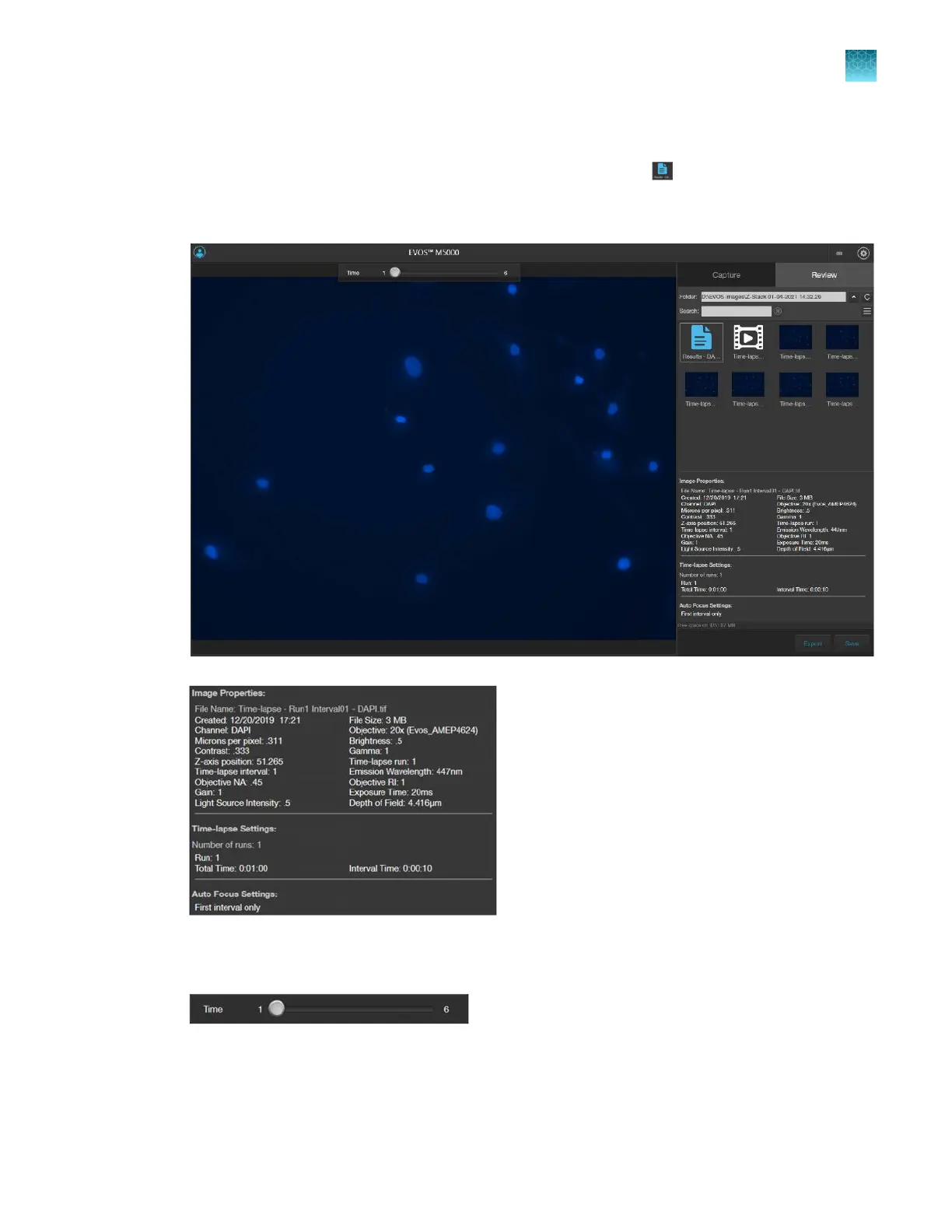
Review images and video captured in a time lapse routine
1.
To review the results from your completed time lapse routine, click (Results).
The viewing area displays the first image captured in the time lapse routine and the Review tab
shows the Image Properties, and Time Lapse and Auto Focus Settings.
2.
To view the subsequent images captured in the time-lapse routine, use the Time Slider at the top
of the viewing area.
Chapter7Capture time lapse images
Run a time lapse routine
7
EVOS
™
M5000 Imaging System User Guide
71



 To Next Page