3.
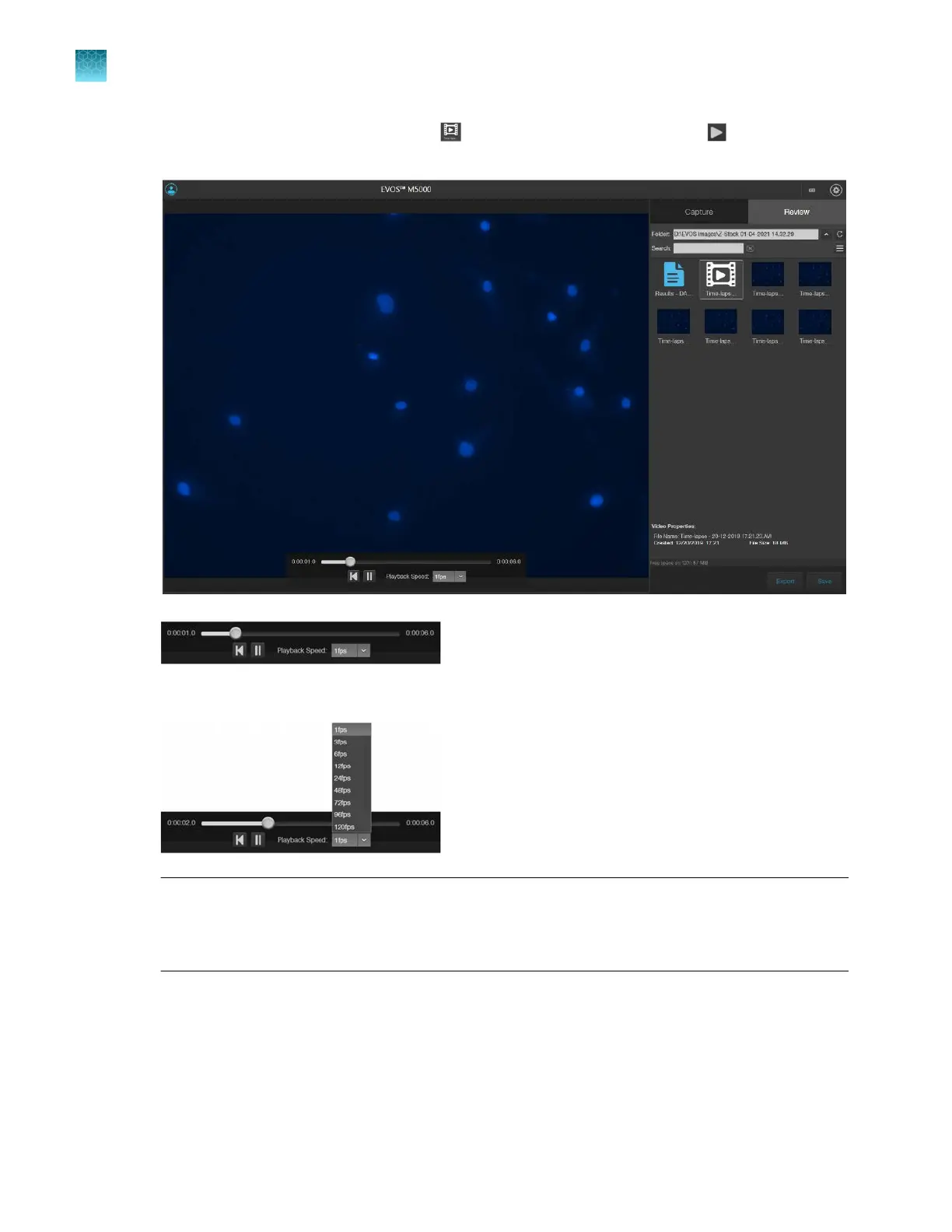
To play the time-lapse movie, select the (Time-lapse Video) file, then click (Play) on the
Time Lapse Video Player.
4.
To change the playback speed, select the desired speed from the Playback Speed
menu.
Note: Playback Speed is independent of the Frame Rate
, which specifies how many images are
captured per second during the time-lapse recording (step 19 on page68). You can view the saved
time lapse recording at dierent playback speeds ranging from 1 fps (frames per second) to 120
fps (step 3 on page72).
Chapter7Capture time lapse images
Run a time lapse routine
7
72
EVOS
™
M5000 Imaging System User Guide



 To Next Page