5.
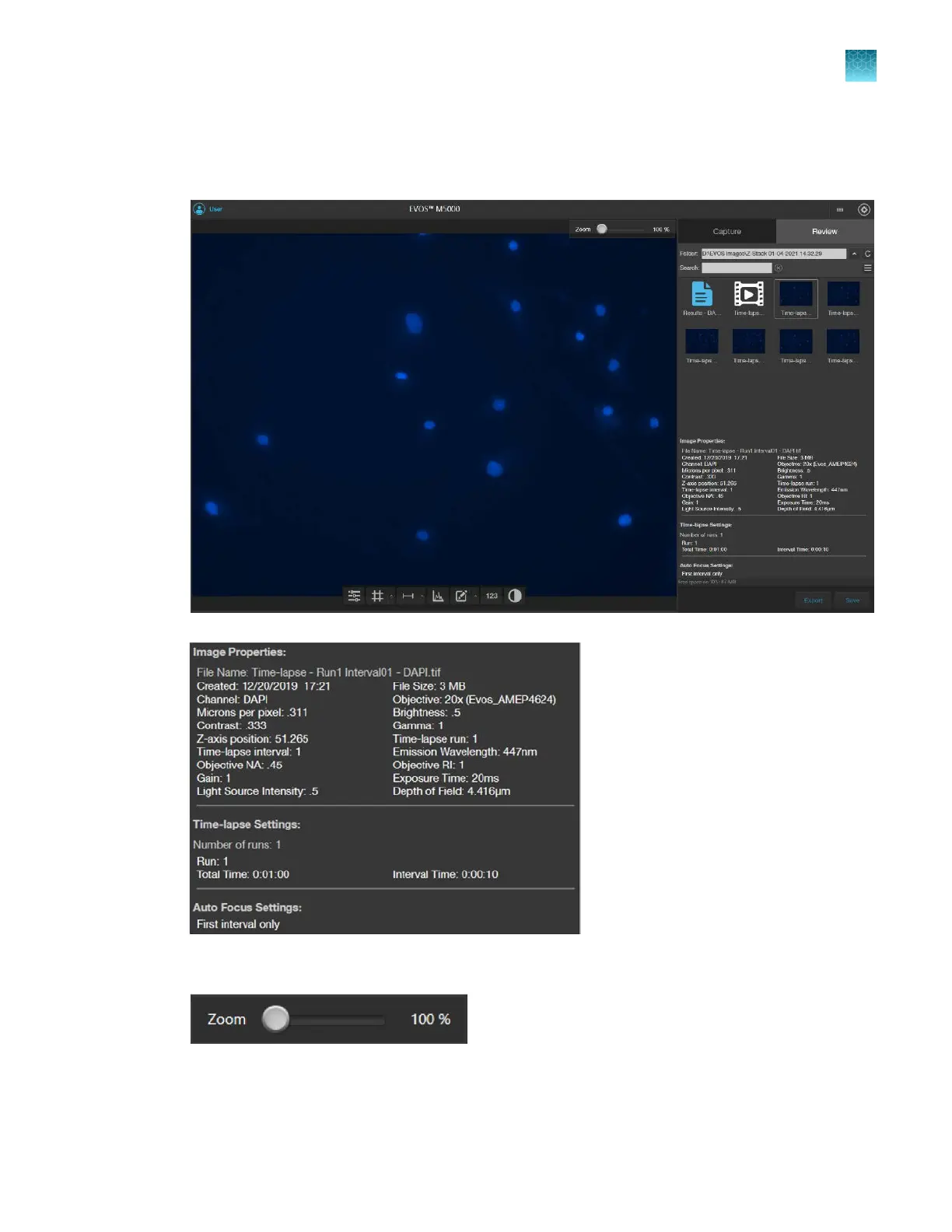
To review individual images captured during the time-lapse routine, select the desired image from
the Review tab. The viewing area displays the selected image and the Review tab shows the
Image Properties, and Time Lapse and Auto Focus Settings.
6.
To zoom in on the image, use the Zoom slider.
7.
To annotate captured images and perform cell count and confluence
measurements, use the
Display Settings and Analysis Tools as described in Chapter 5, “Measure, annotate, and analyze
captured images”.
Chapter7Capture time lapse images
Run a time lapse routine
7
EVOS
™
M5000 Imaging System User Guide
73



 To Next Page