3.
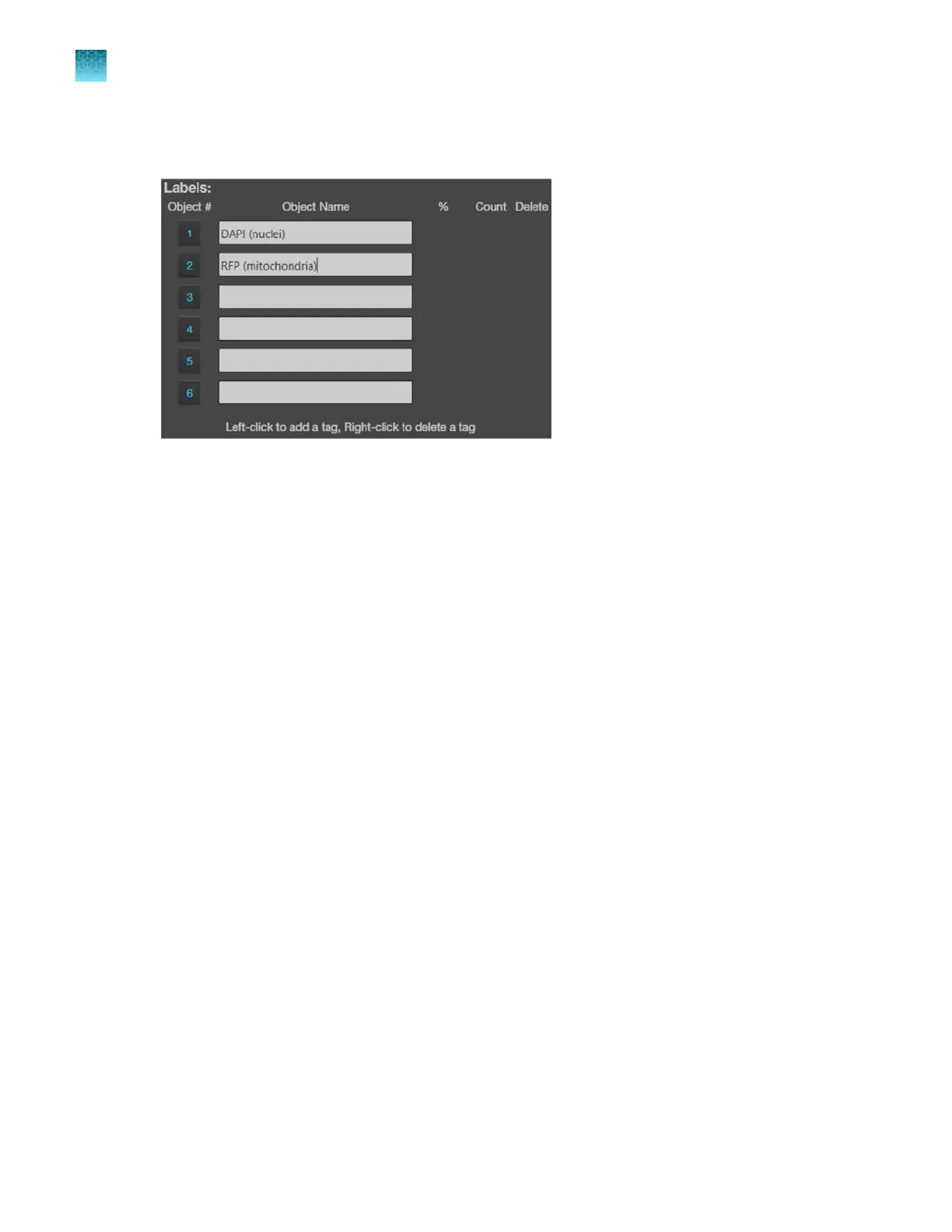
Click in an Object Name field to enter a name for that label. You can use up to six labels to tag
objects for the manual count.
Chapter5Measure, annotate, and analyze captured images
Count cells – manual count
5
52
EVOS
™
M5000 Imaging System User Guide



 To Next Page