2.
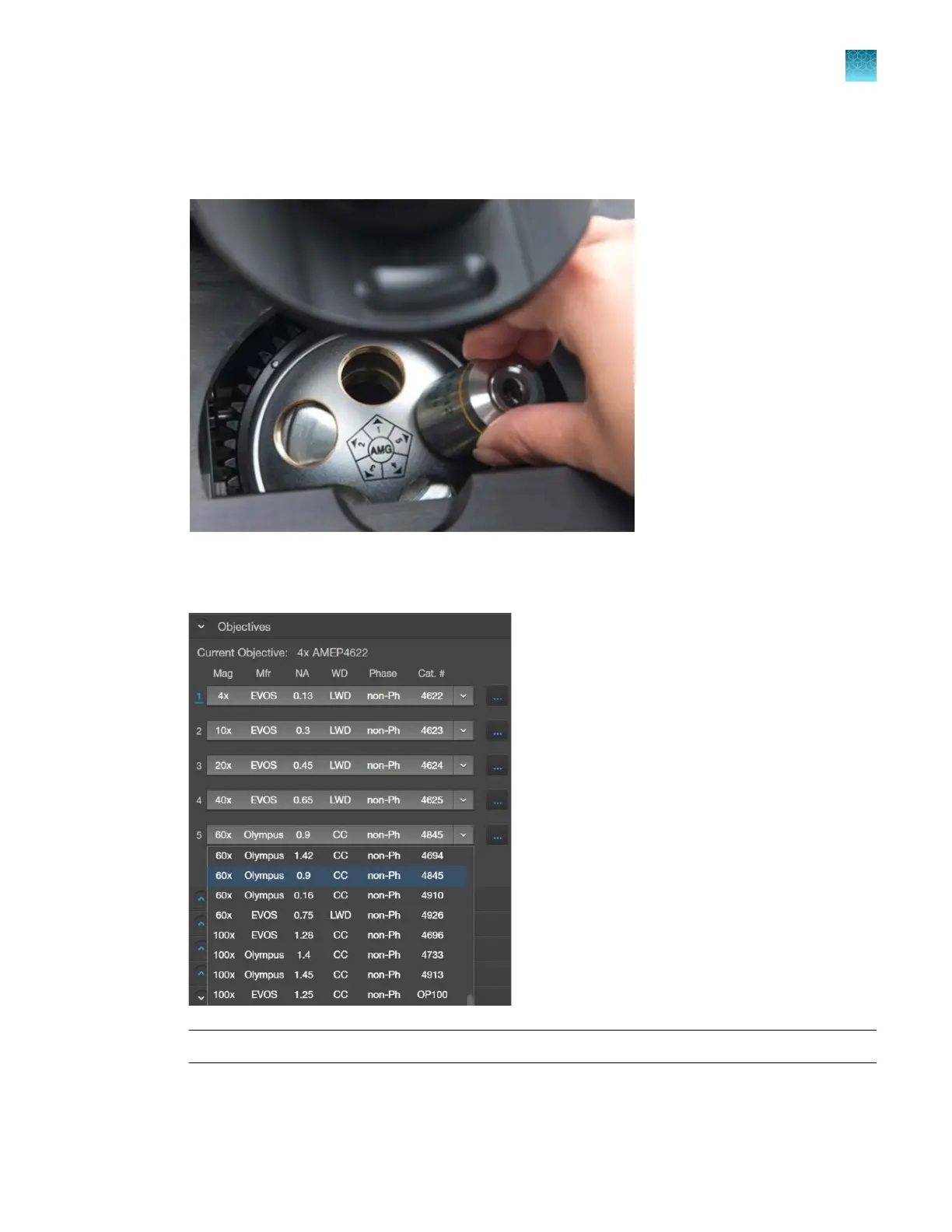
Screw the new objective into the open position in the objective turret. Note the part number of
the objective and the turret position. In this example, the new objective is installed into the turret
position 5.
3.
Go to the
Settings4Objectives tab, then find the objective in the Objectives list that matches the
newly installed objective.
Note: Calibrate the newly installed objective before use (“Calibrate the objectives” on page112).
Chapter12Instrument care and maintenance
Change the objectives
12
EVOS
™
M5000 Imaging System User Guide
111



 To Next Page