5.
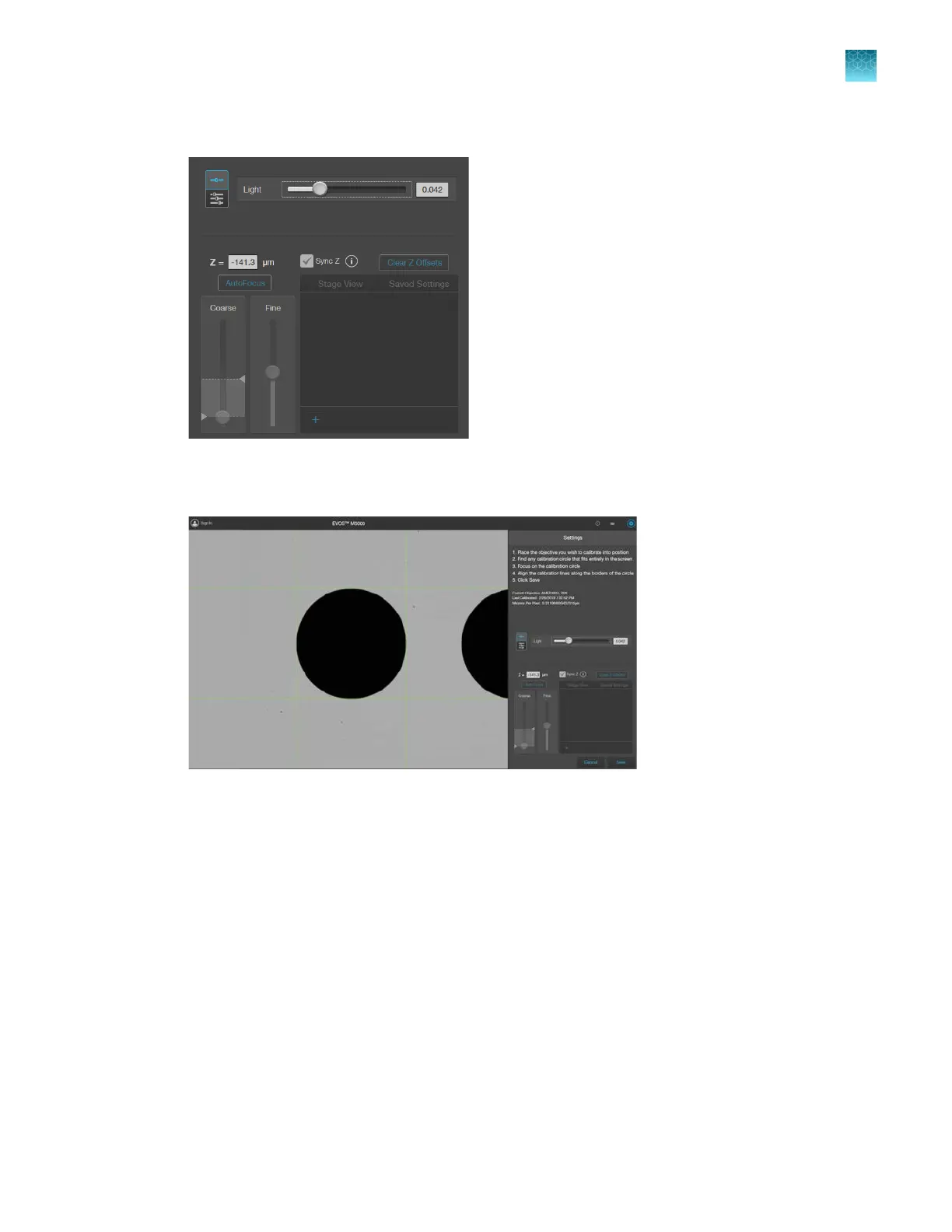
Focus on the calibration circle using the focus controls.
6.
Click and drag the green calibration lines to align them along the outer borders of the calibration
cir
cle.
7.
When
finished, click Save to complete the calibration. Repeat the calibration process for each
additional objective to be calibrated.
8.
When finished calibrating all installed objectives, click Done.
Chapter12Instrument care and maintenance
Calibrate the objectives
12
EVOS
™
M5000 Imaging System User Guide
113



 To Next Page