4.
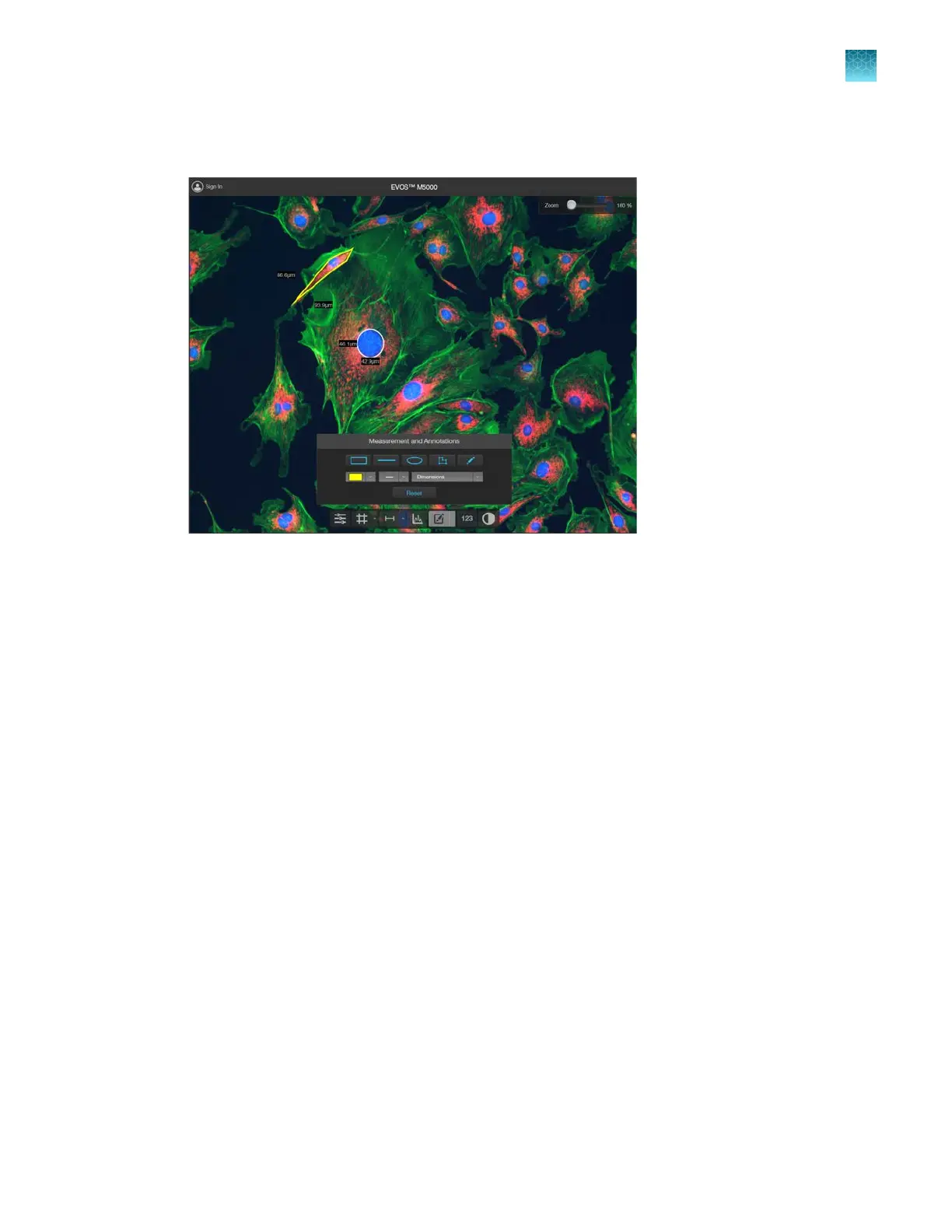
If desired, choose to display the Dimensions, Area, or Perimeter information for the selected
annotation from the dropdown menu.
5.
To delete a selected annotation, click the
X on the shape that appears when you hover your pointer
over it.
To delete all annotations, click Reset, then click OK in the dialog that opens.
6.
Click the
Measurement and Annotations Tools button (arrow on the split button) again to close
the tools.
7.
After you have added measurements and annotations to your image:
•
Click
Show Measurements and Annotations (main part of the split button) to turn the display
on and o.
•
Click Measurement and Annotations Controls (the arrow on split button) to display the
controls to add new measurement and annotations or to delete existing ones.
Chapter5Measure, annotate, and analyze captured images
Add measurements and annotations
5
EVOS
™
M5000 Imaging System User Guide
43



 To Next Page