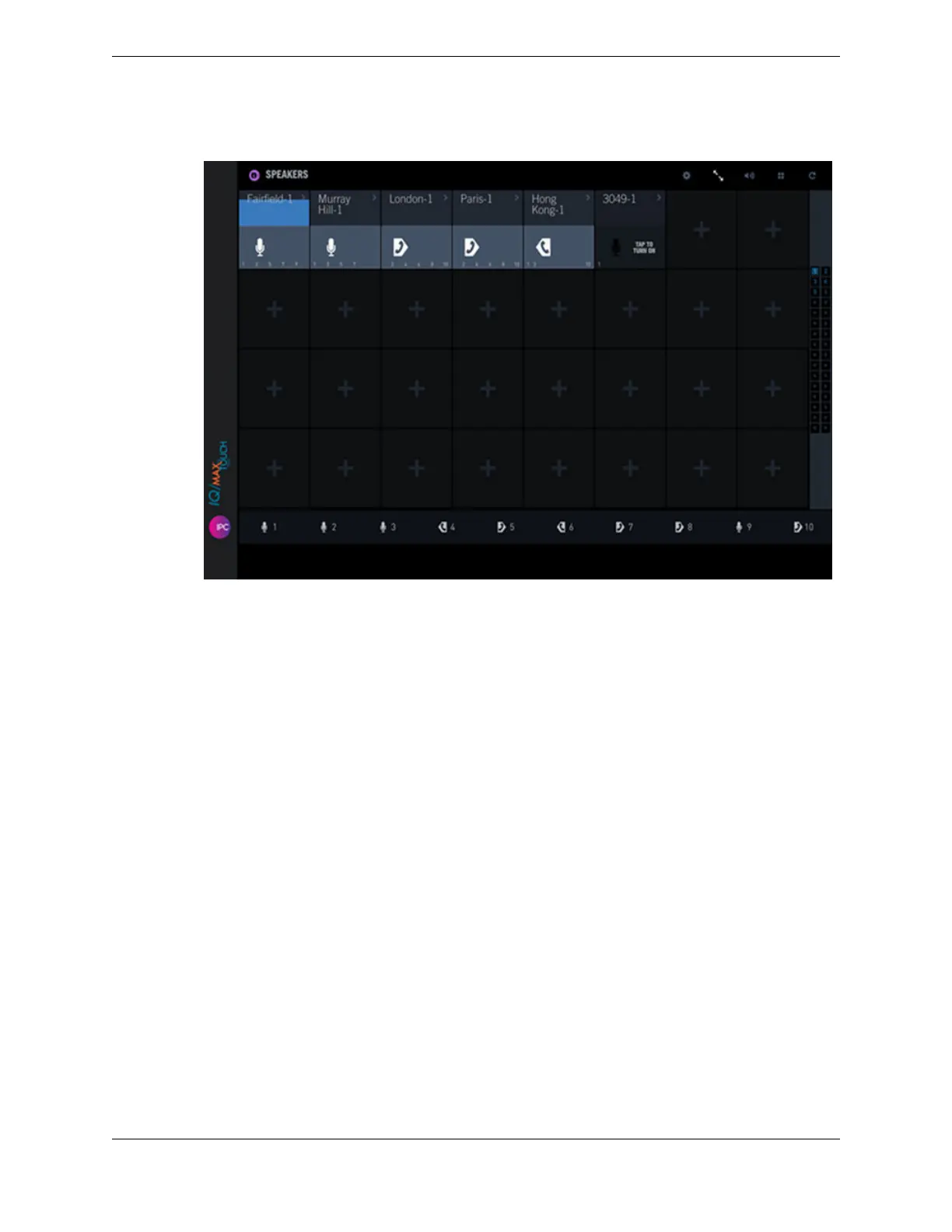
Figure 65: Speaker compact view mode
2. To access extended controls for a speaker channel while in speaker compact view mode, do one of the
following:
•
Tap the top left side of the speaker channel label area. The extended speaker controls dialog box
opens, which includes the following controls that are displayed for approximately five seconds:
•
Volume slider: Slide the volume bar up or down to increase or decrease the speaker channel
volume.
•
Mute icon: Toggle on or off to mute or unmute the speaker channel.
•
Speaker Solo Mode icon: Toggle on or off to enable or disable speaker solo mode.
•
Tap the right side of the speaker channel label area. The speaker context menu is displayed, which
includes the following options:
•
Turn Off
•
Send to Handset
•
Replace from Speaker Directory
•
Replace from Favorites
•
Replace from Active Call
•
Remove Channel
3. To turn off speaker compact view mode, tap the Speaker compact view icon in the Speakers
application header bar.
The Speakers application is displayed in normal mode.
10.4: Use the Speakers application 145
IPC Proprietary Unigy 4.3
IQ/MAX TOUCH Turret User Guide



 To Next Page