•
If your speaker channel is set to Push-to-Latch, touch the Push-to-Talk button to release the
latched speaker channel.
Your voice transmission ends.
10.4.4 Adjust the volume for speaker channels
Set the overall volume of all the speaker channels, or set the volume of individual speaker channels in
the Speakers application.
For information on adjusting the volume for non-solo speaker channels when a channel is in solo mode,
refer to Use speaker solo mode on page 138.
1. To adjust the overall volume of all speaker channels:
a) Tap the Global speaker audio icon.
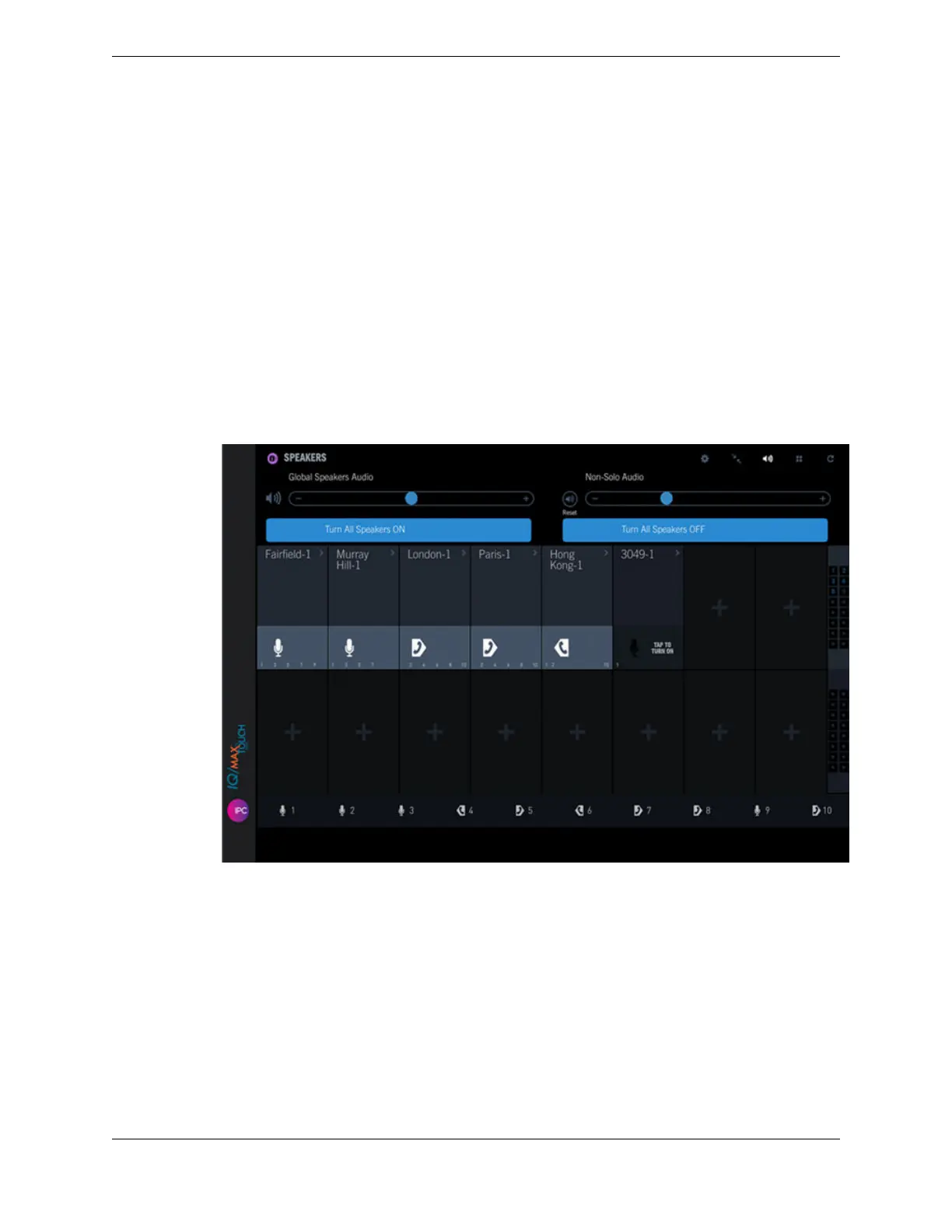
The Global Speakers Audio volume slider bar is displayed below the application header bar.
Figure 57: Global speakers audio
b) To decrease the volume for all speakers, drag the volume slider left or tap the - icon. To increase
the volume, drag the volume slider right or tap the + icon.
c) Tap the Global speakers audio icon again to close the Speakers volume bar.
2. To adjust the volume of an individual speaker channel, tap and slide the volume slider on the speaker
channel down to decrease the volume or slide it up to increase the volume.
134 10.4: Use the Speakers application
August 26, 2019 IPC Proprietary



 To Next Page