2 IQ/MAX TOUCH User interface
2.1 User interface
Primary Module
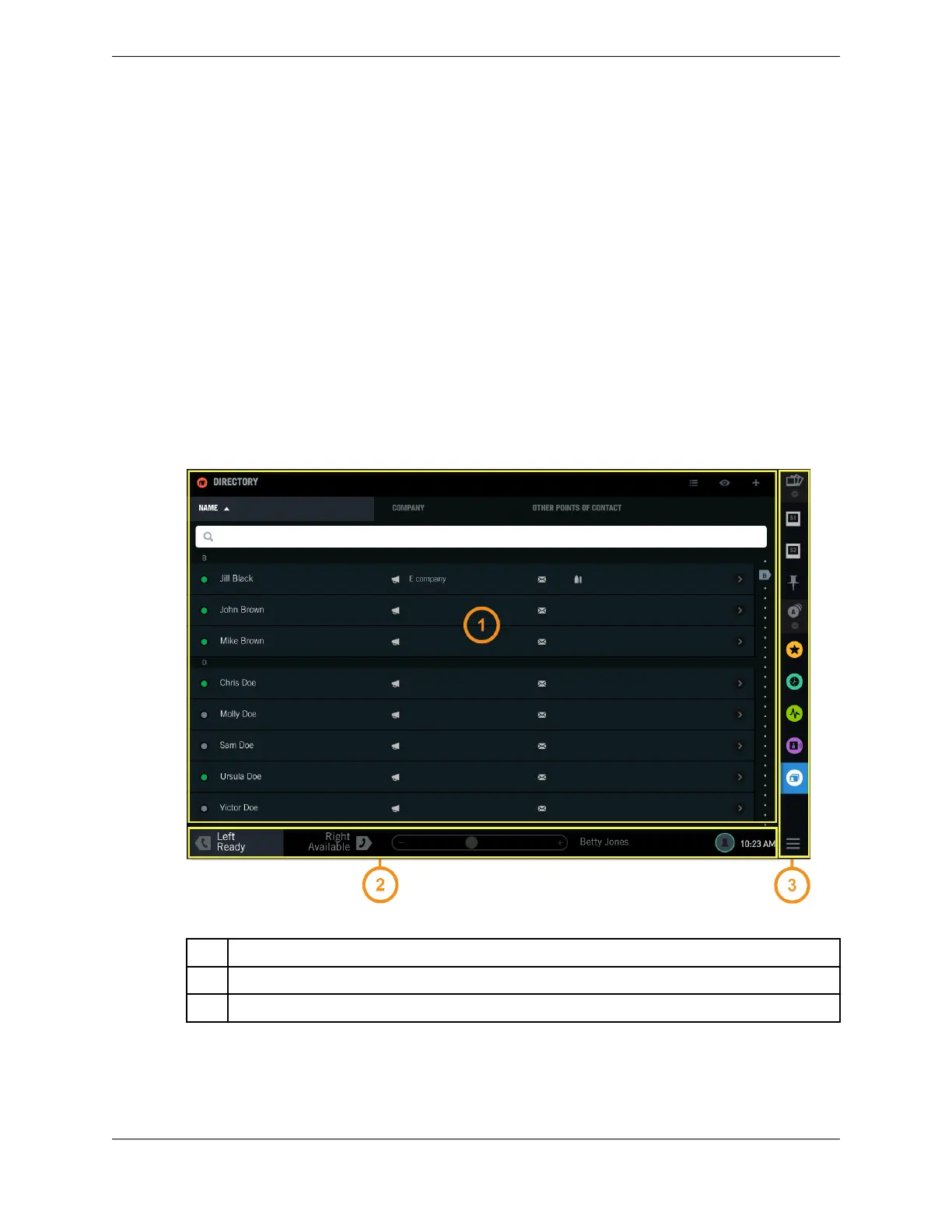
The touch screen user interface on the Primary Module consists of three main areas:
•
Application (also called Main Application)
•
Footer
•
Navigation Bar (also called Navbar or Launcher)
Figure 4: Primary Module user interface
1 Application (Main Application) area - content varies by application
2 Footer area
3 Navigation Bar (Navbar) area - provides access to applications and snapshots
Expansion Module
The touch screen user interface on the Expansion Module consists of the Application and Branding
areas. The Navbar and the Footer are available on the Primary Module only.
21
IPC Proprietary Unigy 4.3
IQ/MAX TOUCH Turret User Guide



 To Next Page