•
Group call (No answer back): Only the call initiator can talk (one-way audio only).
•
Group answer (GANS): Only the call initiator can talk until the first person answers. Then the call
becomes a point-to-point intercom call with the first user who answers. All other users are dropped.
•
Group talk back (GTBK): Anyone on the call can answer and use the Push-to-Talk control to talk and
be heard by everyone else. All users remain on the call, and any number of users can talk.
Intercom group calls do not pend. To receive a group intercom call, a user must:
•
Not be on an intercom call.
•
Have hands-free mode (HFM) speaker enabled and idle.
•
Have auto-answer intercom enabled.
•
Have an available talk path.
Otherwise the user cannot receive the call, and has no way to know the group intercom call was missed.
Be aware of the following:
•
A user who initiates an intercom group call will know that a call is connected only when at least one
user has answered that call.
•
If two users dial a group call to the same group number at the same time, this might result in creating
two group calls and users receiving the group call will be randomly divided between the two calls.
Intercom group calls differ from preset and simplex broadcast calls. For more information, see Duplex
conference on page 121 and Simplex broadcast on page 123.
8.4.1 Make an intercom group call
Make an intercom group call where the call originator is broadcasting to a listen only group of traders.
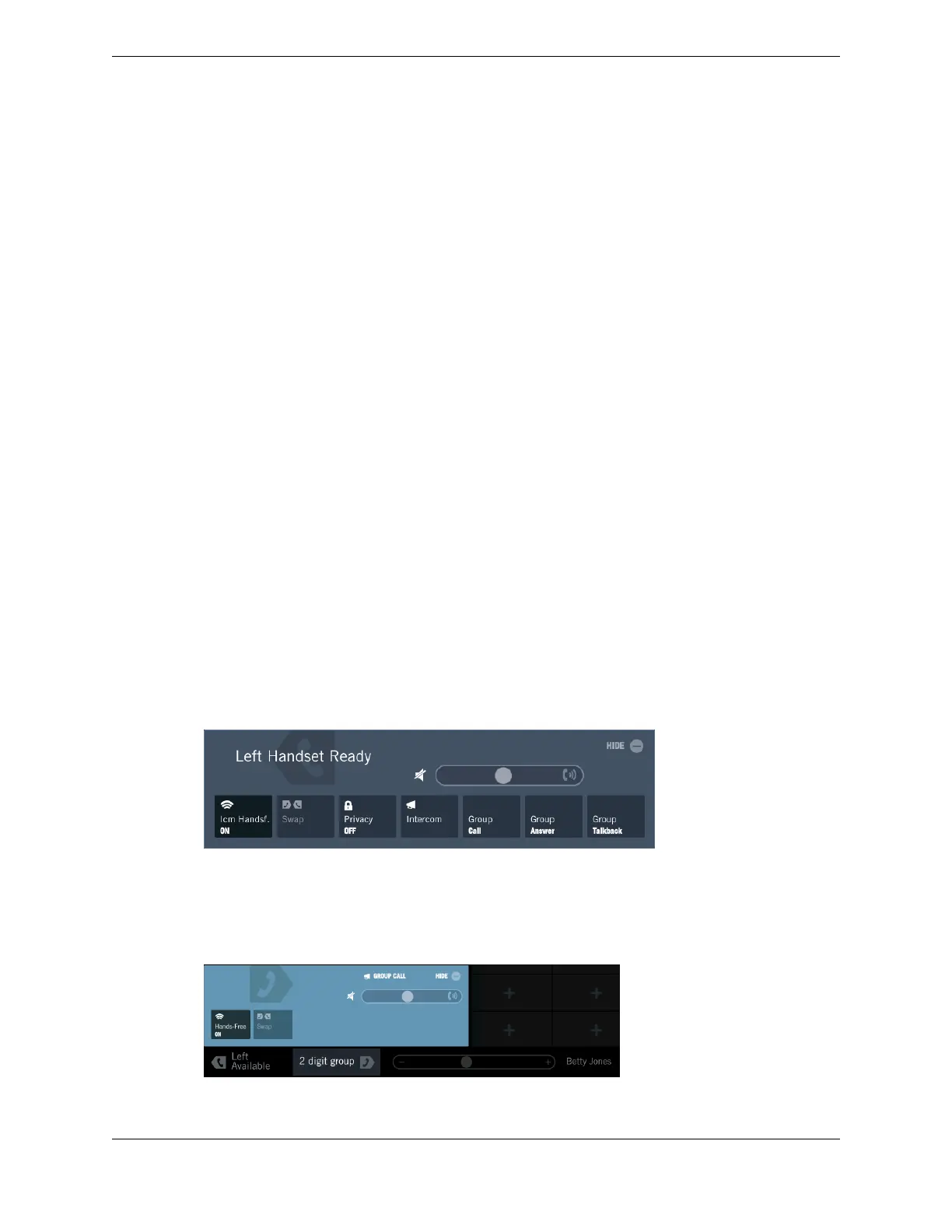
1. Select an idle handset side.
The Contextual Call Display opens and shows controls for the call.
2. Tap the Group Call button.
The controls for the group call are displayed on the Contextual Call Display, and a message prompts
you to enter the Group ID.
96 8.4: Intercom group calls
August 26, 2019 IPC Proprietary



 To Next Page