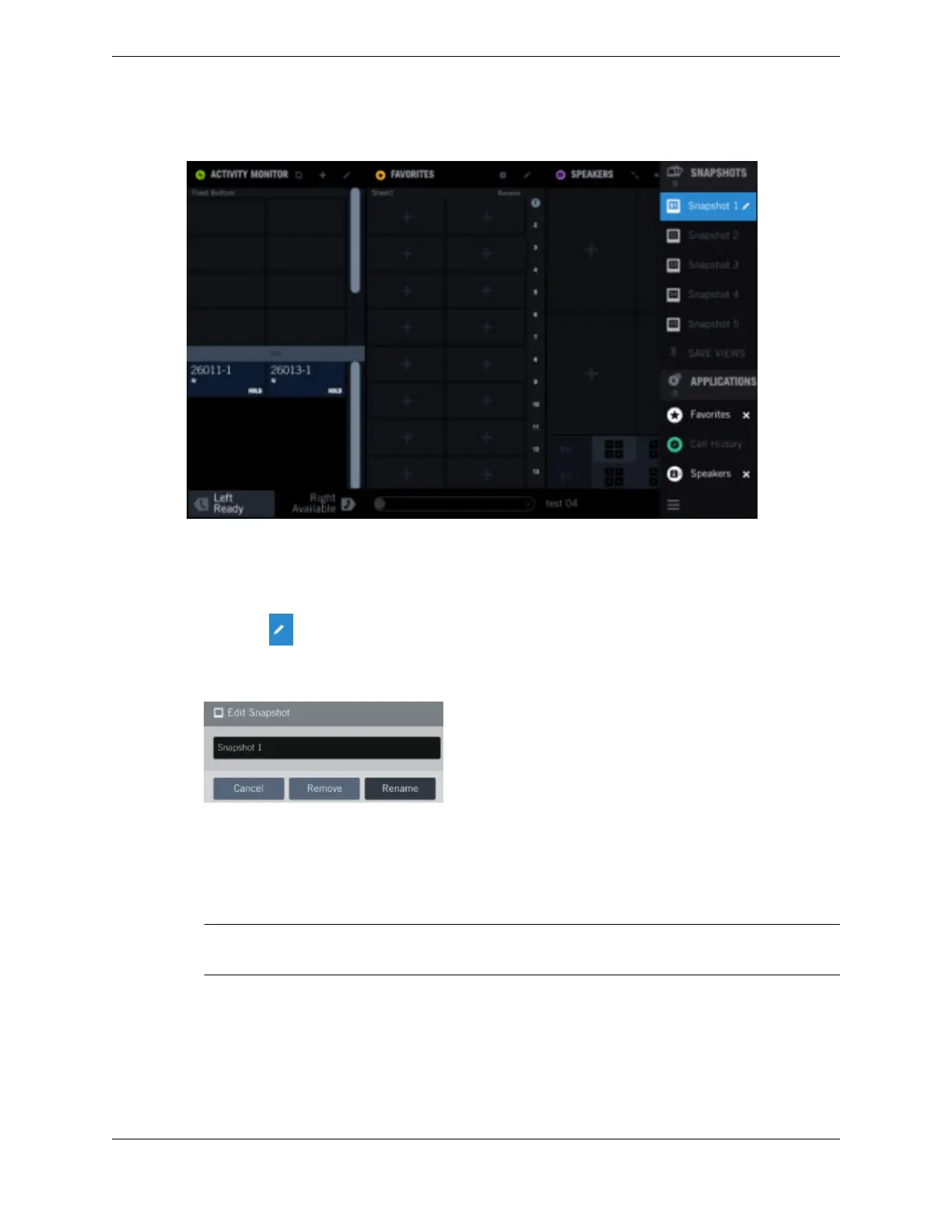
Figure 28: Rename a snapshot
1. Expand the Navbar to view the snapshot names.
2. Tap the snapshot name to be edited.
3. Tap the Edit icon next to the selected snapshot name.
Edit icon:
The Edit Snapshot dialog opens.
Figure 29: Edit a snapshot
4. Tap the name in the Edit Snapshot dialog.
5. Edit the name using the soft keyboard. A maximum of 20 characters can be entered.
6. Tap Rename.
The new snapshot name is saved.
Note
The snapshot name cannot be blank and must be unique.
3.10.5 Delete a snapshot
You can delete a snapshot.
1. Expand the Navbar and identify the snapshot to be deleted.
2. Tap the Edit icon next to the selected snapshot name.
The Edit Snapshot dialog opens.
3.10: Snapshots 45
IPC Proprietary Unigy 4.3
IQ/MAX TOUCH Turret User Guide



 To Next Page