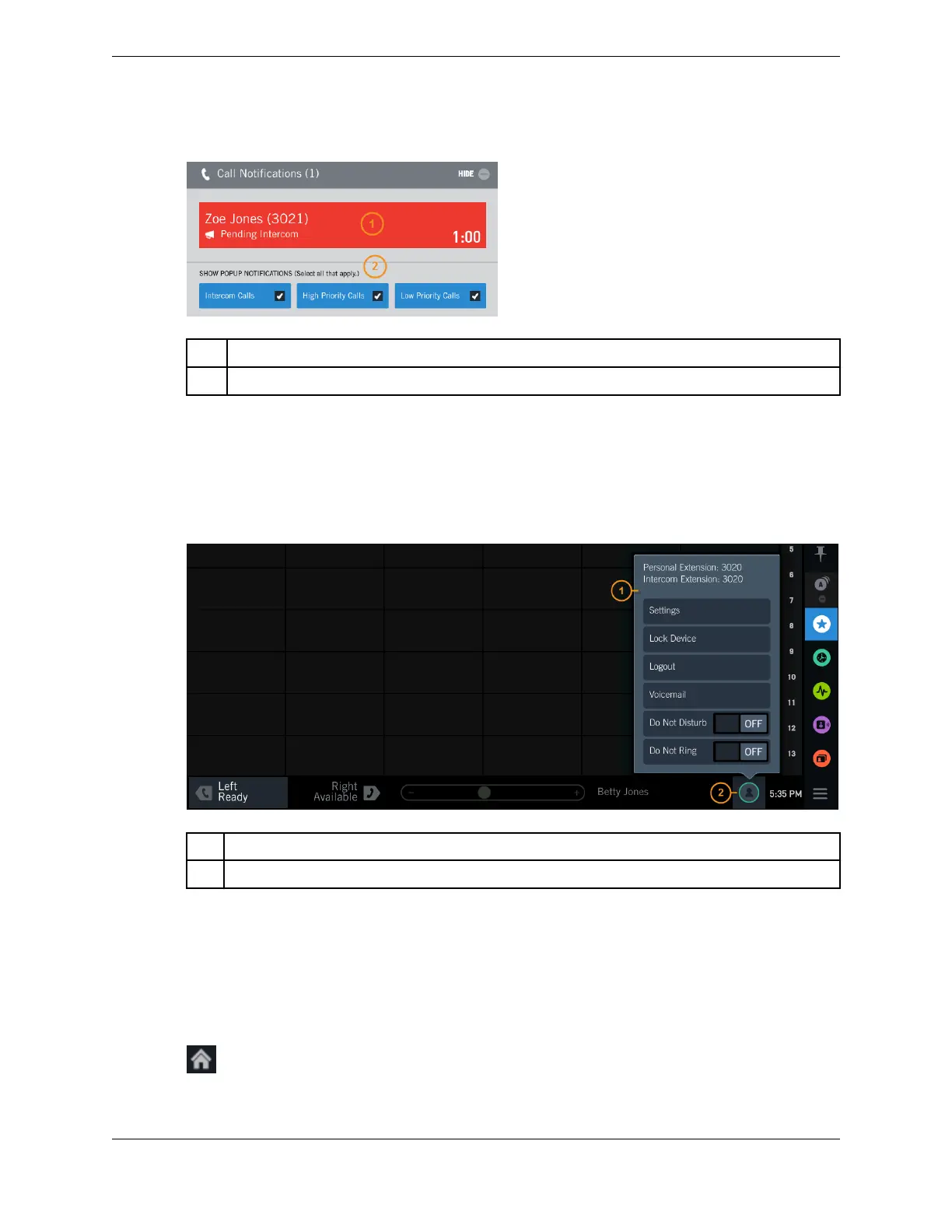
Figure 21: Call Notification popup
1 Pending calls
2 Popup notification settings
2.4.3 User menu popover and User badge
Tap the User badge icon in the Footer to reveal the User menu popover, from which you can access
various functions, such as Settings and Lock Device. The User badge also indicates the current presence
status of the logged on user.
Figure 22: User menu popover
1 User menu popover
2 User badge
2.5 Button icons
Icons indicate the status and function of buttons on the turret.
When icons are not available or are inactive, they are grayed out.
Call type icons
Home phone
2.5: Button icons 33
IPC Proprietary Unigy 4.3
IQ/MAX TOUCH Turret User Guide



 To Next Page