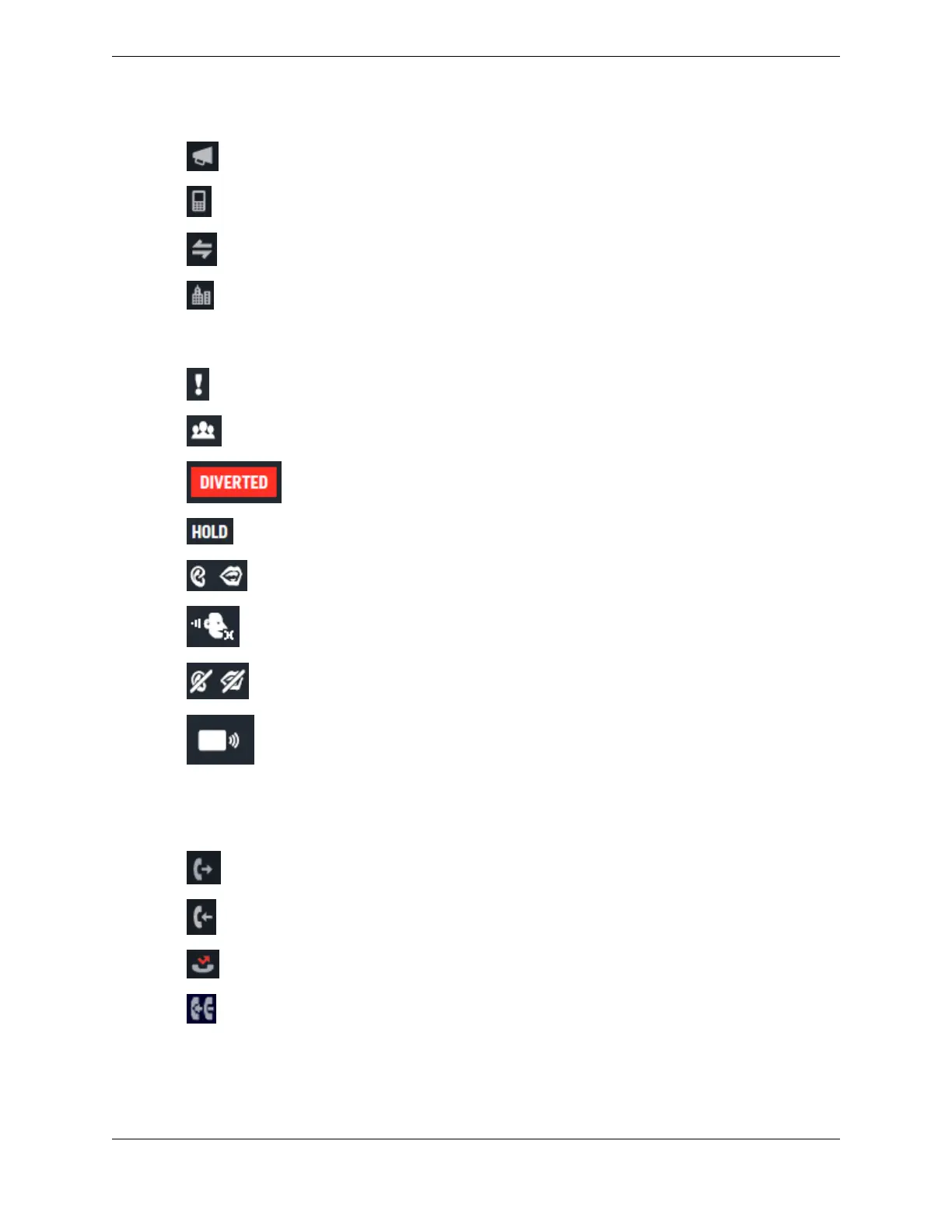
Intercom
Mobile phone
Private line
Work phone
Button status icons
Barged in
Conference
Immediate diversion on a line button (if enabled and configured)
Hold
Open Connexion, listen and speak privileges
Open Connexion, listen and no speak privileges
Open Connexion, no listen and no speak privileges
Speaker channel assigned
For more information, see Line status on page 49.
Call category icons
Outgoing call
Incoming call
Missed call
Incoming call to a line on your button sheet that was answered by another trader
34 2.5: Button icons
August 26, 2019 IPC Proprietary



 To Next Page