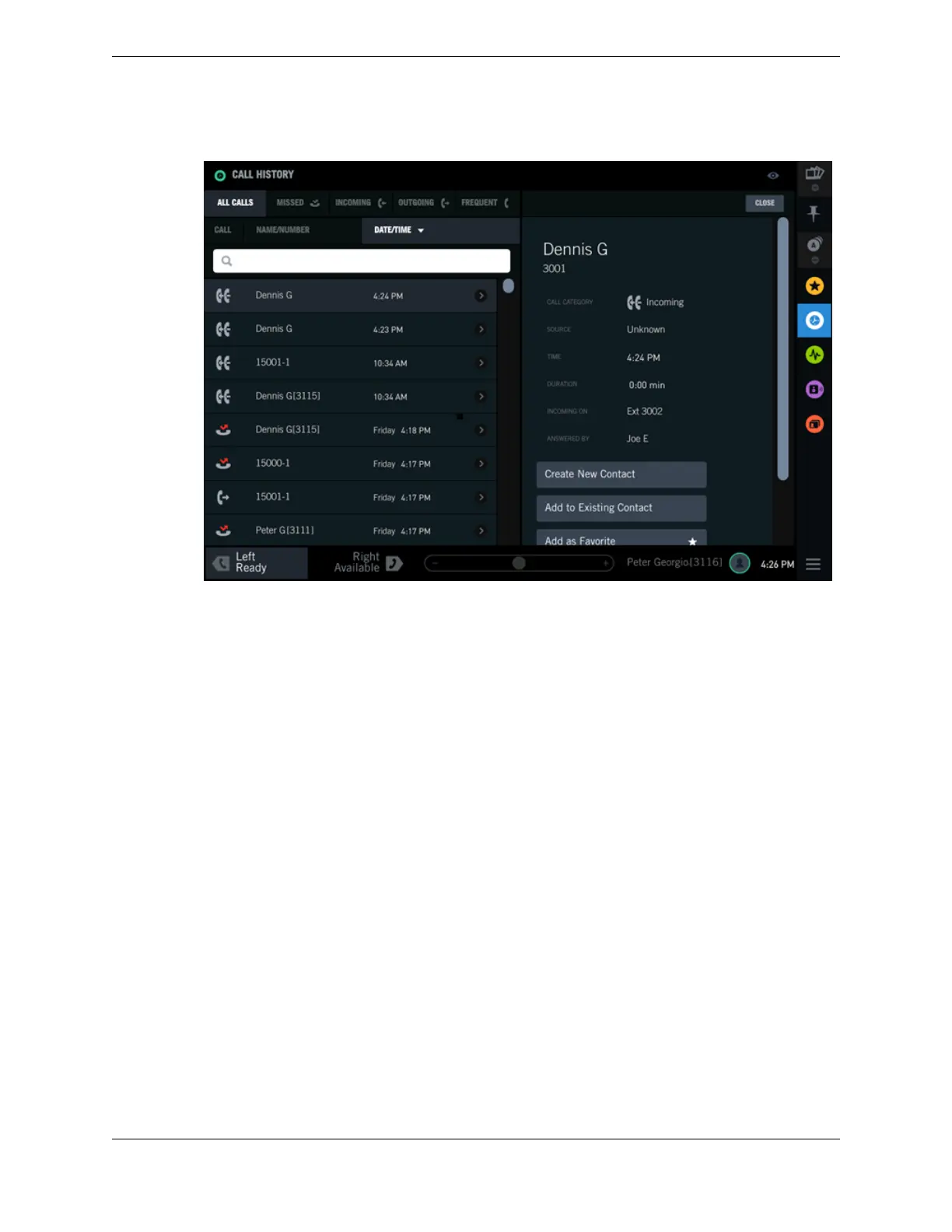
Figure 47: Call History Event Detail View
3. Choose one of the following options (options vary depending on whether the party already exists in
the system or not).
•
Create new contact: Add a new record for this party in your Personal Directory.
•
Add to existing contact: Add another point of contact for this party in your Personal Directory.
•
Add as Favorite: Add this party as a button in Favorites.
•
View Favorite: If this party already exists in Favorites, view the Favorites button.
See separate topics for details on the options.
4. Tap CLOSE to close the dialog.
5.6 Create a new personal contact
You can create a new personal contact record from Directory or from a call event in Call History. The
new contact record is stored in your Personal Directory.
Prerequisites for Call History:
•
Perform the steps in View Call History Event details on page 75 and select Create new contact from
the Event detail view. The Create a New Contact modal dialog is displayed.
•
Follow the steps in Create a new personal contact on page 88 to complete this task.
5.7 Update a personal contact from Call History
You can add call information from a selected event in Call History to an existing contact in your
Personal Directory.
Prerequisite: Perform the steps in View Call History Event details on page 75.
76 5.6: Create a new personal contact
August 26, 2019 IPC Proprietary



 To Next Page