•
If two apps are active: replace an app, add to left, add to right, or add in the middle.
•
If three apps are active: replace an app.
For example, if app A is currently running, you drag and drop app B on the screen. The two apps are
displayed in half size or half screen view. Then you drag and drop app C on the screen, and the three
apps are displayed in third size or third screen view.
Expansion Module
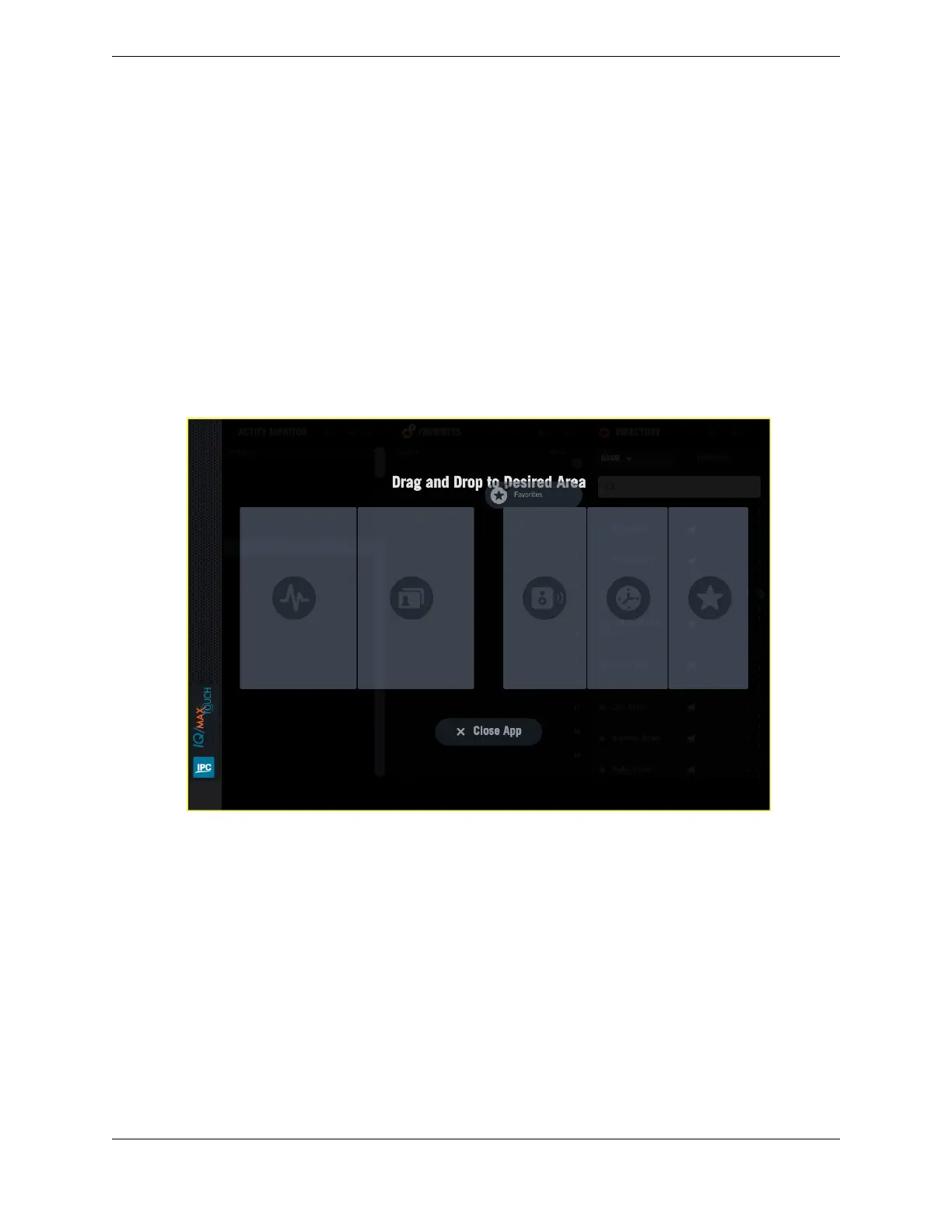
When an Expansion Module is also enabled, the positioning guide allows you to position the app on
either the Primary Module or the Expansion Module.
For example, if three apps are currently running on the Primary Module screen and two apps are running
on the Expansion Module, you can drag a third app over and add it to the right, left, or middle of the
apps currently running in the Expansion Module, or replace any of the running apps.
Figure 24: Adding a sixth app to the Expansion Module screen
3.3 Add an application from the expanded Navbar
In the expanded Navbar, an application item has an Add icon when fewer than three applications are
open on the Primary Module, or fewer than six applications if an Expansion Module is present.
For an illustration of the Navbar, see Navigation bar area on page 22.
1. Tap the Navbar handle to see the expanded Navbar.
In the expanded Navbar, an Add icon appears next to inactive apps.
2. Tap the Add icon of the application item.
The application is displayed in the rightmost position, pushing any other running apps to the left.
For example, if no apps are running on the Expansion Module, and three apps (A, B, C) are running
on the Primary Module, after adding app D, there will be one app (A) running at full size on the
Expansion Module, and three (B, C, D) running on the Primary Module.
38 3.3: Add an application from the expanded Navbar
August 26, 2019 IPC Proprietary



 To Next Page