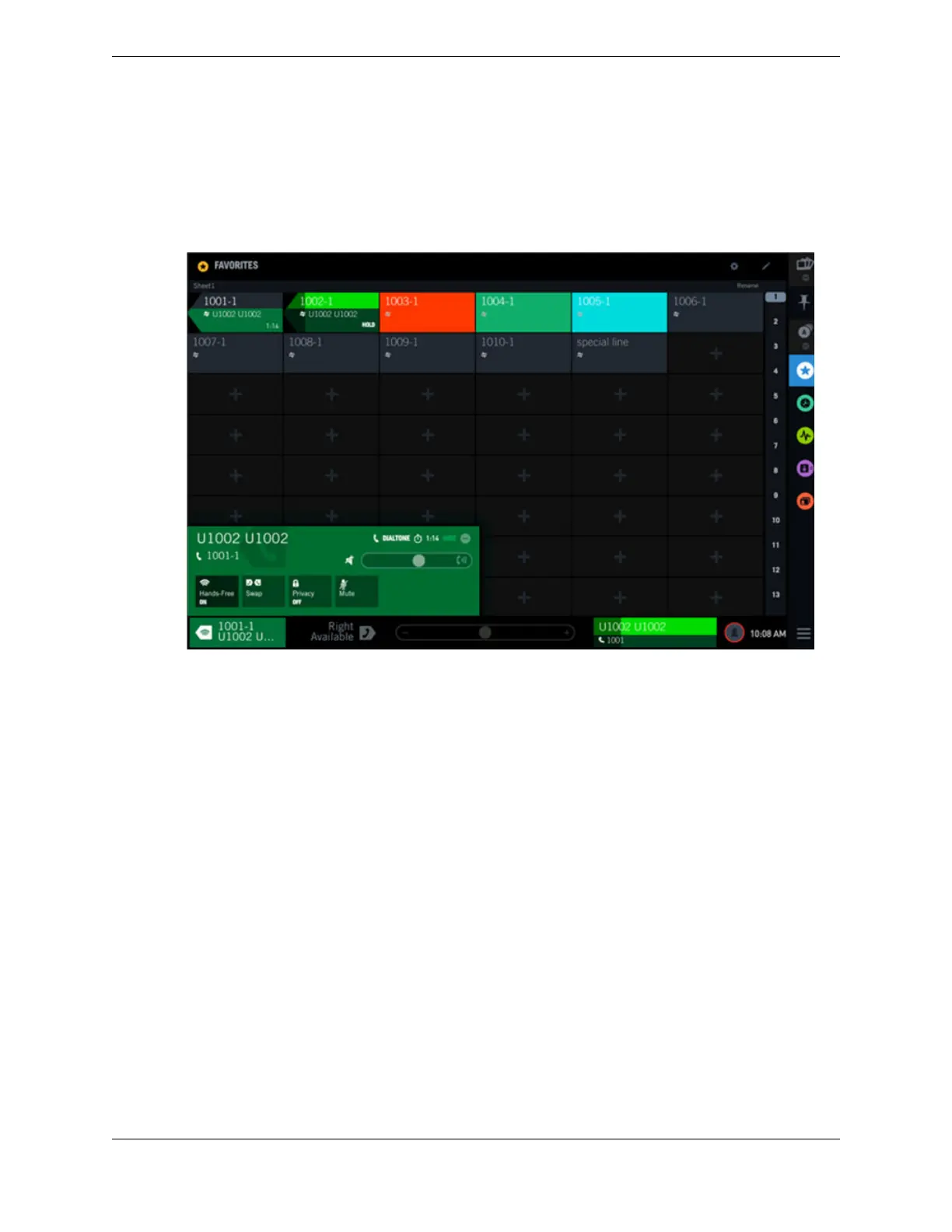
Call on Hold
This example shows a call in the I-Hold state. Button 1002-1 and the call notification footer area display
the color assigned to the I-Hold line status in the lower portion and the button background color in the
upper portion.
Figure 42: Call on hold
4.11 Rename a Favorites sheet
You can rename a sheet in Favorites to identify the buttons on that sheet. The name change persists
through logout and device reboot.
1. Tap Favorites in the Navbar to open the Favorites application.
2. Navigate to the sheet that you want to rename.
3. Tap Rename in the upper right corner of the sheet. See Favorites on page 47.
The Rename Sheet dialog is displayed.
4. Enter the new sheet name.
5. Tap Save.
The new sheet name is displayed in the left hand corner of the sheet. The sheet name is also displayed
in the scrubber, following these rules:
•
If the name begins with sheet, sheet is not displayed.
•
Up to six characters of the name are shown, and the font size may be reduced to fit the scrubber
area.
4.12 CLI
Calling Line Identification (CLI) displays the name, button label, or phone number of the party placing
an incoming call. It may also display the calling party’s company name. If the CLI feature is enabled and
64 4.11: Rename a Favorites sheet
August 26, 2019 IPC Proprietary



 To Next Page