•
Toggle - automatically alternates between showing the name and number values.
•
Match - shows the label of an associated Favorites button. Defaults to the name if no button is
found, or Not Available if the line does not support CLI.
•
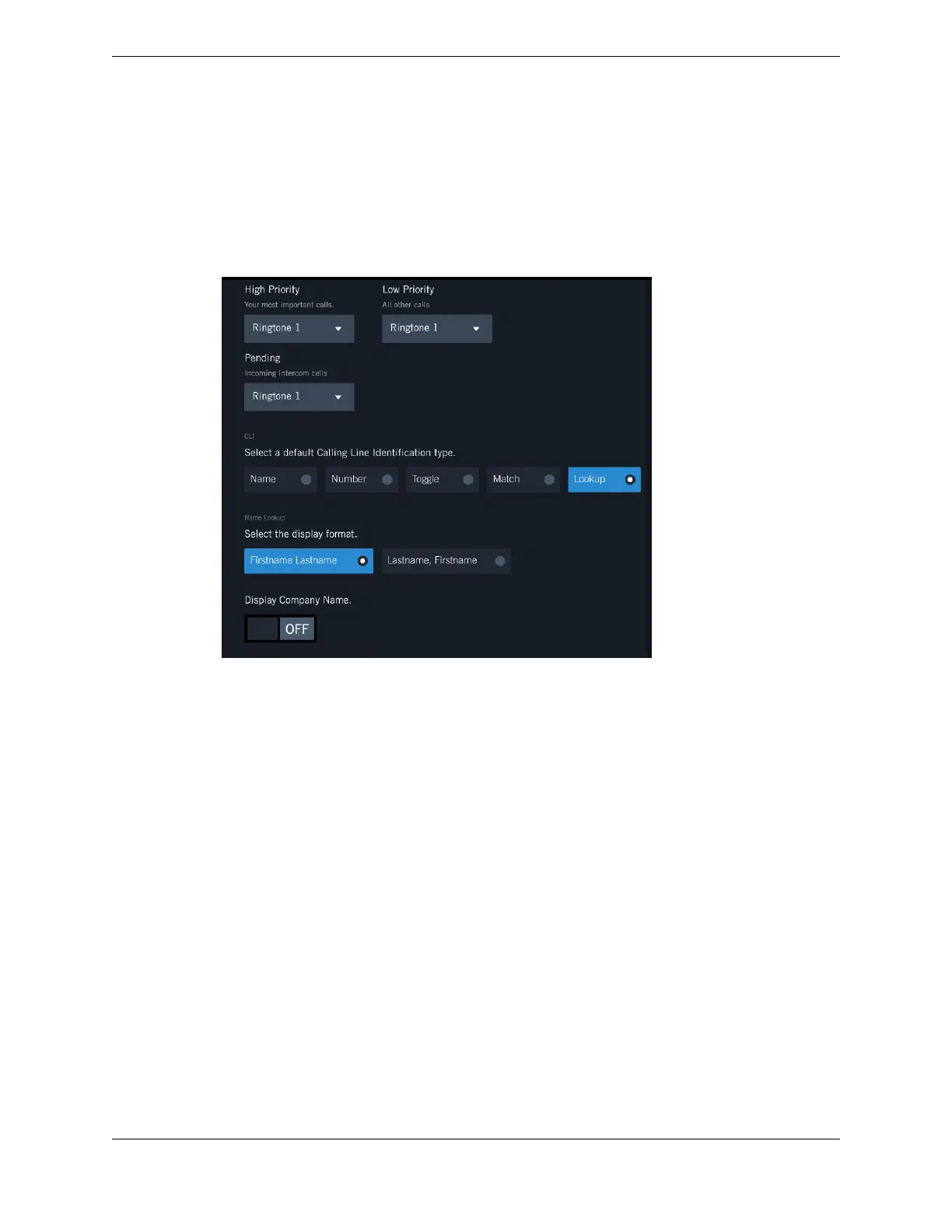
Lookup - using the Unigy database, looks up and shows the name of the caller and optionally their
company name.
Figure 77: Calling Line Identification Lookup
•
Select the display format: either Firstname Lastname or Lastname, Firstname.
•
Optionally turn ON the Display Company Name.
•
Select the display priority (0 - 3) for each Lookup Source (Speed Dial, Personal Directory, and
Enterprise Directory). A 0 (zero) indicates not to display the search results for that source. The
highest priority is 1. Duplicate selections are not allowed.
11.5 Date & Time
You can specify your date and time format preferences.
11.5: Date & Time 167
IPC Proprietary Unigy 4.3
IQ/MAX TOUCH Turret User Guide



 To Next Page