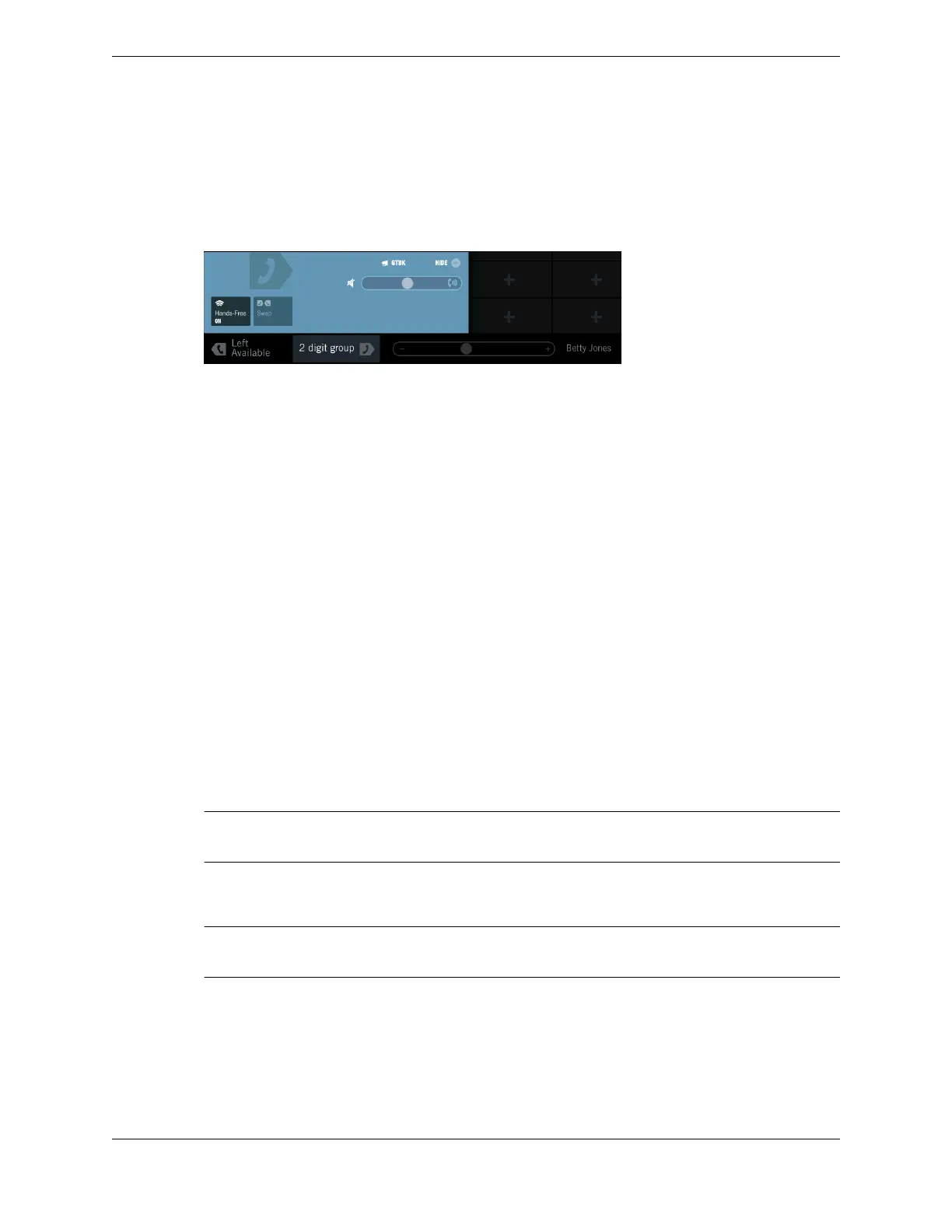
The Contextual Call Display opens and shows controls for the call.
2. Tap the Group Talkback button.
The controls for the group talkback call are displayed on the Contextual Call Display, and a message
prompts you to enter the Group ID.
3. Enter the Group ID you want to contact.
The Group ID value can range from 00 to 1499. If more than 100 broadcast groups are available, add
leading zeros to the Group ID as needed. For example, if there are 1500 broadcast groups, add two
leading zeros to numbers 00-99, and one leading zero to numbers 100-999.
A broadcast call with group talk back is established.
To answer and talk back on a GTBK call, touch and hold the Group Talkback button on the Contextual
Call Display.
8.5 Dial tone
8.5.1 Make a dial tone line call
A dial tone line call is an externally routed, switched call that is connected to an outside party through a
central office (CO) switch or Private Branch Exchange (PBX).
If you or your Unigy administrator customized your line status colors, the colors specified in this topic
might be different.
1. Select an idle side for the call by tapping the Left Available status area or the Right Available status
area in the footer of the touch screen. If you want to use the default handset, skip this step.
The selected status area turns to Left Ready or Right Ready, becomes illuminated, and the
Contextual Call Display is opened.
Note
To make this a hands-free call, tap the Hands-Free option in the Contextual Call Display at any time.
2. Tap a dial tone line button on the Favorites button sheet.
The line button turns green, and dial tone is heard.
Note
Optionally, select a previously configured speed dial button to dial that number immediately.
3. Dial the number on the dial pad.
The call is established. The station at the distant end responds in one of the following ways:
•
It generates a ringback tone if the call is ringing and waiting to be answered.
•
It generates a busy tone if the line is busy and cannot accept a call.
98 8.5: Dial tone
August 26, 2019 IPC Proprietary



 To Next Page