4.2.1 Line status
Line buttons show status information that indicates line use and activity. Line status information can
appear on any line button in Favorites and in Activity Monitor. It also appears in the Call Notification
area.
The line button can show the following types of information:
•
Type of line: private line, intercom, or Open Connexion (with no access, listen only, or listen and talk
permission). Dial tone lines (including internal lines) do not show an icon.
•
Type of activity on the line.
•
Diversion. If immediate diversion is configured for a line, DIVERTED is displayed on the line button,
provided that this feature is enabled and configured for the user in the UMS.
•
Speaker numbers. If a line button is assigned the same line as a local speaker channel, the speaker
number is displayed on the line button, provided that this feature is enabled and configured for the
user in the UMS. If more than one speaker channel uses the same line, the lowest speaker channel
number is displayed on the line button. If that line has been assigned to another user's speaker
channel, the same icon without a speaker number is displayed on the line button, provided that the
feature is enabled and configured for the user in the UMS. If both features are enabled and configured
for the user, both icons are displayed on the line button.
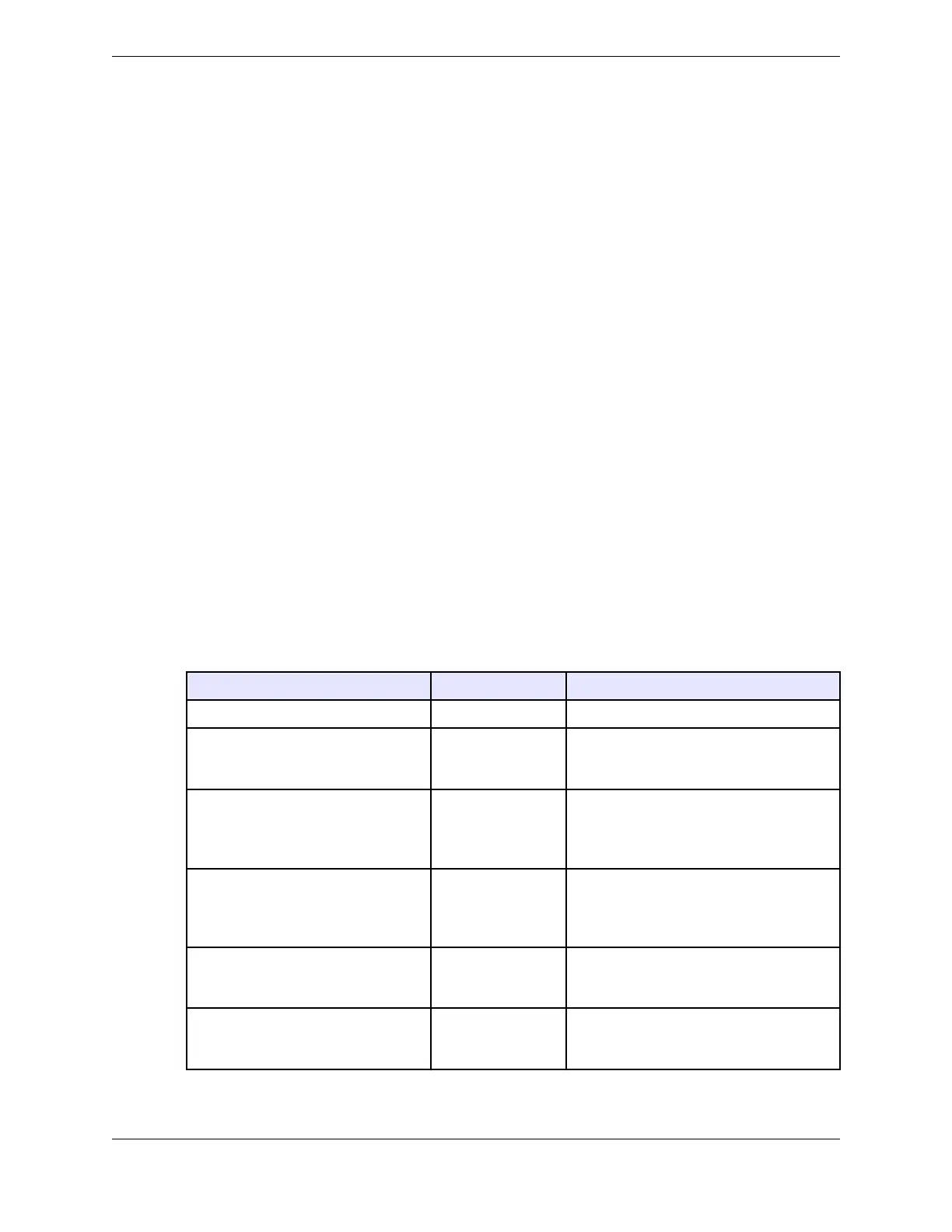
Each programmed line button shows the current line status. Changes in button color represent changes in
a line’s calling status. The following table summarizes the call status indicators on line buttons for
various call states.
If you or your Unigy administrator customized your line status colors, the colors specified in this topic
might be different.
Table 2: Line button call status indicators
Call Status Button Color Display
Available line (idle) Dark Gray Button descriptor (label)
Active line: Line is busy (in use by
you)
i-Busy
Light Green Button descriptor (label)
Hold (by you): Line is placed on hold
by you
i-Hold
Dark green
Button descriptor (label); blinking Hold
indication; growing hold duration bar (if
enabled in your user profile and
preferences)
Seized line (by another user): Line is
busy (in use by another user) or in a
broadcast call
u-Busy
Light Blue Button descriptor (label)
Hold (by another user): Line is placed
on hold by another user
u-Hold
Dark blue
Button descriptor (label); blinking Hold
indication
High priority incoming call Red Button descriptor (label); growing
incoming duration bar (if enabled in your
user profile and preferences)
4.2: Line buttons 49
IPC Proprietary Unigy 4.3
IQ/MAX TOUCH Turret User Guide



 To Next Page