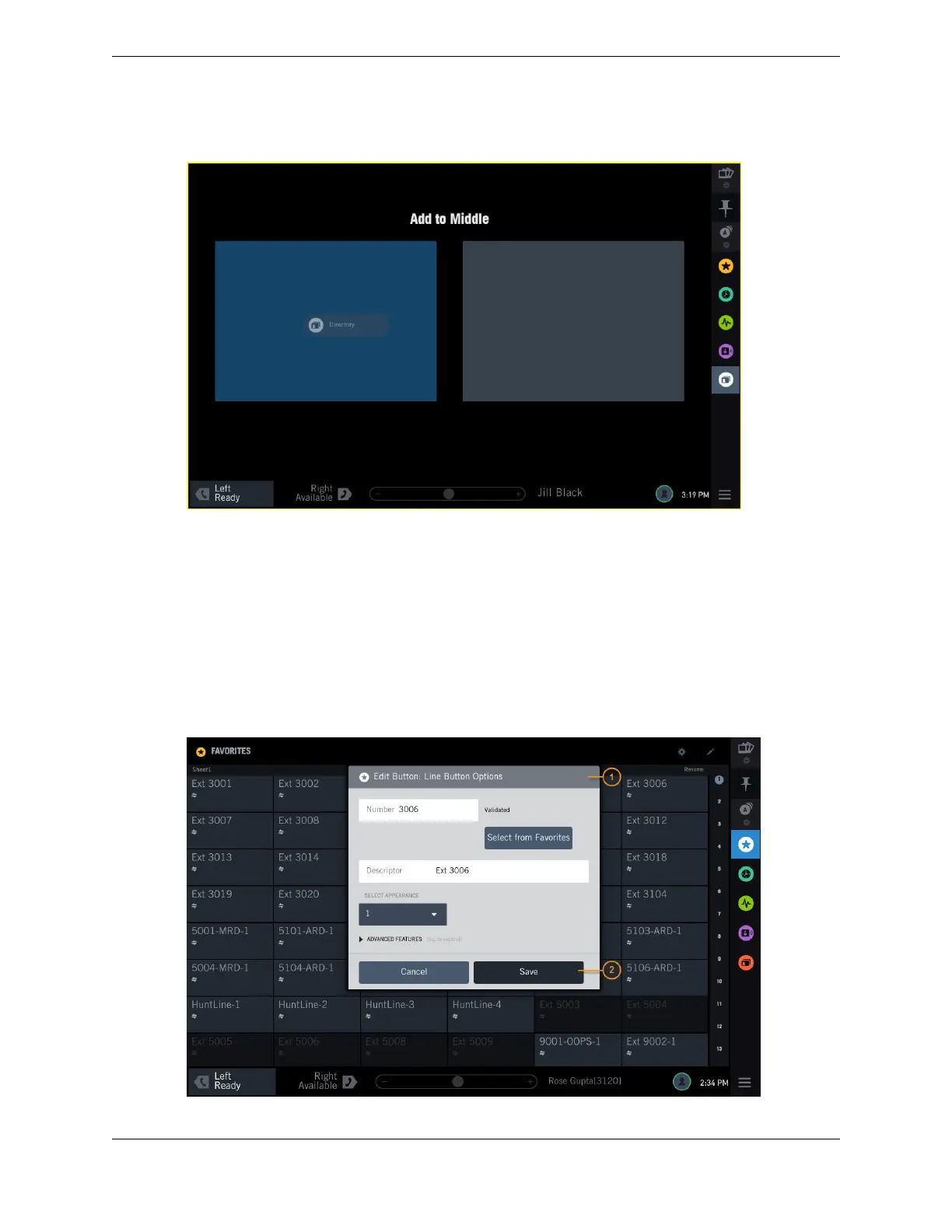
Figure 11: Positioning guide when dragging and dropping
2.3.3 Modal dialog
One application at a time may open a Modal dialog, which requests your input. The Modal dialog
appears in the center of the Module it was invoked from, overlaying any running applications. After you
have completed the action requested in the Modal dialog, you can return to the original application and
perform other actions.
The Modal dialog contains a Header bar, which includes the application icon of the application that
invoked it, and a title. The content of the Modal dialog differs depending on the dialog. To close a
Modal dialog, tap one of the action buttons or tap outside the dialog.
Figure 12: Modal dialog
2.3: Application area 27
IPC Proprietary Unigy 4.3
IQ/MAX TOUCH Turret User Guide



 To Next Page