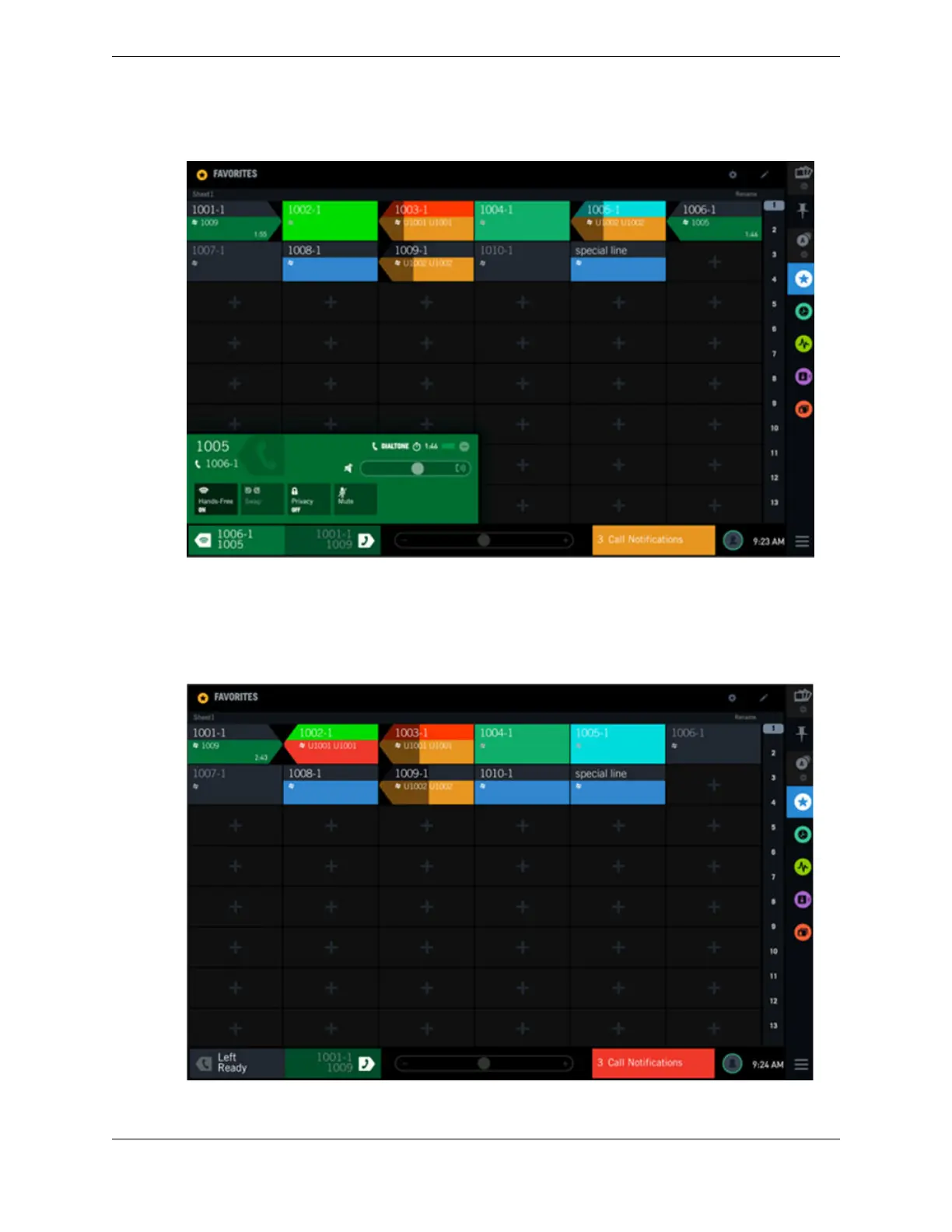
Figure 40: Call notification footer area – multiple low priority calls
Call notification footer area with mixed priority incoming calls
In this example, one high priority call (line 1002-1) and two low priority calls (lines 1003-1 and 1009-1)
are being received. The call notification footer area displays the color only for the high priority call.
When there are multiple priority calls pending, only the color for the highest priority call is displayed.
Figure 41: Call Notification footer alert – mixed priority calls
4.10: Batch settings mode 63
IPC Proprietary Unigy 4.3
IQ/MAX TOUCH Turret User Guide



 To Next Page