Table 6: Account Info
Name Description Values Notes
USERNAME User name (login name)
assigned to the current
user.
Unigy or Microsoft
Active Directory user
name.
PERSONAL/
INTERCOM
EXTENSION
Personal extension and
intercom extension of
the current user.
Valid extension(s) If the personal extension
and intercom extension
are the same, only one
value is displayed.
Table 7: Button
Name Description
Change Password Displays the fields required to change your password.
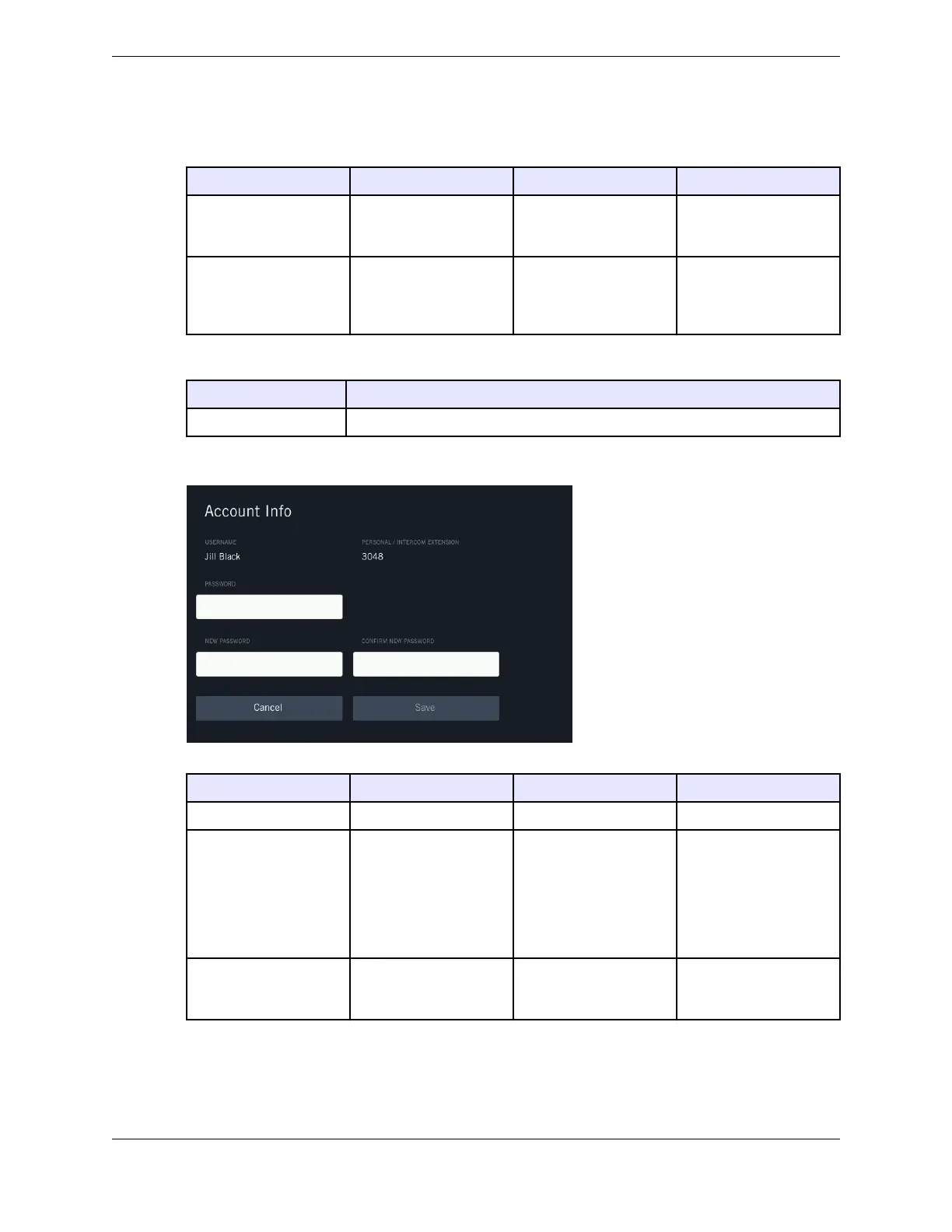
Figure 71: Account Info - Change password
Name Description Values Notes
PASSWORD Your current password.
NEW PASSWORD The new password. The value must conform
to the Unigy user
authentication policy.
If the system rejects the
password you enter,
contact a Unigy
administrator to
determine the values the
user authentication
policy permits.
CONFIRM NEW
PASSWORD
The new password. The value must match
the value in NEW
PASSWORD.
11.2: Account Info 157
IPC Proprietary Unigy 4.3
IQ/MAX TOUCH Turret User Guide



 To Next Page