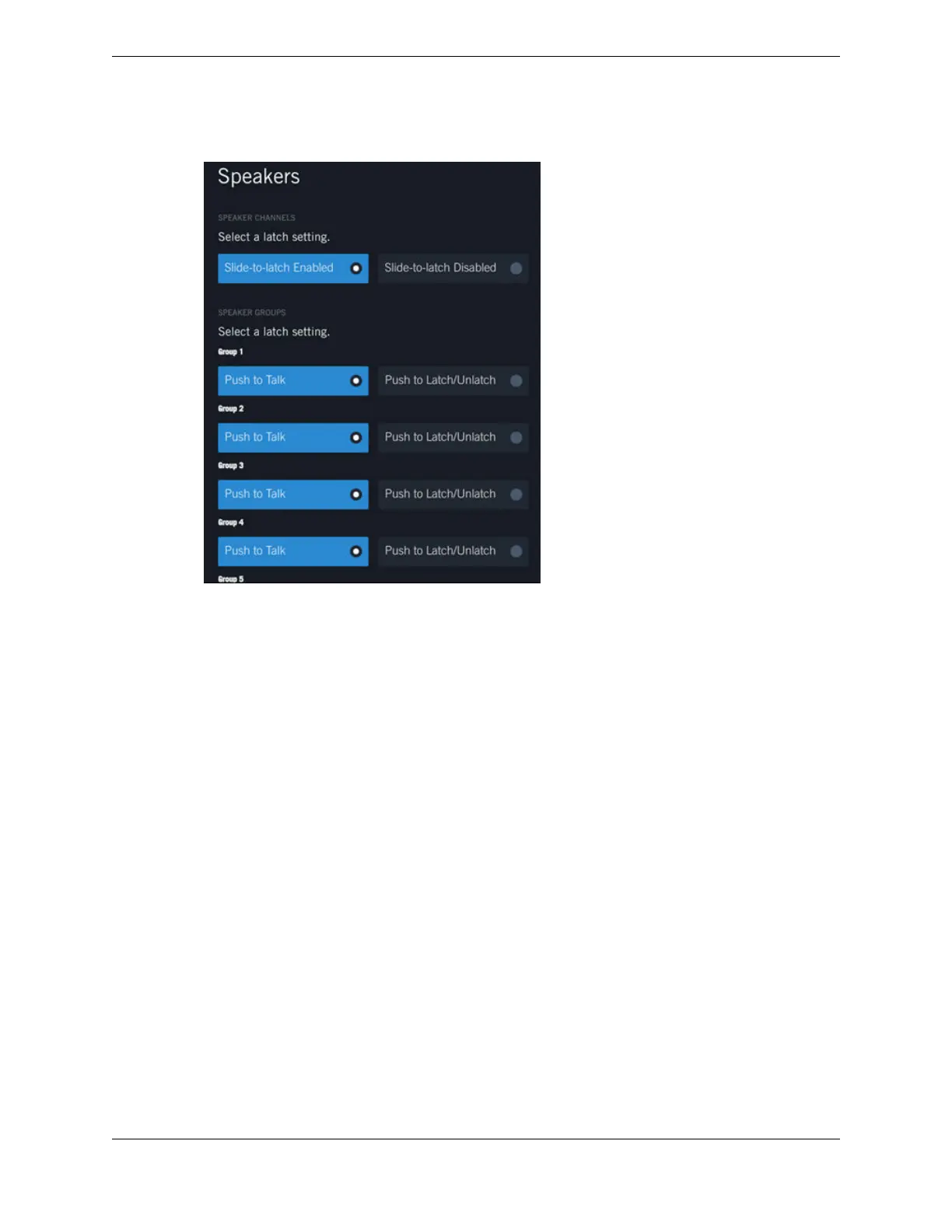
Figure 81: Speakers
4. Tap Slide-to-latch Enabled or Slide-to-latch Disabled to enable or disable the slide to latch feature
for all speaker channels. Slide to latch enables you to latch a speaker channel by sliding the speaker
channel icon up. To unlatch the speaker channel, slide the icon up again.
5. Select the appropriate latch setting for SPEAKER GROUPS.
•
Push to Talk: Opens the microphone, handset, or headset when you tap and hold the speaker
channel button. The microphone stays open until you release the button.
•
Push to Latch/Unlatch: Opens the microphone, handset, or headset when you tap the speaker
channel icon. The microphone stays open until you tap the icon again to unlatch the speaker.
174 11.8: Speakers
August 26, 2019 IPC Proprietary



 To Next Page