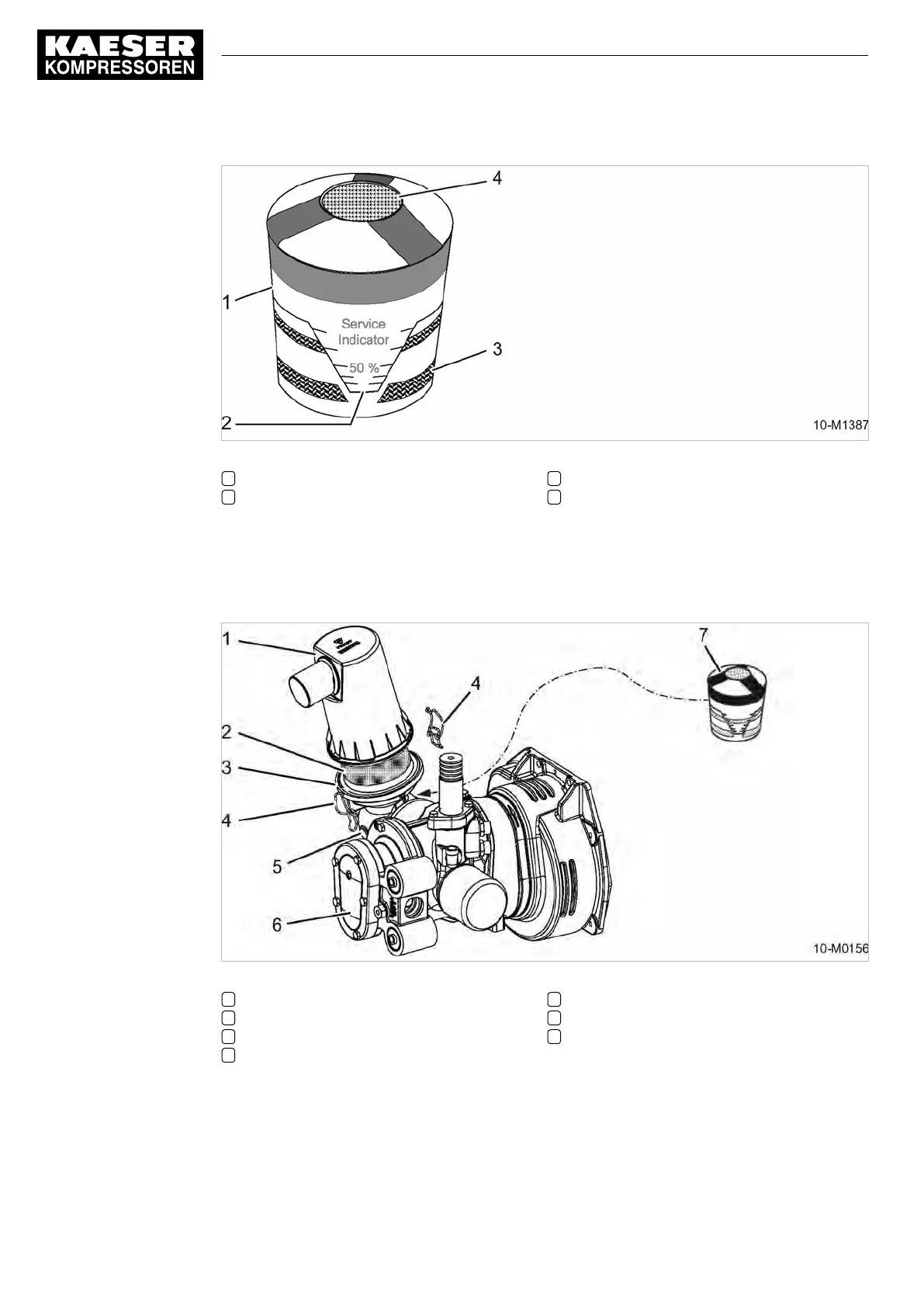
Fig. 55 Maintenance indicator
1 Maintenance indicator
2 Indicator piston
3 Red zone indicator scale
4 Reset knob for the maintenance indicator
➤ Check the air filter maintenance indicator.
If the yellow piston reaches the red zone, renew the filter element.
Replacing the filter element
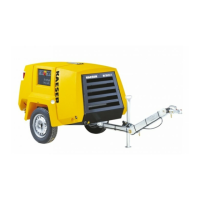
Fig. 56 Compressor air filter maintenance
1 Filter cap
2 Filter element
3 Filter housing
4 Retaining clip
5 Inlet valve
6 Airend
7 Maintenance indicator
1. Release the retaining clip.
2.
Remove the cover.
3. Draw out the filter element.
4. Carefully clean the inside of the housing, the cover and sealing faces with a damp cloth.
10 Maintenance
10.4 Compressor Maintenance
140
Operator Manual Screw Compressor
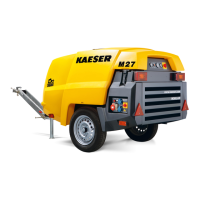
M27
No.: 9_9548 05 USE


 To Next Page