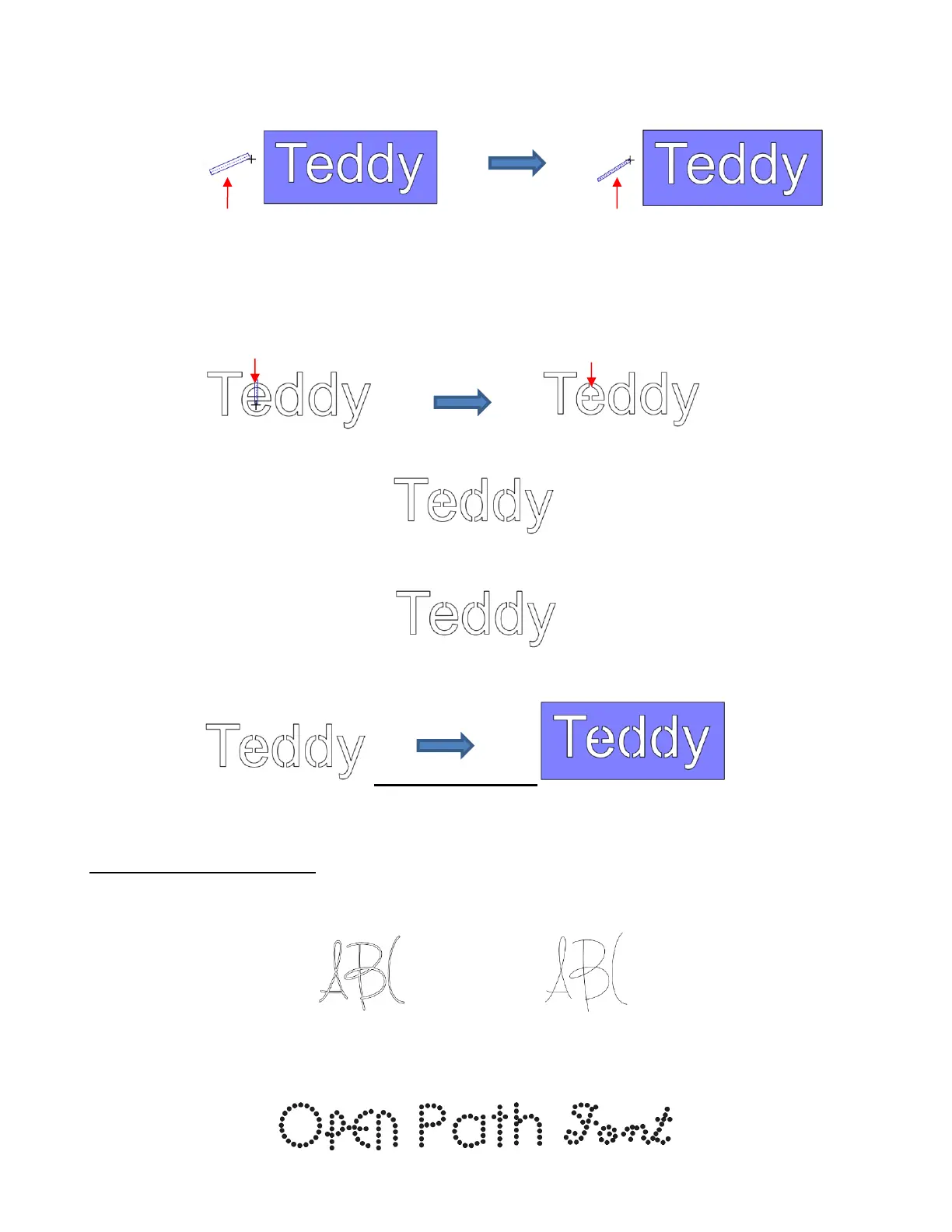
Before applying, hide the outside rectangle, so that it’s not affected. You can now drag the mouse across a
letter to create a bridge. Hold down the Shift key, while dragging, and the bridge will be either perfectly
vertical or perfectly horizontal:
Repeat the process with the other letters containing child shapes:
Note that just one part of the letter could have been bridged instead of both the top and the bottom:
Unhide the rectangle and the stencil is ready to cut:
6.11 Open Path Fonts (OPF)
Besides TTF and OTF, a third type of font, Open Path Font (.OPF) can also be opened in SCAL. This font
consists of single lines/curves only. Here’s a comparison to help you understand the difference:
These fonts are useful when using a pen or engraving tool in your cutter or for designing single line
rhinestone titles:



 To Next Page