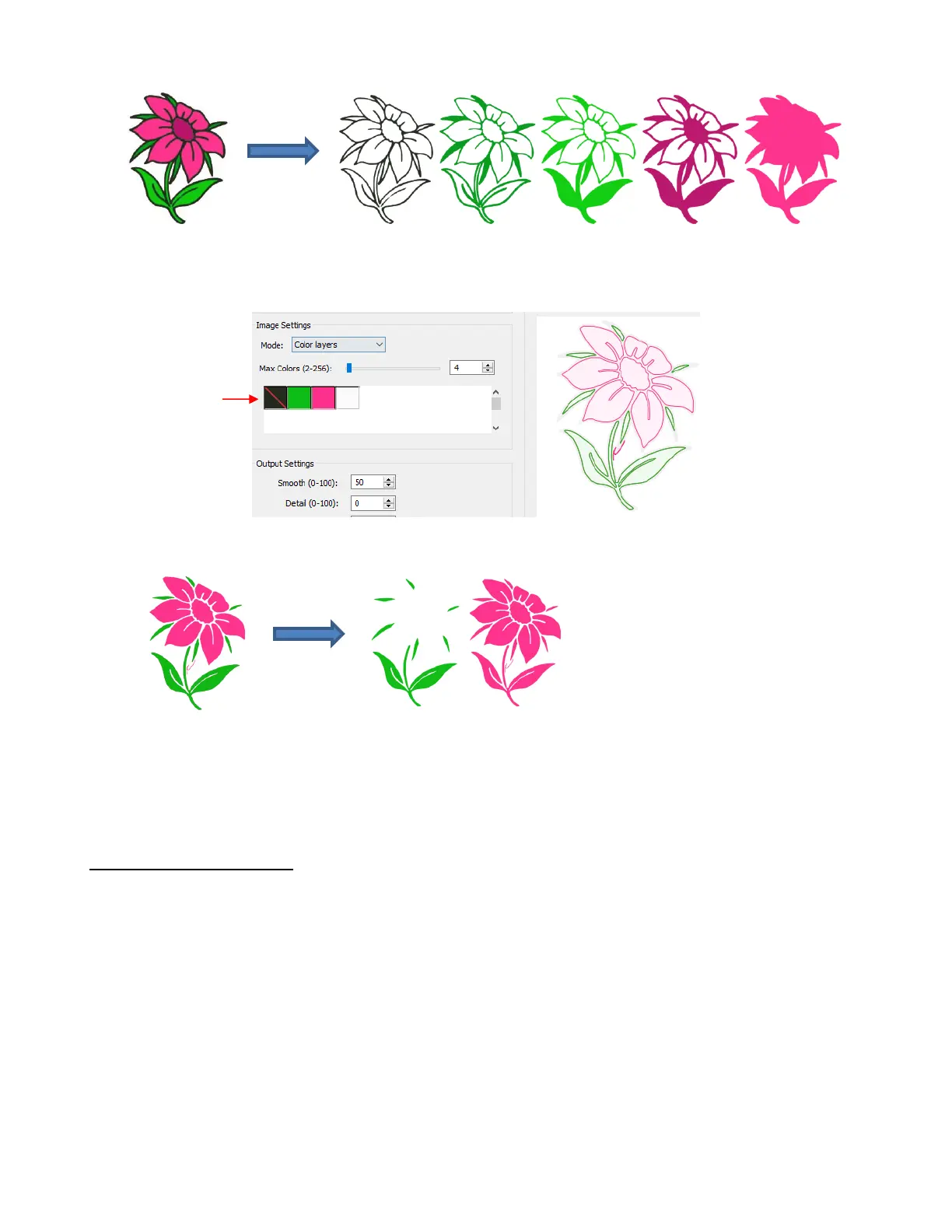
You can also turn off colors by clicking on them. For example, if you do now want the black background
traced:
The result is this:
In simple designs, Color Layers can be quick and easy to implement. Realistically, in cases like this image
just covered, it might not be easy to layer these detailed cuts perfectly. Thus, the Single Color option will
more likely be used in most cases.
7.03.8 Single Color Trace
With the Single Color option, each desired color is selected and imported individually. The advantage is
that only the visible part of each color is traced. The disadvantage is that you must reload the image for
each color desired.
Again, the same flower image that as used in the prior section will be opened into the Trace window. When
Single Color is selected from the drop-down menu, the window will update to show new settings:



 To Next Page