C3.2 Properties Panel
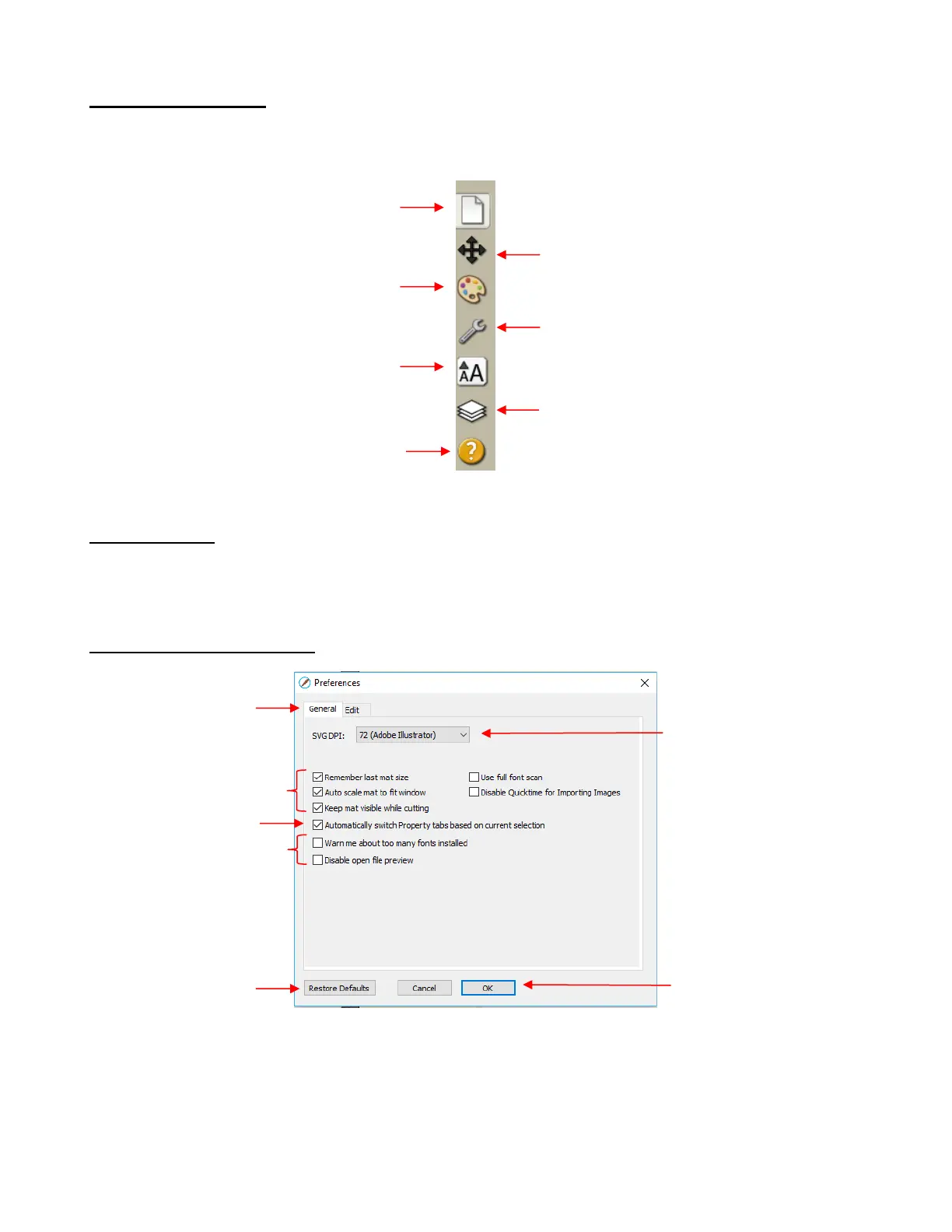
The Properties Panel is located on the right side of the screen and contains 6 subpanels and a Hints
access:
C4 Preferences
The following preferences can be found under Edit>Preferences (or, on a Mac, press Command + ,). If the
preference was already presented in other sections, it is noted in the screen shots. For those not previously
mentioned, details are presented if they are considered important.
C4.1 Preferences: General Tab
Automatically switch Property tabs based on current selection: with this option turned on, the
Properties Subpanel related to the task at hand will open. For example, when you select a shape, the
Position & Size Panel will open. When you click on the Type Tool, the Text Panel will open.



 To Next Page