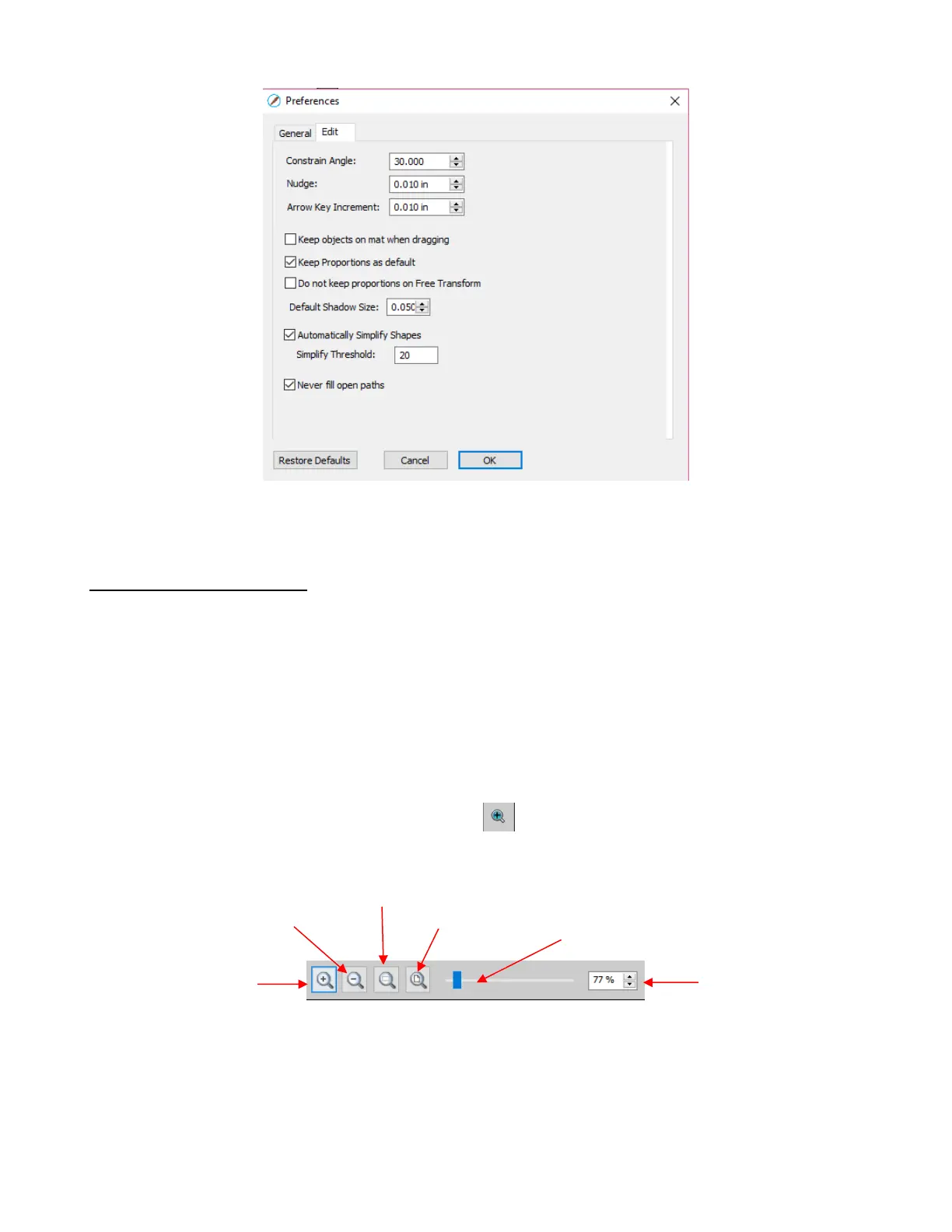
For more details on these settings, go to Appendix C4.
3.09 Zooming and Panning
Any of the following methods will allow you to zoom in and out:
Hold down the Alt key while rolling the mouse wheel
Use the following shortcut keys:
o Ctrl+++… (hold Ctrl key and repeatedly click on + key): Zoom in
o Ctrl+---… (hold Ctrl key and repeatedly click on – key): Zoom out
o Ctrl+ F: Zoom to Cutting Mat
Right-click on the screen and select Zoom In or Zoom Out
Click the Zoom in Tool icon on the Tools Panel . Then use the icons in the Tool Options at the
top:
Note that while the Zoom in Tool is activated, you can also marquee-select an area of the screeen to zoom
to that location.
The zoom tools can also be accessed under the View option on the Menu Bar at the top:
Zoom In
Zoom Out
Zoom Selection: (same as zoom to currently selected shape)



 To Next Page