On the Layers Panel you will observe a new layer called Weeding:
10.05 Tiling (SCAL PRO only)
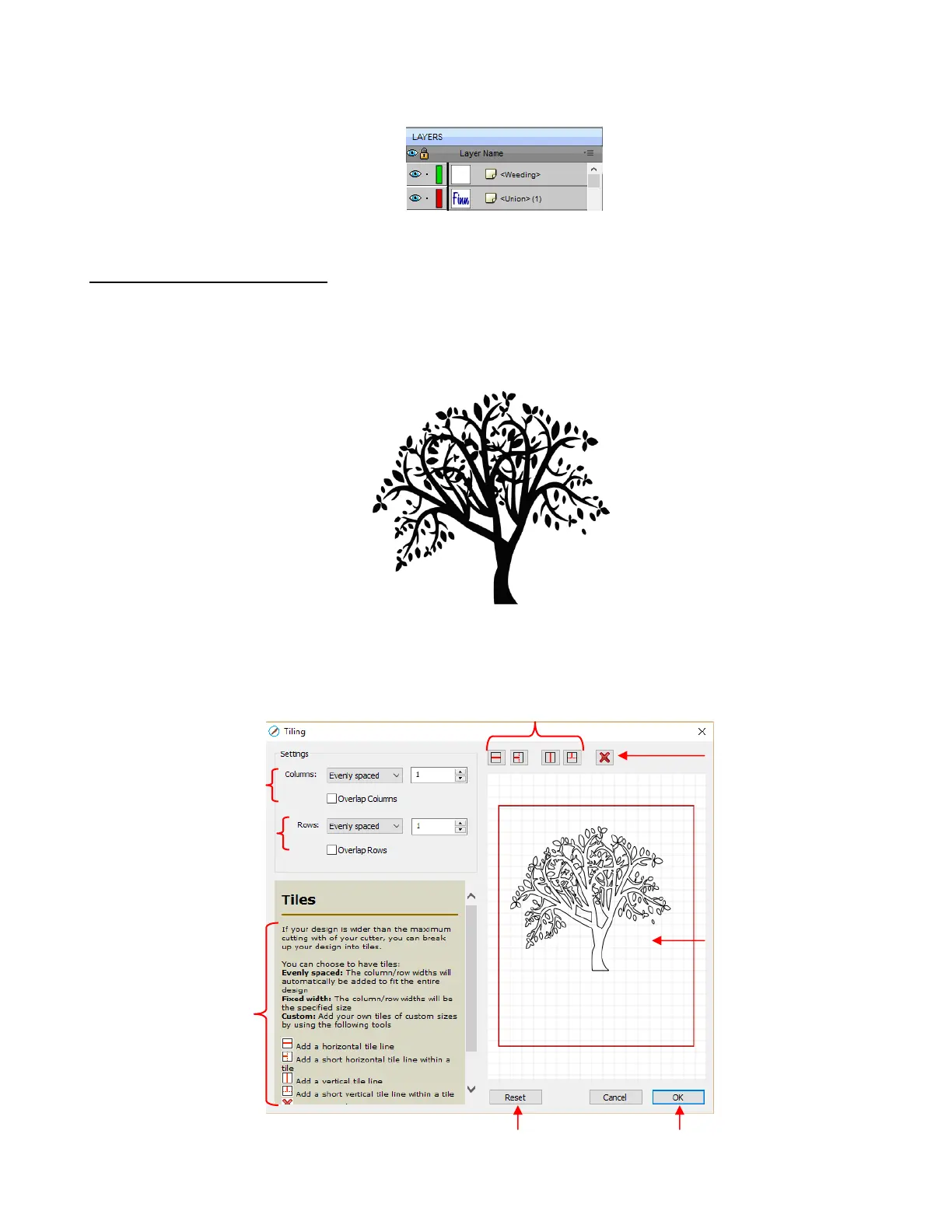
The Tiling function is used to split large designs into rectangular sections for cutting.
In the following example, a design that is 40” wide and 36” tall cannot be cut on a cutter that only has a
maximum 15” cutting range (such as the KNK Force):
To open the Tiling window, select the shape and go to Effects>Tiling:



 To Next Page