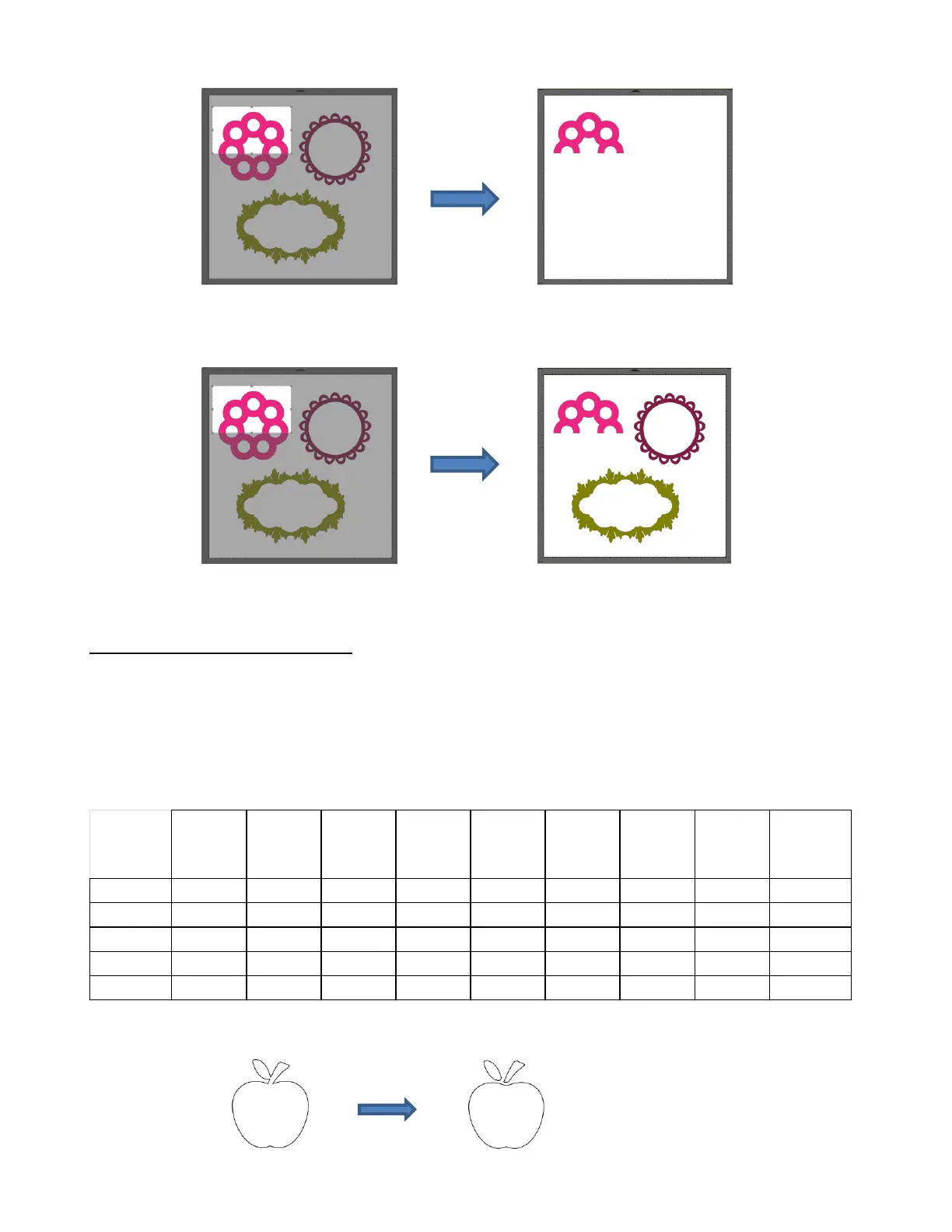
With the Crop Selection Only box checked, the shape is selected first and then only the bottom half is
deleted:
8.08 Which Cutting Tool to Use?
Having so many cutting functions to use can make it difficult to know which one to use in a particular
instance. Experience will be your best guide, as well as testing them out. But a summary of the functions is
presented in this section and this may prove to be helpful when selecting which tool to try first.
The following table summarizes the capabilities of the various options for cutting shapes. Note that Boolean
Join has also been added but isn’t covered until Section 9.05 because it is more often used for designing
than for editing.
Cut the leaf and stem away
from the apple – used for
creating paper piecing designs



 To Next Page