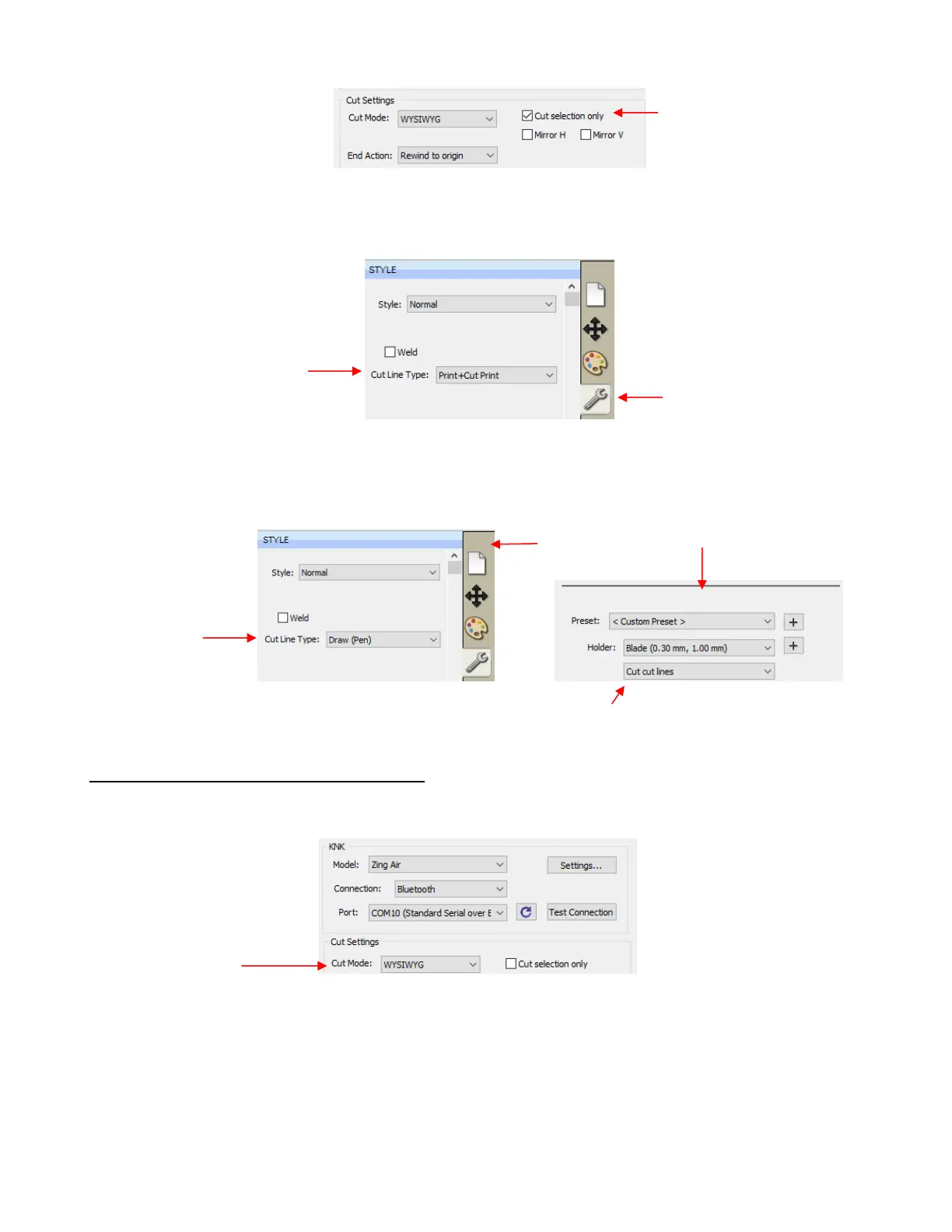
For shapes you do not wish to cut, change the Cut Line Type (on the Style Panel) to Print+Cut Print.
Those shapes can then only be printed and will not be sent to the Cut Settings window. This is typically
used in Print and Cut applications (refer to Sections 10.01 and 11.04).
For shapes you do not wish to cut, change the Cut Line Type (on the Style Panel) to Draw (Pen).
Those shapes will not be cut if you then have Cut cut lines selected in the Cut Settings window (refer
to Section 10.01).
2.02.2 Controlling Where Shapes Will Cut
In the Cut Settings window is a Cut Mode option:
This was brieflly covered in Section 1.11.3. Cut Mode has two choices:
WYSIWYG: Cuts the shapes where they are positioned on the Cutting Mat. Refer to Section 10.07.3.
Origin Point: Moves the shapes to cut at the origin you have set on the cutter itself. Refer to Section
10.07.2.
A third mode is called Print+Cut (aka Print and Cut or PNC):



 To Next Page