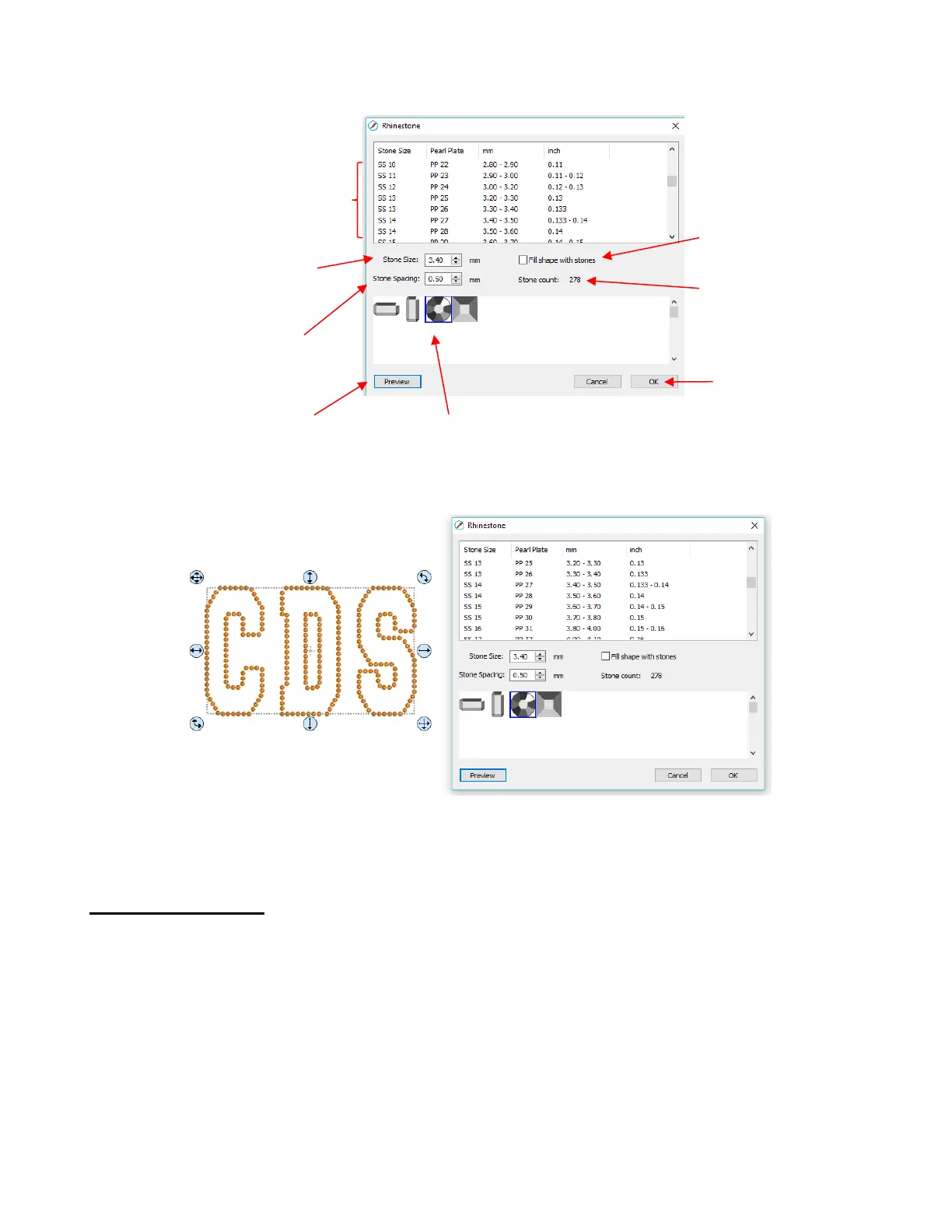
After inputting the initial settings, click on Preview and your selected design will be outlined with simulated
stones:
During the editing process, the simulation will be lost. If you want to restore it, record your current settings
before clicking on OK. For guidelines on editing, refer to Section 9.10.4.
9.10.3 Rhinestone Fill
Another option in the Rhinestone window is Fill shape with stones. Instead of outlining the shape, the
image will be filled with circles in horizontal rows. In our prior example, the same letters will now appear like
this:
Stone Size will update based on
what you select in upper window
or you can enter a size directly



 To Next Page