4.05 The eshape Store
4.05.1 Importing from the eshape Store
The eshape Store is an online shopping site linked within SCAL. Cutting files and fonts can be purchased
through the store and downloaded into SCAL.
To get started, access the eshape Store in any of the following ways:
Click on the eshape Store icon on the Toolbar
Go to File>eshape Store
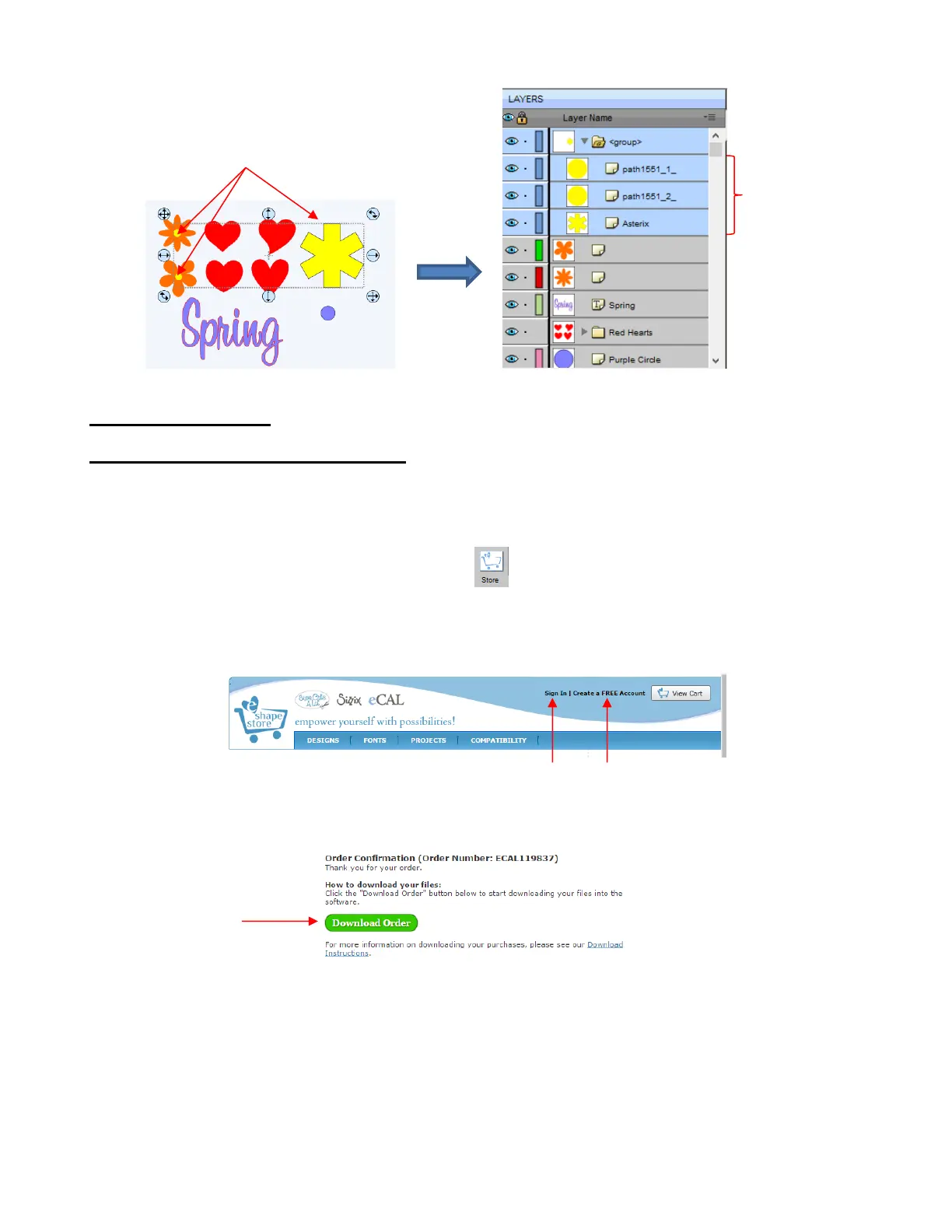
The eshape Store window will open and you can either sign up for a free account or log in, if you have
aleady registered:
Next, browse the site to find files of interest. After payment, the following screen shows your order number
and a green Download Order button can be clicked to download the files you purchased:
The following Download Manager window will open and the files you purchased will begin downloading:



 To Next Page