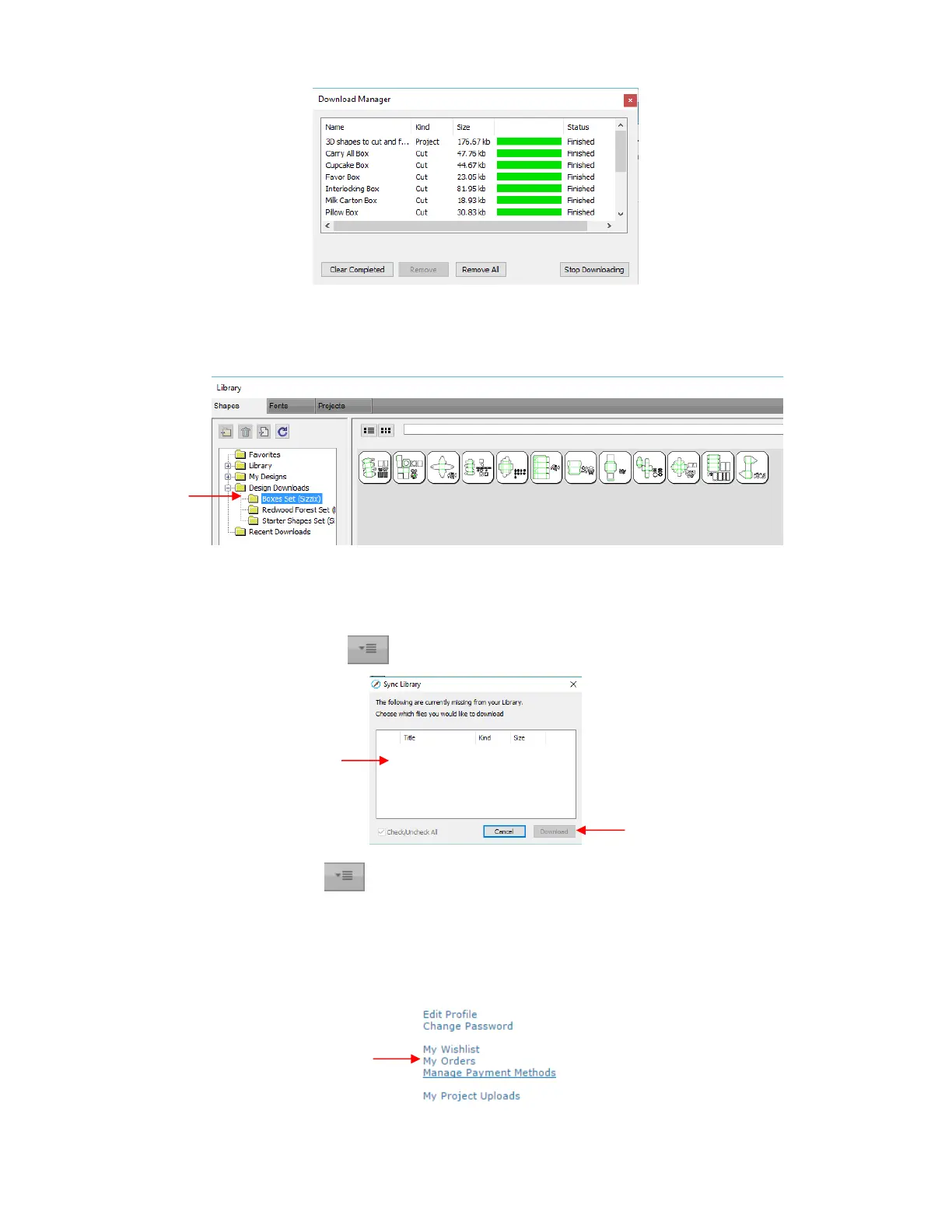
Now open the Library to access the eshape Store files. Depending on the file type, the downloaded files
will either appear on the Shapes tab, under Design Downloads or on the Projects tab, under Project
Downloads:
If you fail to download at the time of the purchase, your downloads can also be accessed in the following
ways:
Go to File>Sync My Library and the following window will open:
Click on the top right icon in the Library window and select Sync Library. The same window will
open and you can select any files not already downloaded.
At the eshape Store:
o Log in and click on My Account at the top.
o Then click on My Orders:
o Select a time period for the order and click on Show Orders. Then click on the Download icon:
If any files still need to be
downloaded, they will be listed in
this window for selection.



 To Next Page