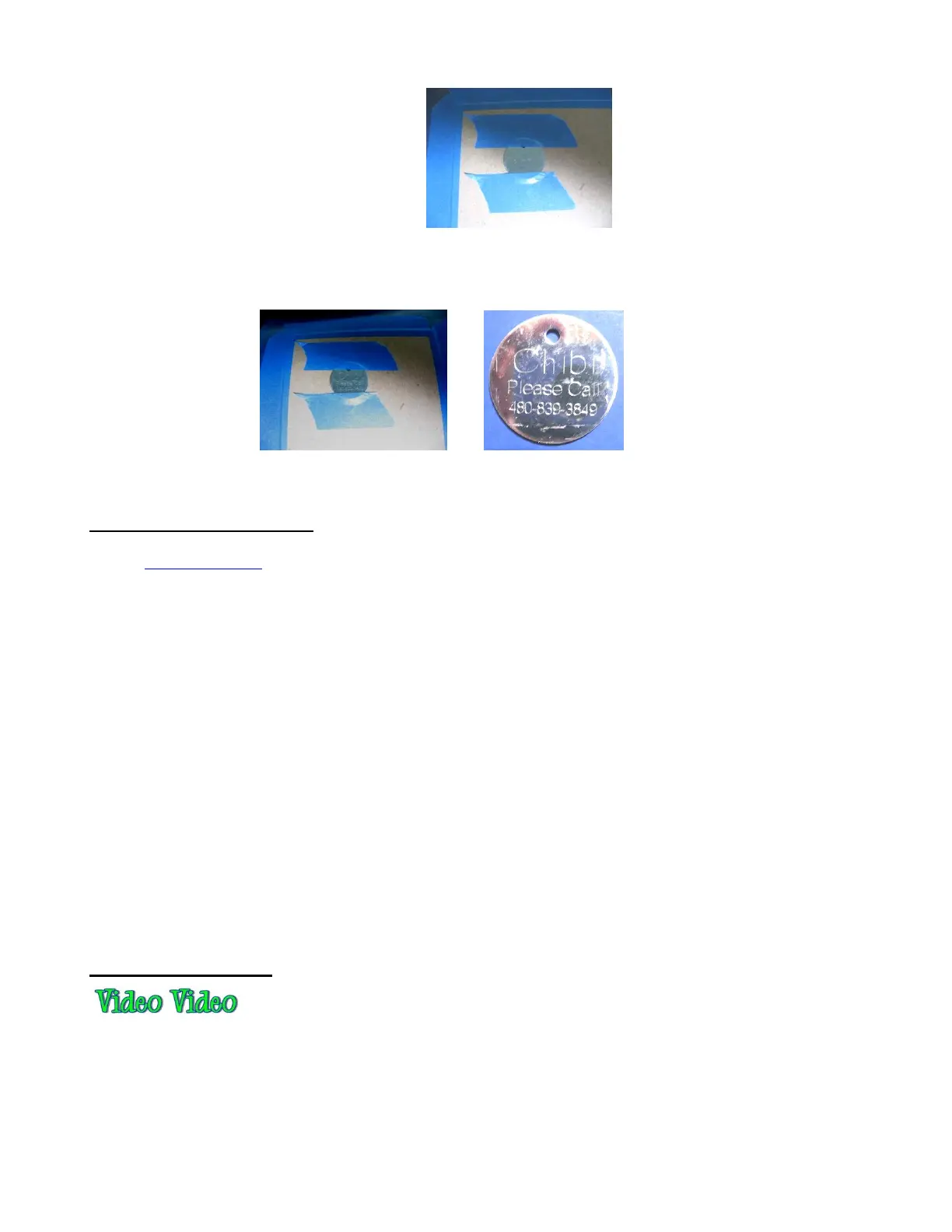
o The blade holder is replaced with the Zing Engraving Tool. The settings are changed for engraving
metal. The letter is engraved in the same location on the tag as was designed on the Cutting Mat:
12.10 Using the Punch Tool
The Zing Punch Tool can be used for creating decorative designs (such as pergamano and other parchment
arts) or for creating small holes for paper embroidery.
To protect the mat and the thin punch, it is recommended that a thick soft material be used as a cushion
between the paper/cardstock and the cutting mat. Suggested materials that will work well include non-slip
shelf liner, craft foam, and stiffened felt.
The same basic principles apply to punching as in embossing and scoring:
You will probably need to use the WYSIWYG cut mode
You will need to set Blade Offset and Overcut to 0
You will possibly need to use multiple passes to get the desired results.
Refer to the Suggested Settings table at the end of this chapter or force and speed settings on various
materials.
To design a punch pattern, use the Pierce function. Refer to Section 10.10.
As with the other tools, testing is necessary to get the perfect settings for the particular material you are
punching. Don’t forget to set the punch tip height higher, just as you do with the blade holder, in order to get
more force applied.
12.11 Cake Decorating
Here are some ways to use the KNK Zing Air in cake decorating (thank you to Rebecca Stewart for posting
the info in this section):
Cupcake wrappers (refer to Section 9.08)
Icing sheets: both regular and print and cut
Stencils for airbrushing cakes
Fondant, gum paste, Sugar Veil cut shapes



 To Next Page