3.02 Main SCAL Screen
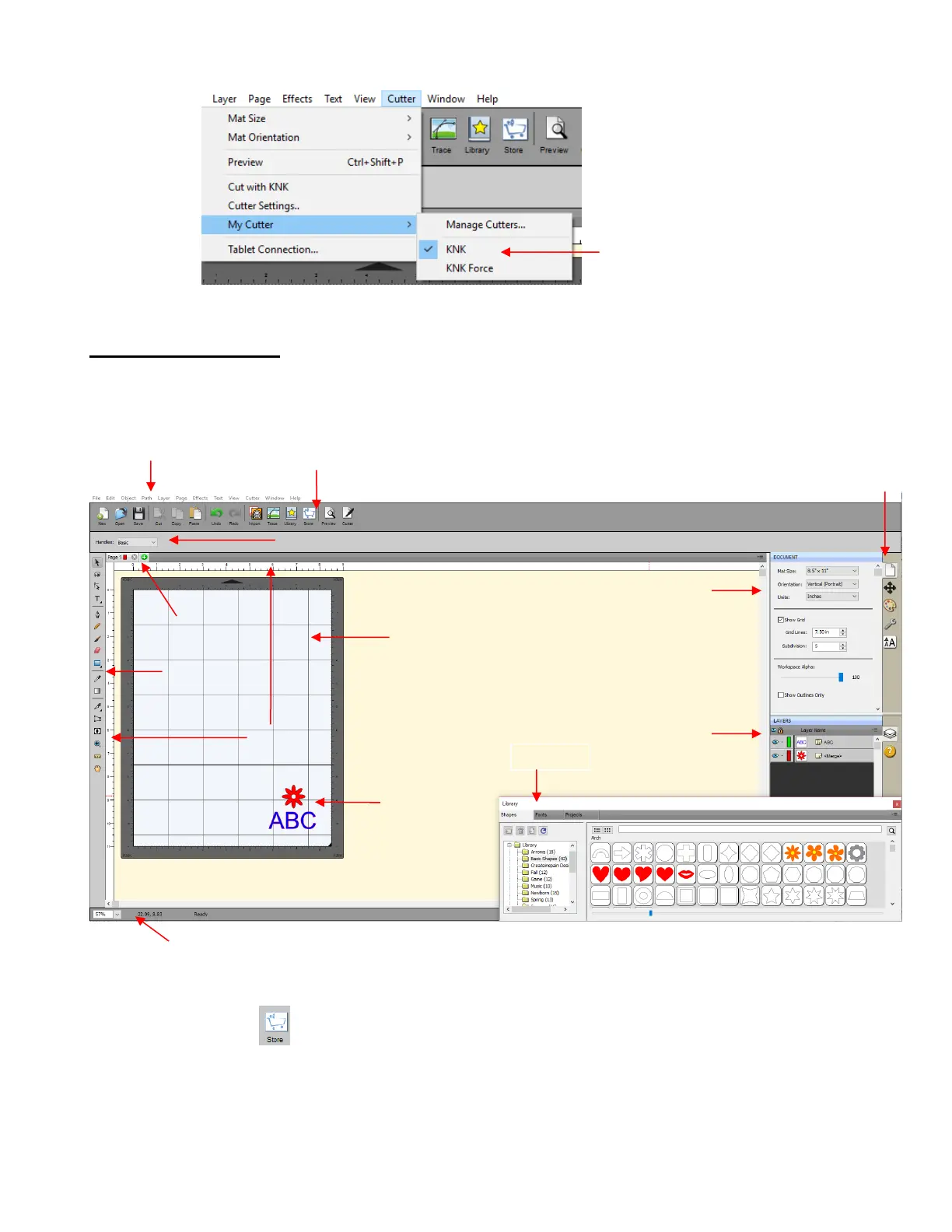
Below is a screen shot of the main screen in SCAL identifying various elements. Note the names of the
items shown as they will be referenced throughout this user manual:
Upon opening SCAL, another window will open which accesses SCAL’s eshape Store. If you elect to no
longer have it automatically open, you can also access it by going to File>eshape Store or clicking on its
icon on the Toolbar . More details are covered in Section 4.05.
Hovering your mouse over most of the screen icons will pop up the icon’s name and, in some cases, details
about usage.
In order to better remember where major elements are located, note that the term “bar” is used when
components are laid out horizontally (such as the Toolbar) and the term “panel” is used when components
are laid out vertically (such as the Tools Panel).



 To Next Page