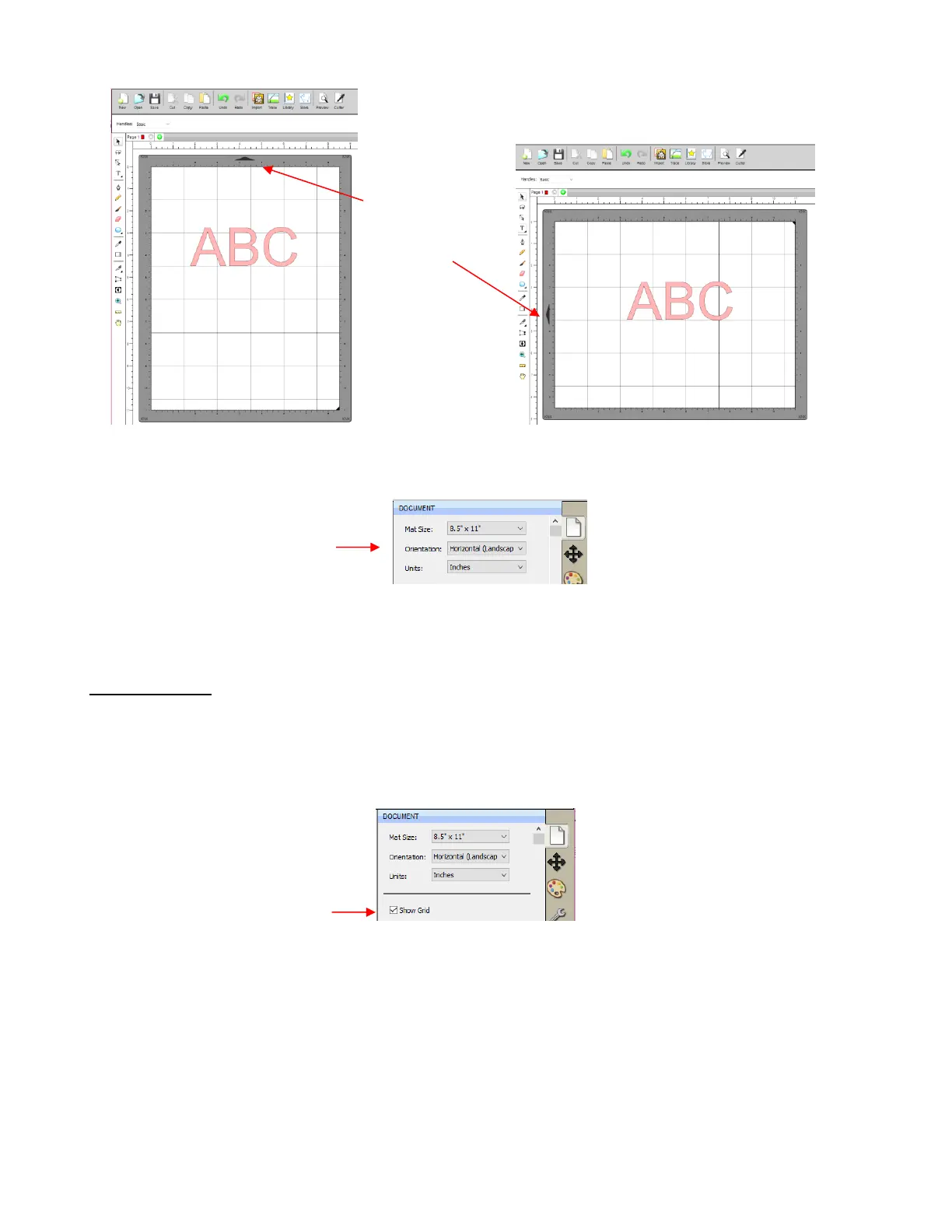
There are three ways to change the mat orientation:
On the Documents Panel under Mat Size:
Right-click on the screen and select Mat Orientation
Go to Cutter>Mat Orientation
3.05.3 Mat Grid
The mat grid can be toggled on or off by either of these two ways:
Go to View>Show Grid
Check or uncheck the Show Grid box on the Documents Panel:
The grid lines can also be customized. For example, with this 12” x 12” mat, major grid lines are set at 6”
and then minor grid lines are set at 1” (by specifying 6 Subdivisions be used):



 To Next Page