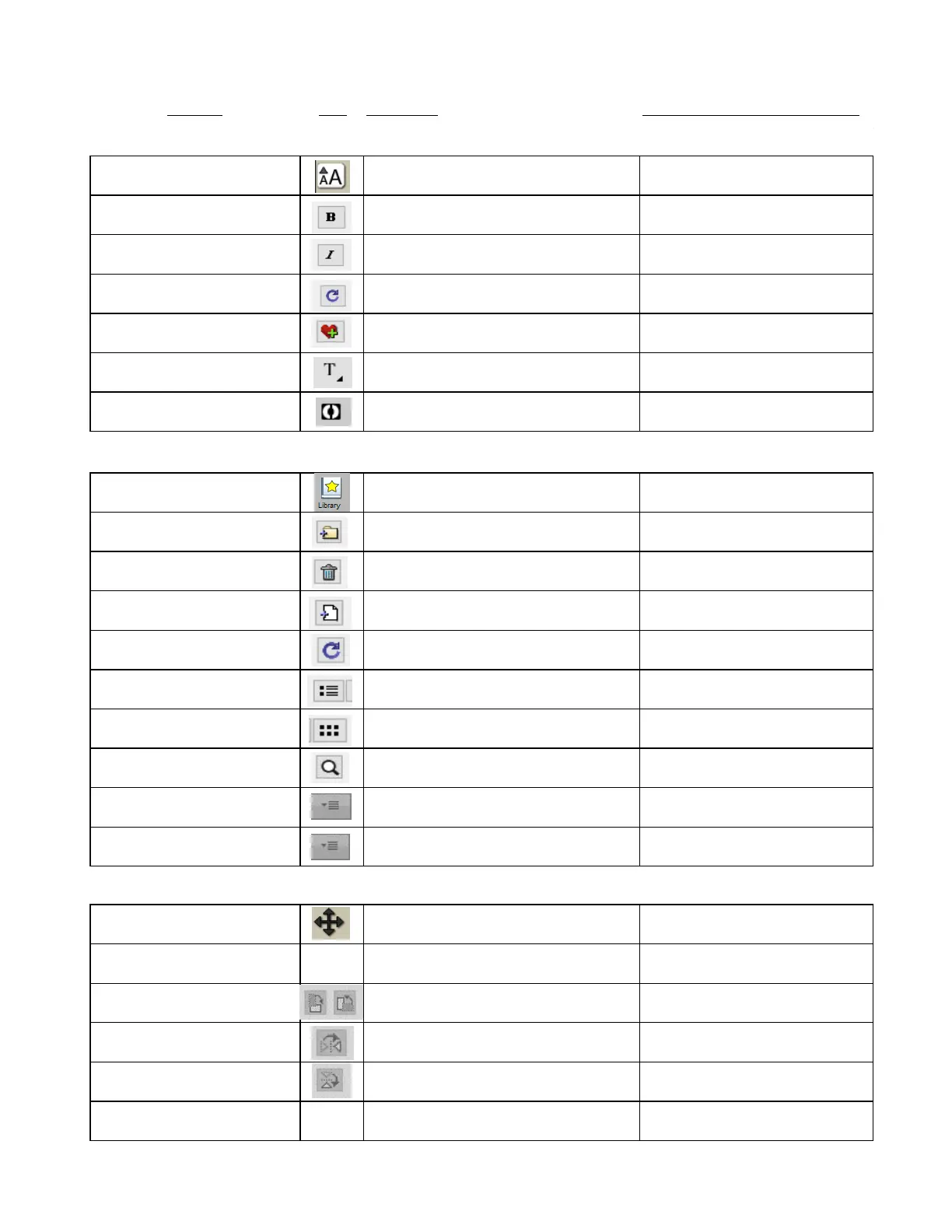
Shortcut Icon Description Menu (m:) and/or Icon (i:) Location
Open Text Panel i:Properties Panel
Reload installed fonts list i:Text Panel
Add font to Favorites i:Text Panel
Connect interior shapes to the outside
Ctrl+1 Open the Library window
m:Window>Library
i:Toolbar
i:Library>Shapes tab
i:Library>Project tab
i:Library>Shapes tab
i:Library>Project tab
Add file to selected folder
i:Library>Shapes tab
i:Library>Project tab
i:Library>Shapes tab
i:Library>Project tab
i:Library>Shapes tab
i:Library>Project tab
i:Library>Shapes tab
i:Library>Project tab
i:Library>Shapes tab
i:Library>Project tab
Sync with eStore or access Download Manager
i:Library>Shapes tab
i:Library>Project tab
Manipulating and Coloring Shapes
Open Position & Size Panel
i:Properties Panel
Right click>Transform>Scale Resize a selected shape
Right click>Transform>Rotate Rotate a selected shape
i:Position & Size Panel
Right click>Transform>Flip Horizontal Mirror/Horizontally flip a selected shape
i:Position & Size Panel
Right click>Transform>Flip Vertical Vertically flip a selected shape
i:Position & Size Panel
Ctrl+Shift+Up (or right
click>Arrange>Bring to Front)
Bring selected shape to top m:Object>Arrange>Bring to Front



 To Next Page