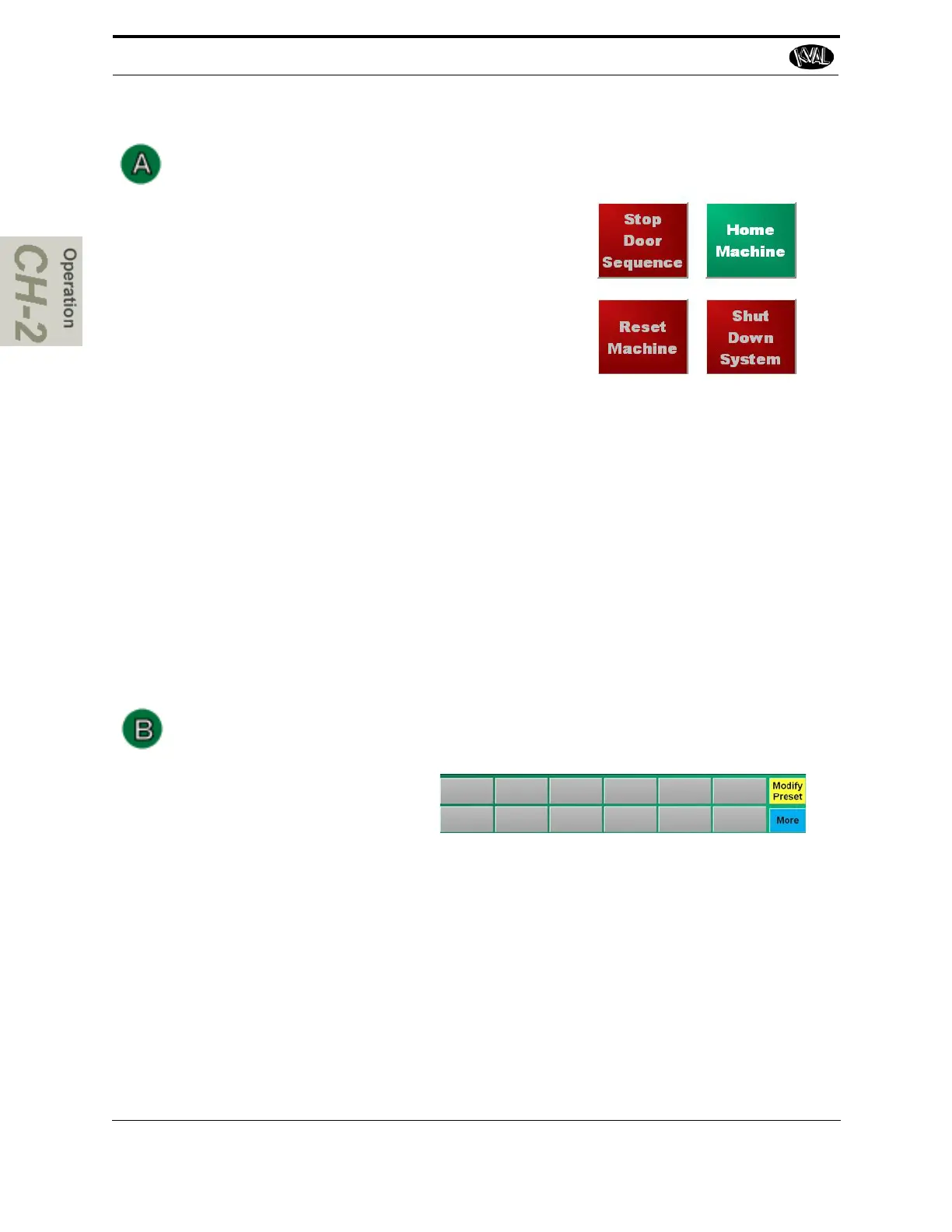
Home Machine Button
This button starts the home sequence on the machine,
which slowly scans to find a physical reference point
on the frame. When this point is found, the position is
stored and then used to calculate the location of all
moves after this.
The home sequence must be performed every time
the machine is powered up or reset.
Reset Machine Button
If a fault occurs that cannot be cleared, press the Reset Machine button. This button will
reset the machine to the start position before homing.
Press Home Machine after Reset Machine
Stop Door Sequence Button
This button stops the door in the process.
Shut Down System Button
This button shuts down the computer. Use this button as part of the shutdown pro-
cess.See “How to Power Down the 994-X” on page 2-34
Preset Selection Button Group
Pressing a preset button, calls one
of twelve presets stored in mem-
ory. Pressing the Modify Preset
button allows the operator to store
the active Main Screen parameters.
After pressing the Modify Preset button:
1. Select one of the buttons in which to save the parameters
2. Name it to an appropriate label.
3. Select the save button to save to memory.



 To Next Page