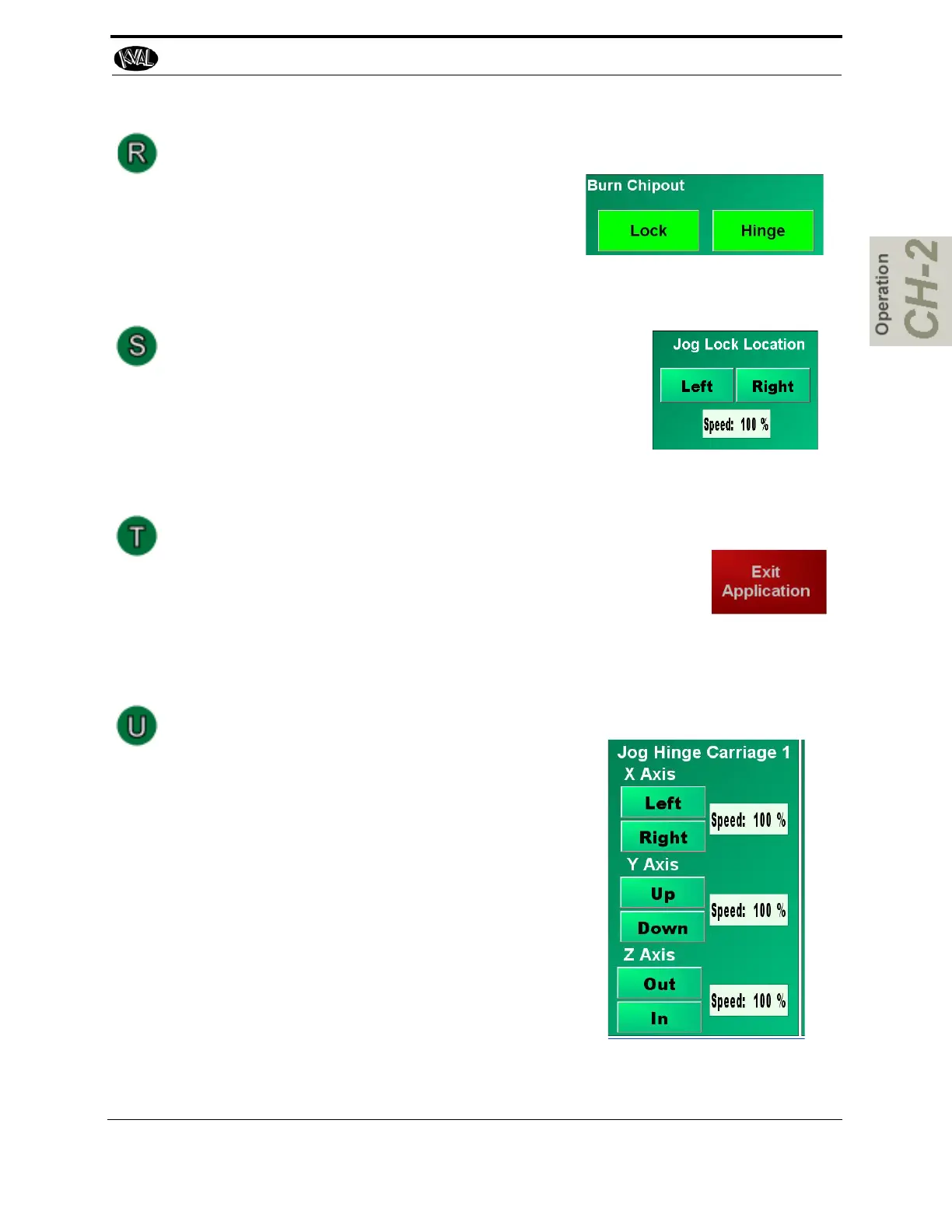
Burn Out Chip Operation
Use this menu if a new Chipout Block is installed
on the lock section or the hinge section. Press the
appropriate button to start the burn sequence. a
new hole will be slowly drilled. the process will
automatically stop when finished.
Jog Lock Location
Use this menu to move the lock location on the back sec-
tion.
Reset Button
Press the Exit Application button to close the user screen and return
to the Windows desktop. This can be used if the operator needs to
use a different Windows application.
Jog Hinge Location Carriage 1-4
X Axis Left or Right: Press and hold buttons to jog the
hinge carriage location left or right. To stop, release
the button
Y Axis Up or Down: Press and hold buttons to jog the
hinge carriage location up or down. To stop, release
the button
Z Axis Out or in: Press and hold buttons to jog the
hinge carriage location in or out. To stop, release the
button
Speed: Select the white box and enter the speed of the
carriage. The range is 1% to 100%. Use the number
pad to enter the desired speed and press OK when fin-
ished.
About the Manual Operation Screens
2-51
KVAL 994-X Operation/Service Manual



 To Next Page