102 User Manual QuickTOC
®
purity
ATEX 2 04E3920
7 How to Work With the Analyser
7.2 Configuration LAR | PROCESS ANALYSERS AG
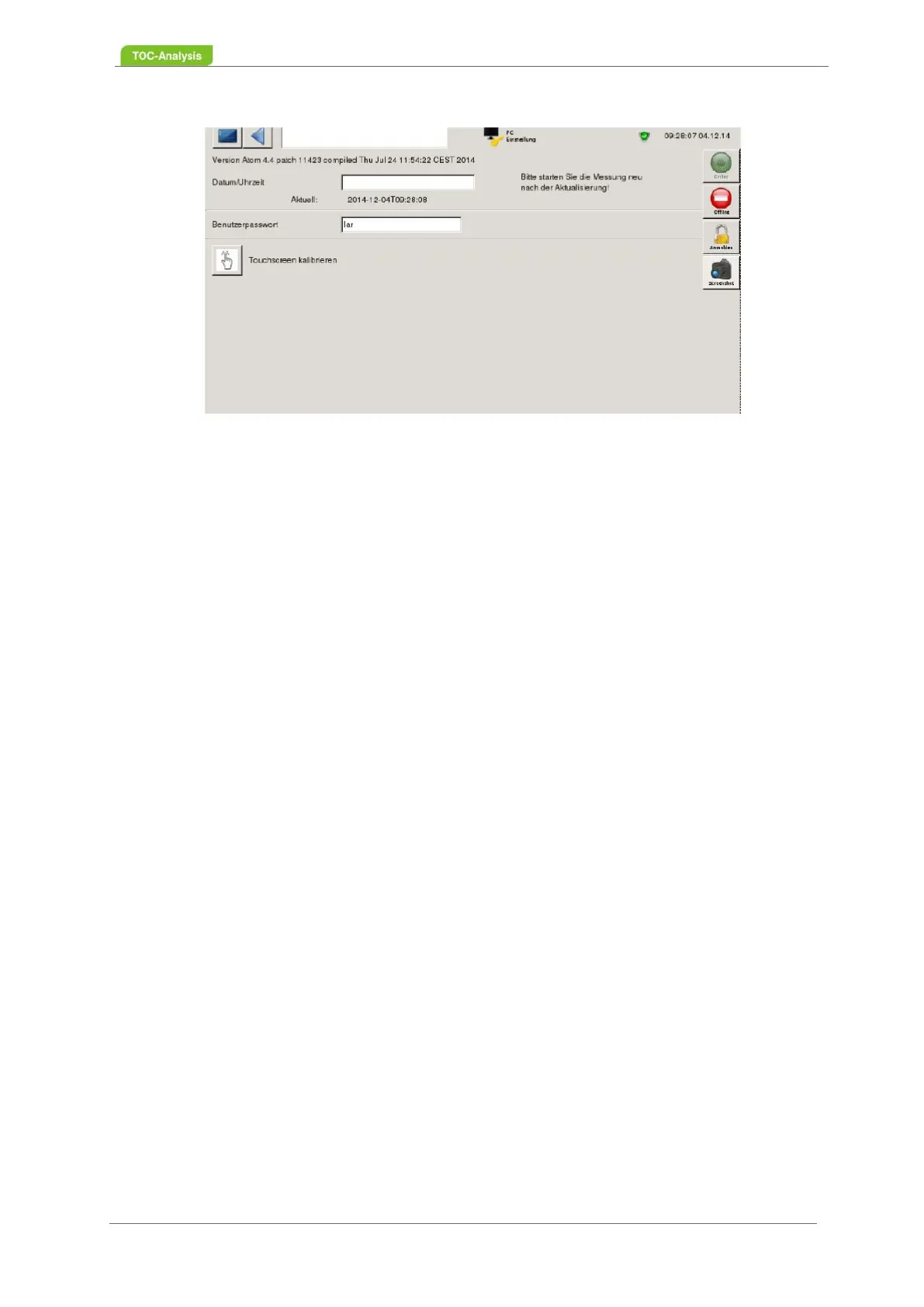
Fig. 64: PC settings screen
Change password
For user level II, a password can be set up. If the password is deactivated, you need the USB key with
the access permissions.
Factory default password: lar
To change the default password, proceed as follows:
1. Click in the input field to open the keyboard.
2. Enter a new password. Pay attention to uppercase and lowercase letters
3. Save by pressing the "Disk" button.
Set date/time
Date and time are displayed in all views in the upper right corner of the screen. To change to winter /
summer time or to synchronize with other measuring devices, the current date and time can be reset in
the "PC settings" view. Under the input field the input format is displayed.
Proceed as follows to set date/time:
1. Click in the input field to open the keyboard.
2. Enter the date and time in the format Year-Month-Day Hours: Minutes: Seconds.
Example: 2012-08-28 13:51:32
3. Save by pressing the "Disk" button.
4. Start a new measurement.
Versions number
Version number, patch and compile date are displayed automaticallyt
Calibrate Touchscreen
1. Calibrate the touchscreen if the display of the screen is too small or too large, e.g. if the touchs-
creen is not working properly.
2. Press the "Calibrate Touchscreen" button.
3. The calibration screen is displayed on the screen.
4. Press each calibration point by holding it for one second. Start with the calibration point at the
bottom left.



 To Next Page