04E3920 User Manual QuickTOC
®
purity
ATEX 2 89
7 How to Work With the Analyser
7.1 General
LAR | PROCESS ANALYSERS AG
7.1 General
The QuickTOC
®
purity
is equipped with a touchscreen. Use your fingers or a stylus to operate the touch-
screen
7.1.1 User Levels
The operating program has three user levels. The user levels control the access rights to the software.
The current user level is displayed at the top left of the status bar.
Classification of user levels and access permissions:
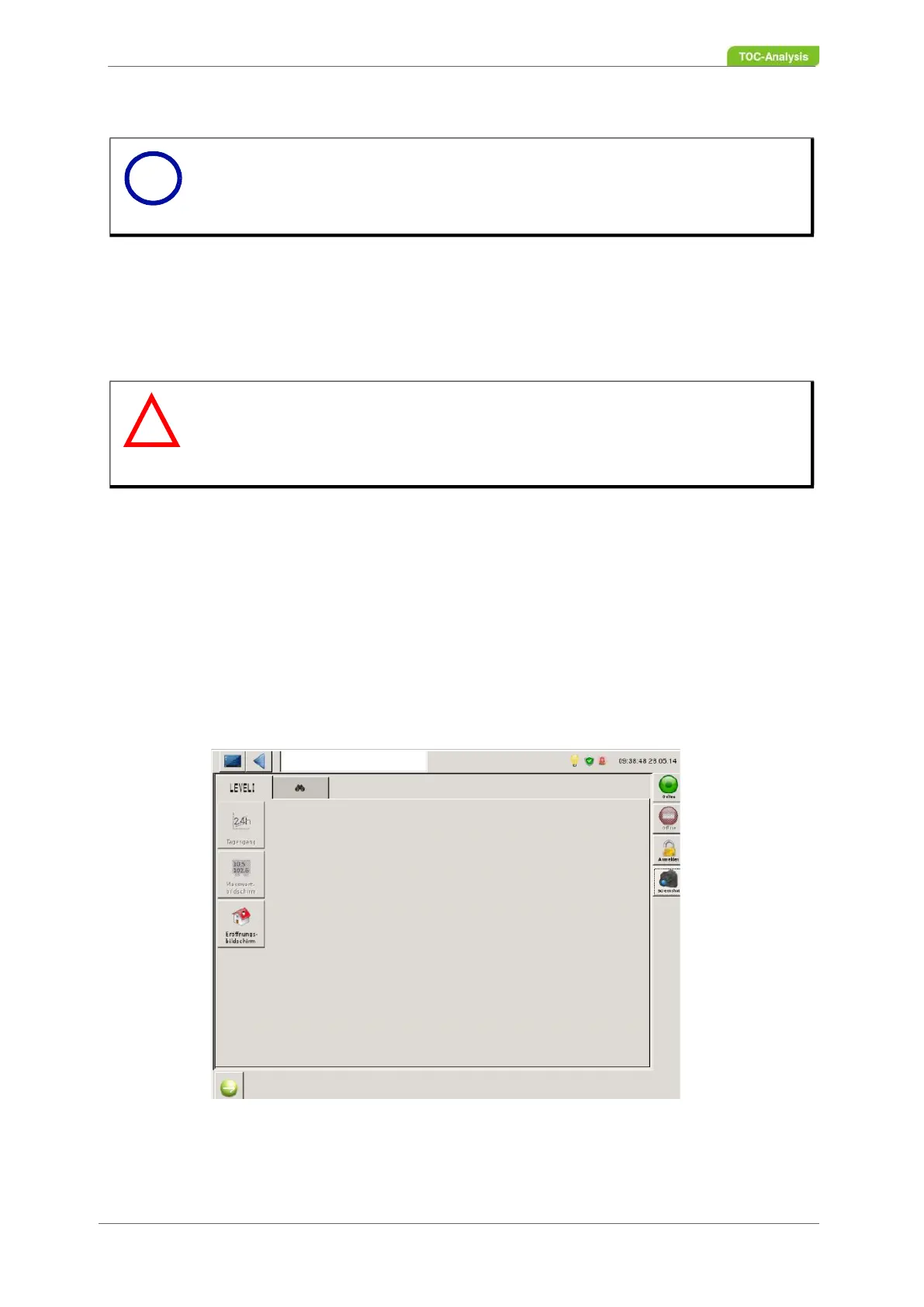
• User level 1
The user can view data (such as readings) but can not change anything in the system.
Fig. 53: Opening screen user level 1
Notice
The analyser can only start a measurement when the furnace has reached the wor-
king temperature.
Warning
Damage to the touchscreen
The touch screen can be damaged if it is operated with sharp objects. Operating errors
and illegibility can be the result.
Use only your fingers or stylus to operate the touchscreen.
i
!



 To Next Page