04E3920 User Manual QuickTOC
®
purity
ATEX 2 131
7 How to Work With the Analyser
7.3 Good to know
LAR | PROCESS ANALYSERS AG
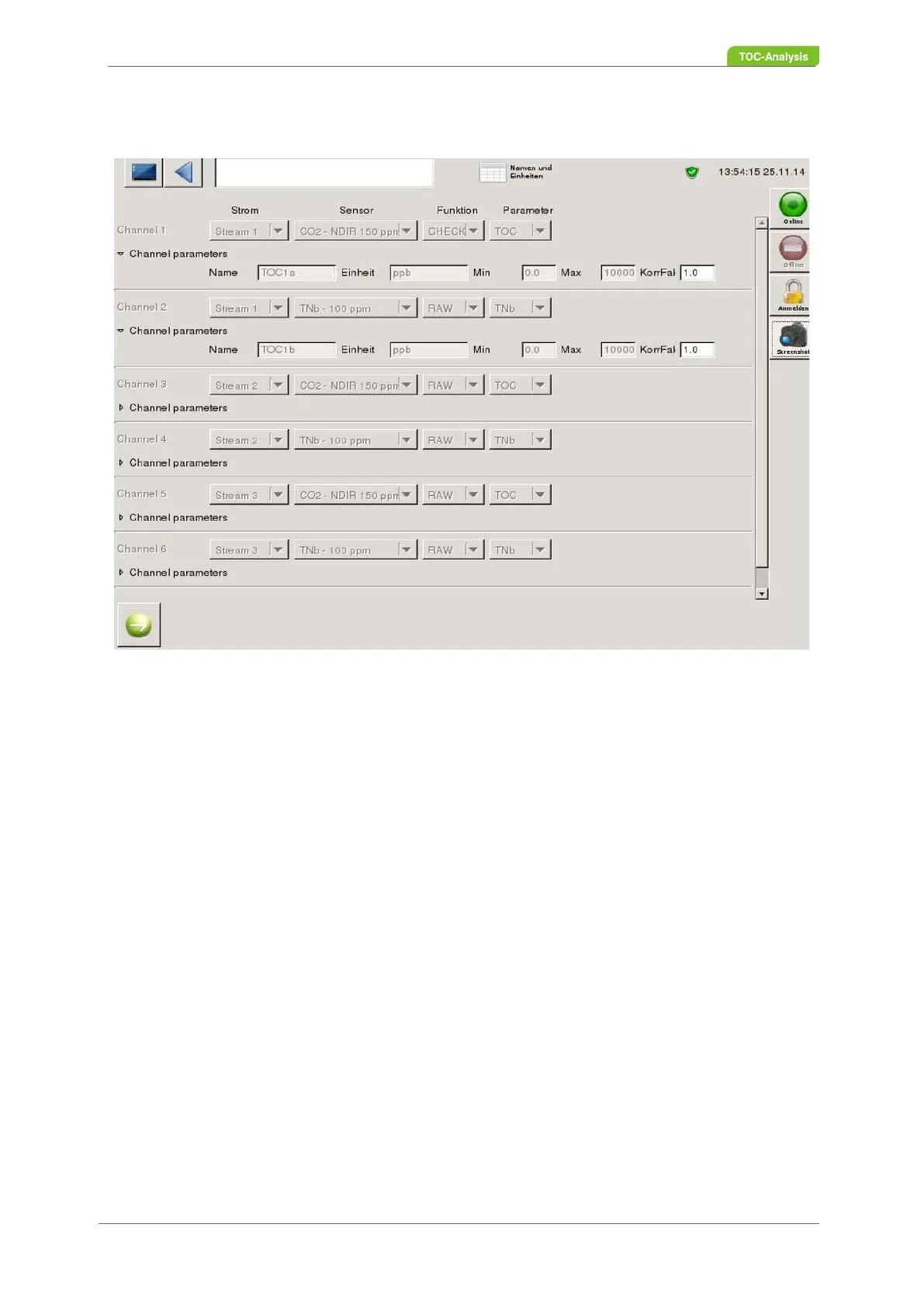
7.3.14 Names and Units
Fig. 99: Names and Units screen
In this screen, the parameter and channel settings can be viewed and a correlation factor adjusted for
each channel. The logbook records a correlation change.
7.3.15 Control State
The current device status is displayed on the Status Screen. This view only shows the latest status report
(2) and current error messages as well as limit overruns for the respective stream (1).



 To Next Page