122 User Manual QuickTOC
®
purity
ATEX 2 04E3920
7 How to Work With the Analyser
7.3 Good to know LAR | PROCESS ANALYSERS AG
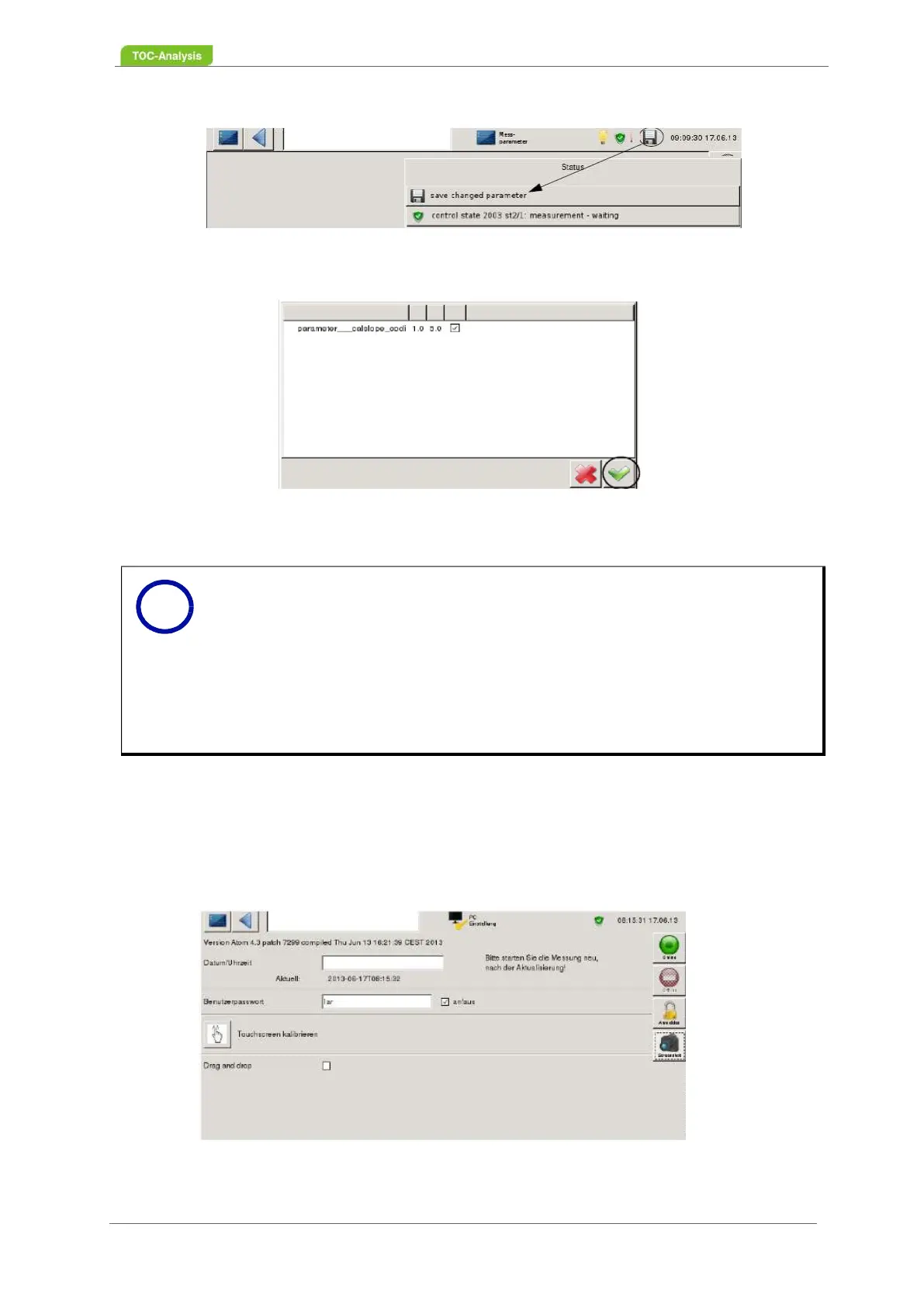
Fig. 84: Save - first step
Fig. 85: Save - second step
7.3.10 User Level 3
In user level 3, various parameters can be set.
7.3.10.1 PC Settings
Fig. 86: PC settings screen
Notice
In the second step of saving two values can be seen in the screen mask. The first va-
lue is the previous parameter value and the second value is the desired new parame-
ter value that has been entered.
If several parameters are changed at the same time, a saving process is sufficient. Du-
ring the saving process every parameter change can / should be checked. After pres-
sing the "floppy disk" symbol, a list of the "old" and "new" parameter values appears,
which are confirmed with "check marks". If one of the several changes is not accepted,
the "tick" on the record must be removed. All parameters activated with "check mark"
are saved and accepted.
i



 To Next Page