04E3920 User Manual QuickTOC
®
purity
ATEX 2 107
7 How to Work With the Analyser
7.2 Configuration
LAR | PROCESS ANALYSERS AG
.
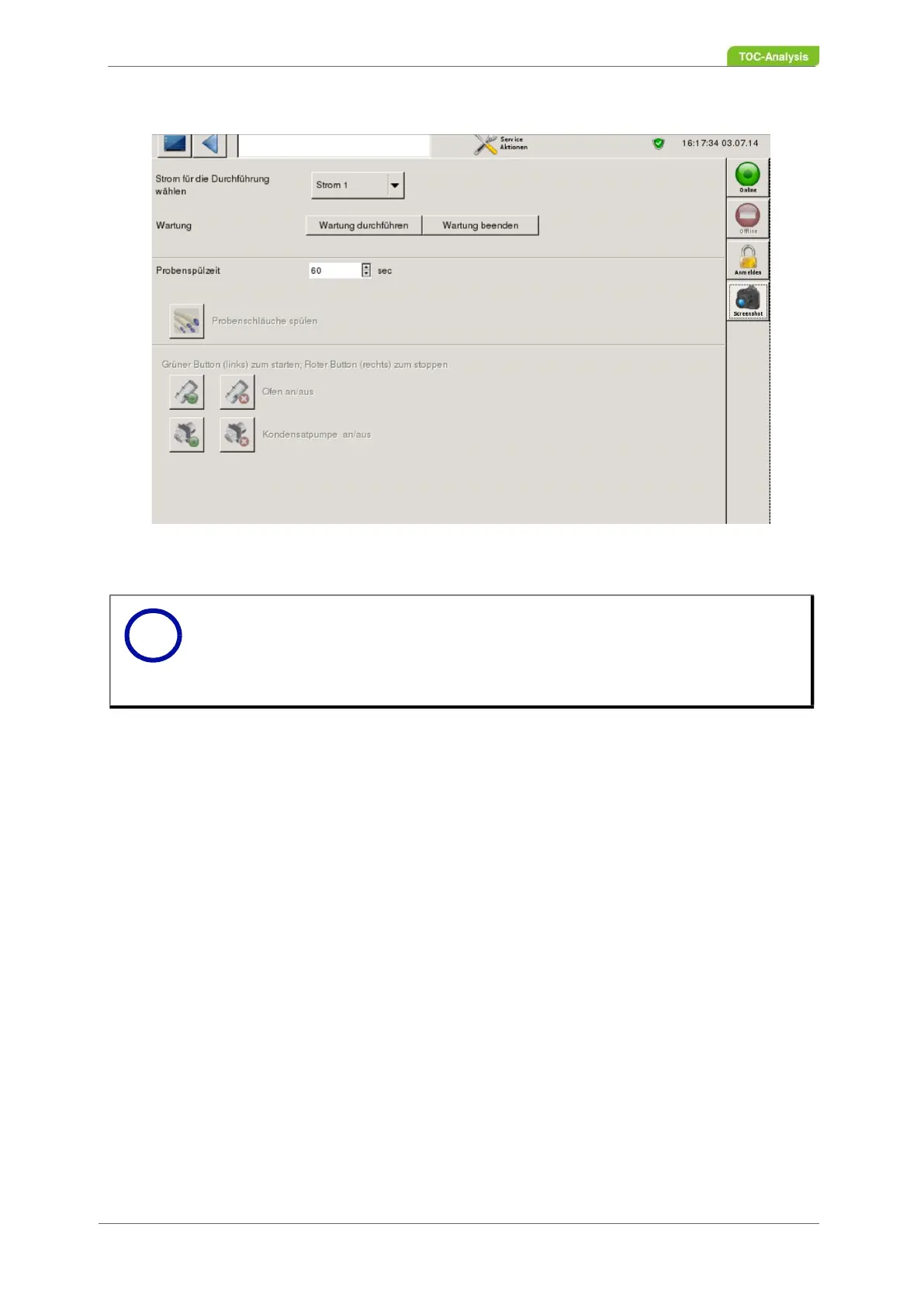
Fig. 70: Service actions
To activate the "Service Actions" screen:
1. End the measuring process or the current action with the "Offline" button.
2. Press the "Carry out maintenance" button
To disable the "Service Actions" screen:
1. Click on the button "End maintenance"
2. Start a new measurement or calibration.
7.2.12.1 Select sample flow for flushing the sample tubes
Select in this screen the sample flow for which the rinsing of the sample tubes is to be carried out.
Notice
The sample pumps must not be in continuous operation, as otherwise warranty claims
for the pumps may go out.
If a new measurement, calibration or individual measurement is to be carried out
again after a care or maintenance operation by pressing the "Perform maintenance"
button, the "End maintenance" button must first be pressed.
i



 To Next Page