04E3920 User Manual QuickTOC
®
purity
ATEX 2 123
7 How to Work With the Analyser
7.3 Good to know
LAR | PROCESS ANALYSERS AG
Activate / deactivate password protection for user level 2
1. As a user with authorization for user level 3, you can activate or deactivate password protection in
user level 2. Save your changes via the "floppy disk" icon.
2. If the password is disabled, the USB key with access level 2 or level 3 access is required. The
default password is: lar.
Drag and drop for buttons
Activate the checkbox to activate the function. If this function is activated, you can move buttons in dif-
ferent screens.
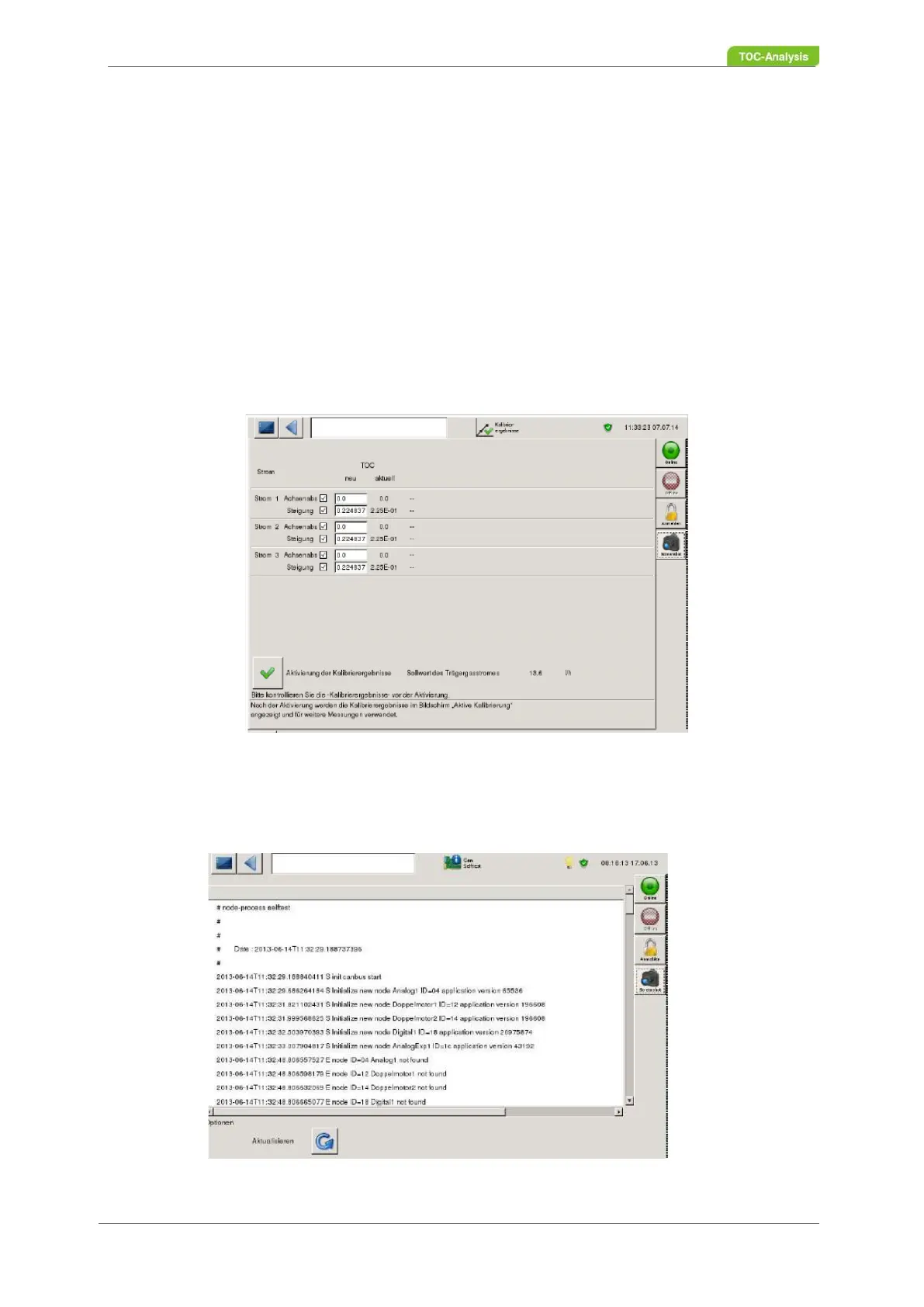
7.3.10.2 Calibration Results
In this screen form in user level 2, as user of user level 3, you can manually change and save the mea-
surement results (intercept and slope).
Fig. 87: Service calibration results screen
7.3.10.3 CAN Selftest
Fig. 88: CAN Selftest screen



 To Next Page