04E3920 User Manual QuickTOC
®
purity
ATEX 2 113
7 How to Work With the Analyser
7.2 Configuration
LAR | PROCESS ANALYSERS AG
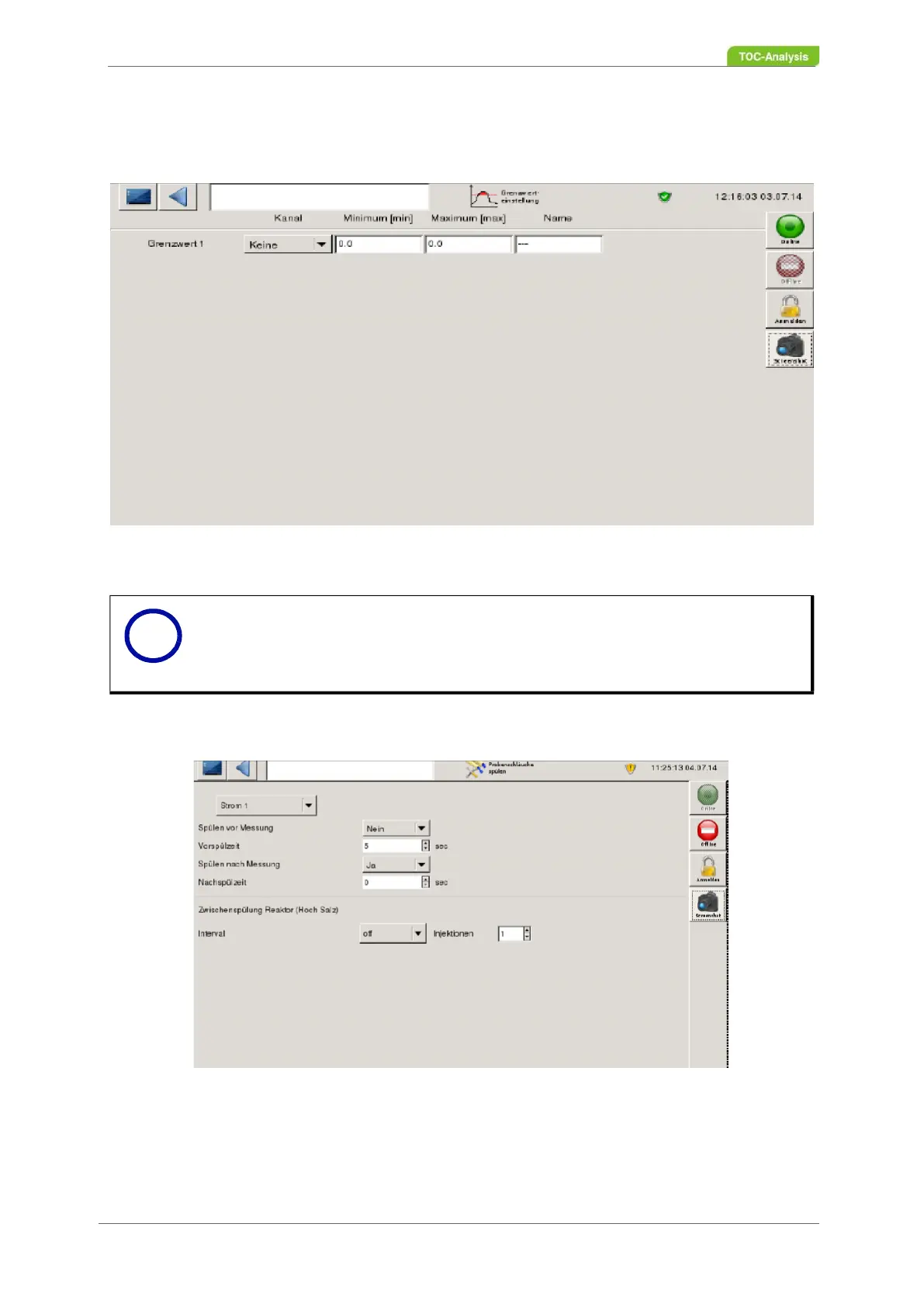
the channel by pressing the corresponding selection button. To enter the minimum or maximum limit and
name, click in the white input field under "Minimum / Maximum". A number field and a keyboard are dis-
played. Please enter the desired value and save the change with the "disk" symbol.
Fig. 75: Limit setting screen (Example with one limit)
7.2.16 Rinse Sample Tubes
Fig. 76: Rinse sample tubes screen
All parameters in this screen are intended for deionized water.
Notice
To define more limits, the last limit must be selected and a next limit will be displayed
automatically.
i



 To Next Page