132 User Manual QuickTOC
®
purity
ATEX 2 04E3920
7 How to Work With the Analyser
7.3 Good to know LAR | PROCESS ANALYSERS AG
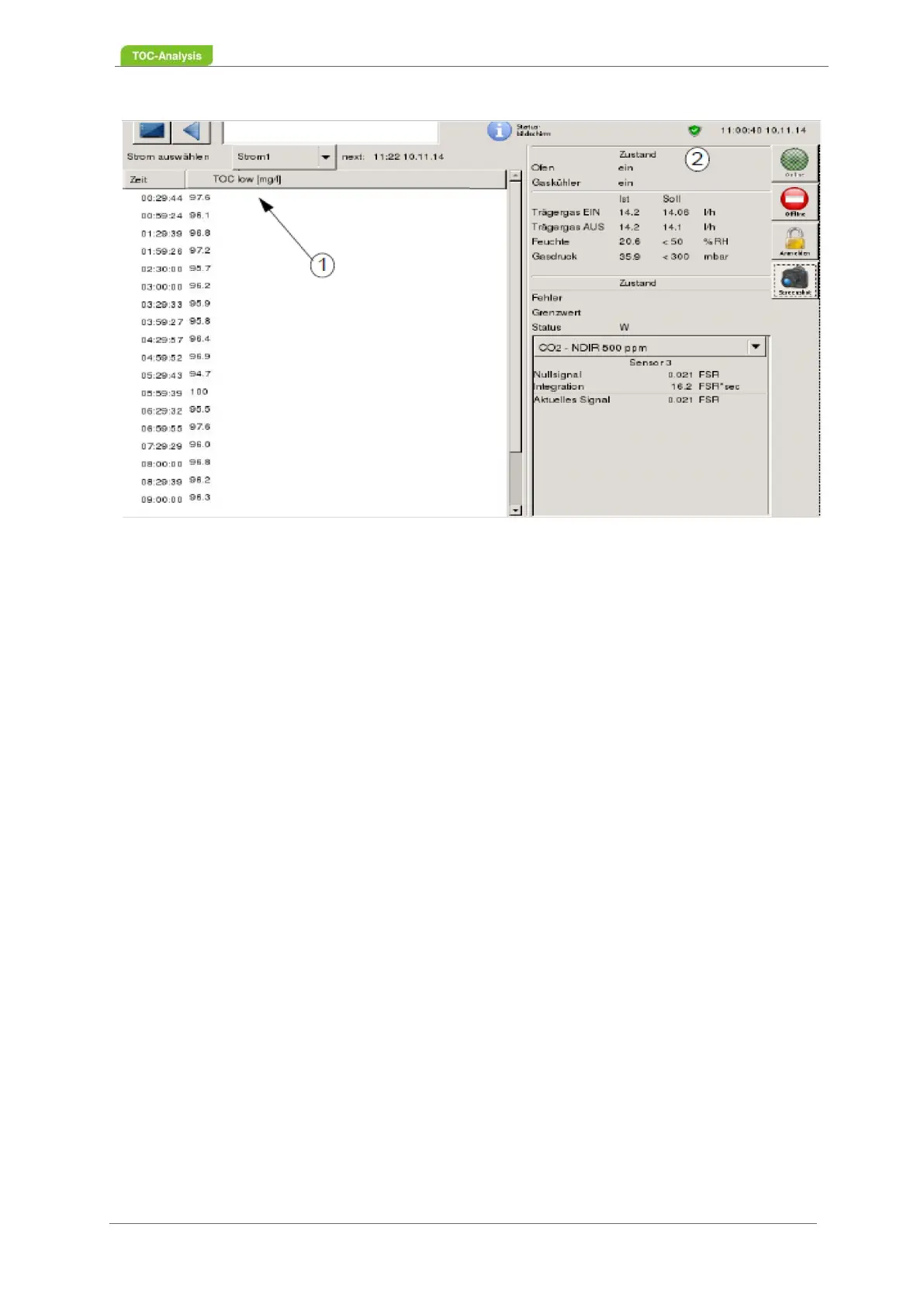
Fig. 100: Control state screen
To view the device status of the entire day (24-hour profile), go to the "Log" view and click on "Error"
(Chapter 7.2.18 on page 117). For questions or help, please contact LAR AG Technical Support
(Chapter 15.1 on page 183).



 To Next Page