LDI Intellectual Property.
Not for secondary distribution or replication, in part or entirety.
DIGISONDE-4D
SYSTEM MANUAL
VERSION 1.2.11
SECTION 3 - OPERATING INSTRUCTIONS 3-35
CHAPTER 2
BASIC OPERATION OF DCART
BASIC PRINCIPLES
3:62. Digisonde
®
Commanding and Acquisition Remote Terminal (DCART) is the software component of
the Digisonde-4D sounder that is responsible for
• interfacing the Control Platform to send commands and acquire telemetry data,
• reducing collected raw data to data products (ionograms, drift and TAV records, etc.), and
• providing the user interface for manual and autonomous operations of the Digisonde-4D, including:
o design of measurement programs and schedules,
o design of autonomous measurement plan, including routine and campaign periods,
o manual operation of the instrument for science, engineering, and housekeeping tasks, and
o real-time data visualization.
3:63. This Chapter describes user interface of the DCART software intended for basic operation of the
Digisonde-4D in its manual and autonomous regimes. Advanced features of DCART interface are discussed in
Chapter 3 of this Section. Design concepts and data interface of DCART software are described in Section 5.
Normal and Advanced Modes of DCART Interface
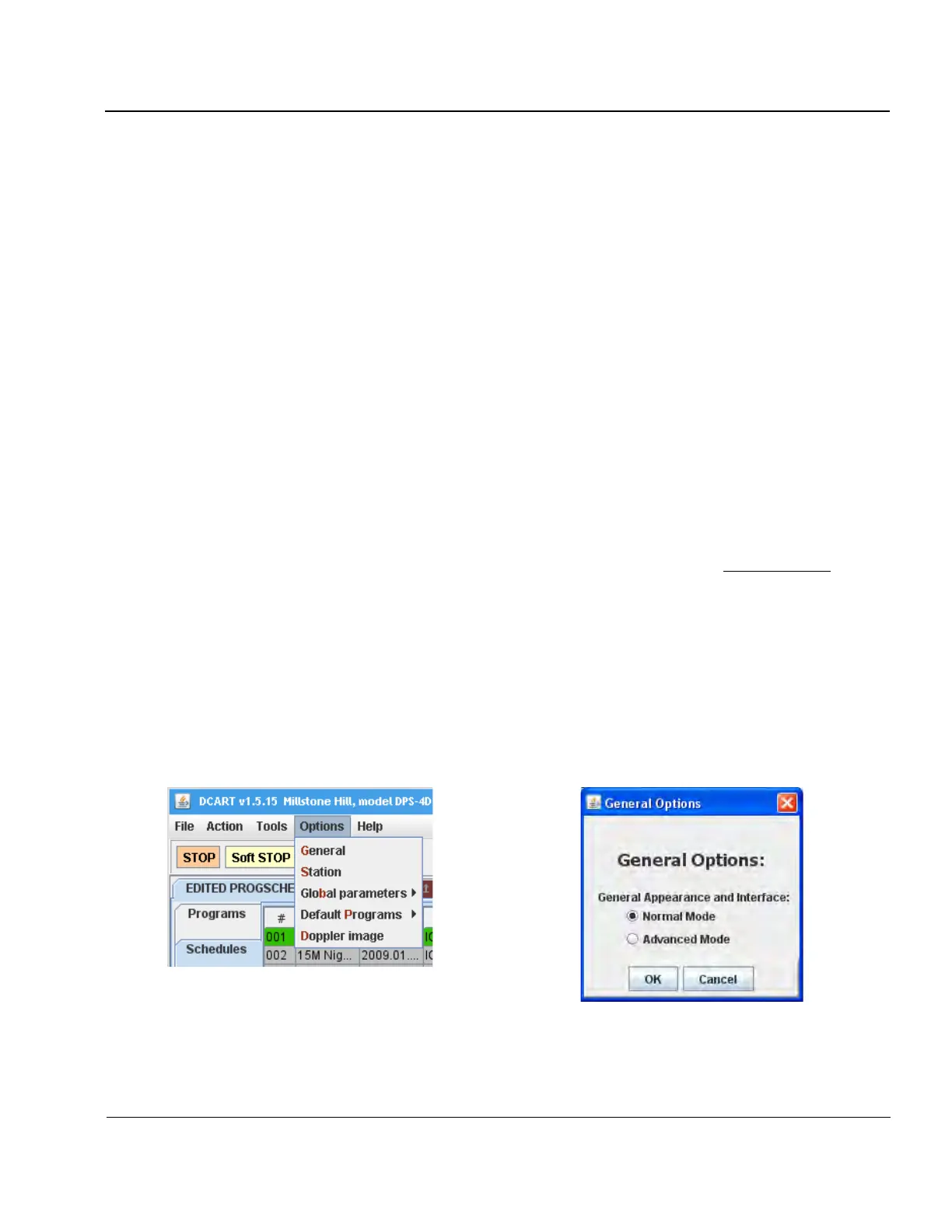
3:64. Many of DCART functions are applicable to system development and troubleshooting tasks that are not
needed during normal sounder operations. In order to reduce complexity of the user controls and associated
screen clutter, DCART can be configured into the normal simplified interface mode, in which screen controls
and data visualization panels are reduced to a minimum required for the basic sounder operations. Advanced
interface mode and functions are described below in Chapter 3 of this Section. Figure 3-25 shows General Op-
tions panel where selection between Normal and Advanced interface modes is done.
Figure 3-25: Configuring DCART in Normal Interface Mode (General Options)



 To Next Page